6 May 2026
Best iPhone Apps for Editing Wedding Videos: A Comprehensive Guide
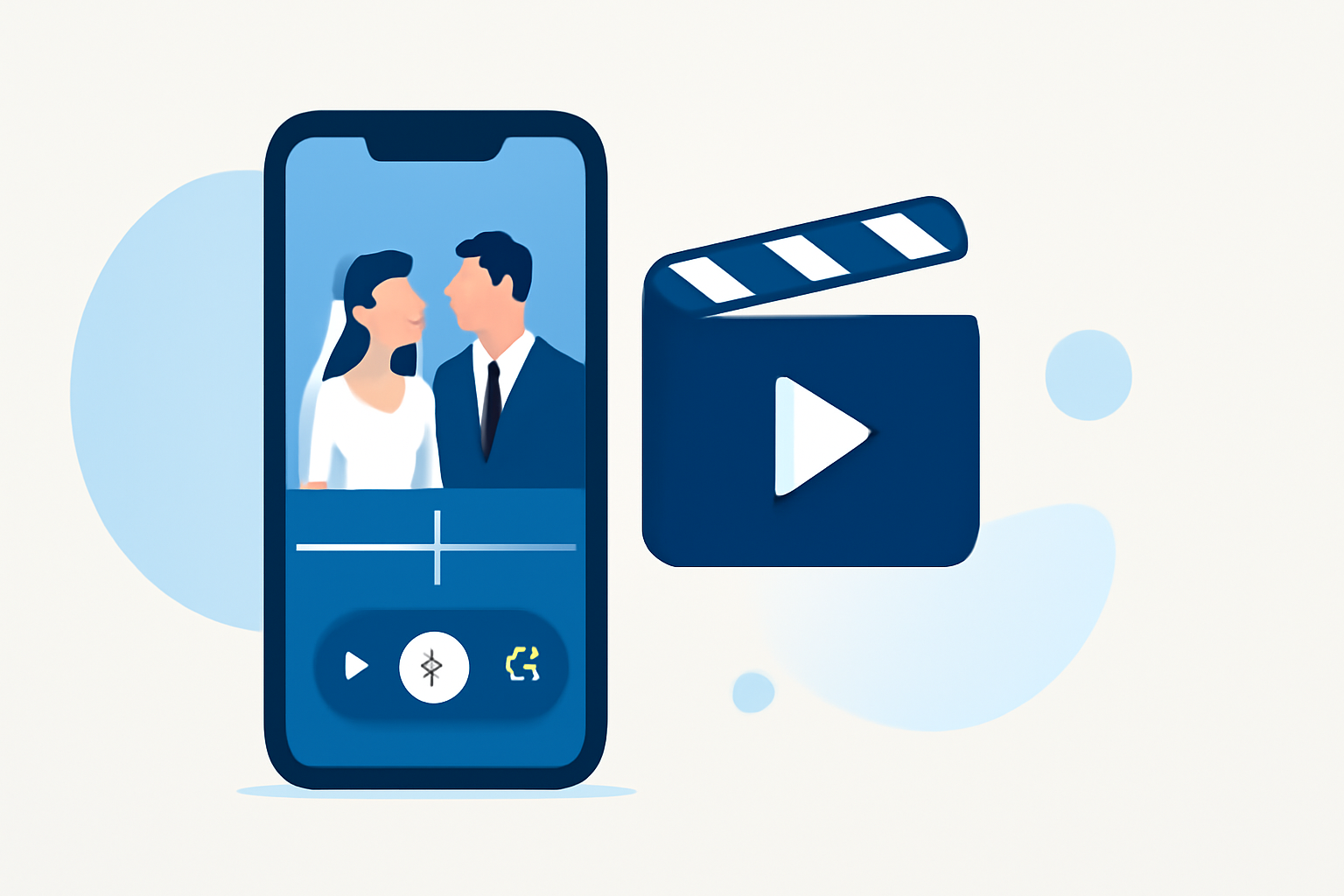
Editing wedding videos on your iPhone allows you to craft personalized and memorable films without the need for a computer. With numerous apps available, it's essential to choose one that offers the right balance of features, ease of use, and quality output.
What Are the Top iPhone Apps for Editing Wedding Videos?
Several apps stand out for their capabilities in editing wedding videos on iPhone:
-
Splice: Known for its intuitive timeline editing, Splice offers a vast library of royalty-free music, making it ideal for adding the perfect soundtrack to your wedding footage. (spliceapp.com)
-
LumaFusion: A professional-grade app that provides multi-track editing, advanced effects, and a magnetic timeline, suitable for users seeking a comprehensive editing suite. (beebom.com)
-
CapCut: Popular among social media creators, CapCut offers AI-powered features like background removal and motion tracking, along with a vast filter library. (techradar.com)
-
InShot: Ideal for quick edits, InShot provides easy aspect ratio adjustments, music integration, and a variety of filters and effects. (mixcord.co)
Why Choose Splice for Wedding Video Editing on iPhone?
Splice distinguishes itself with several features tailored for wedding video editing:
-
User-Friendly Interface: Designed for mobile editing, Splice's interface is intuitive, allowing users to edit videos efficiently on the go. (spliceapp.com)
-
Comprehensive Music Library: With a built-in collection of royalty-free tracks, Splice simplifies the process of adding music to your wedding videos, ensuring you have the right soundtrack without licensing concerns. (spliceapp.com)
-
Timeline Editing: Splice offers a mobile-friendly timeline editor, enabling precise cuts, overlays, and audio adjustments, which is particularly beneficial for editing wedding footage. (spliceapp.com)
-
High-Quality Exports: The app supports high-resolution exports, ensuring your final video maintains the quality of your original footage. (spliceapp.com)
How Does Splice Compare to Other Video Editing Apps?
When compared to other video editing apps:
-
LumaFusion: While LumaFusion offers advanced features suitable for professional editors, Splice provides a more streamlined experience for users seeking efficiency without a steep learning curve. (beebom.com)
-
CapCut: CapCut's AI-driven features are impressive, but Splice's focus on user-friendly timeline editing and music integration makes it more suitable for wedding video projects. (techradar.com)
-
InShot: InShot is excellent for quick edits and social media content, but Splice's comprehensive editing tools and music library make it more appropriate for creating polished wedding videos. (mixcord.co)
How Do I Get Started with Splice on My iPhone?
To begin editing your wedding videos with Splice:
-
Download the App: Visit the App Store and search for "Splice" to download and install the app.
-
Import Your Footage: Open Splice and import your wedding videos from your iPhone's gallery.
-
Edit Your Video: Use the timeline editor to trim, merge, and arrange clips. Add transitions, effects, and overlay text as desired.
-
Add Music: Browse Splice's built-in music library to find a track that complements your video.
-
Export and Share: Once satisfied with your edit, export the video in your preferred resolution and share it with friends and family.
Are There Any Limitations to Using Splice for Wedding Video Editing?
While Splice offers a robust set of features, it's important to note:
-
Advanced Features: Some advanced editing tools may be limited compared to professional desktop software.
-
Platform Availability: Splice is primarily designed for iOS devices; users on other platforms may need to explore alternative apps.
Conclusion
For iPhone users looking to edit wedding videos, Splice provides a balanced mix of user-friendly features, a comprehensive music library, and high-quality export options, making it a top choice for creating memorable wedding films on the go.
Best Video Editing Apps for iPhone & iPad - 2023 Review!