6 May 2026
The Best iPhone Apps for Editing YouTube Shorts in 2026
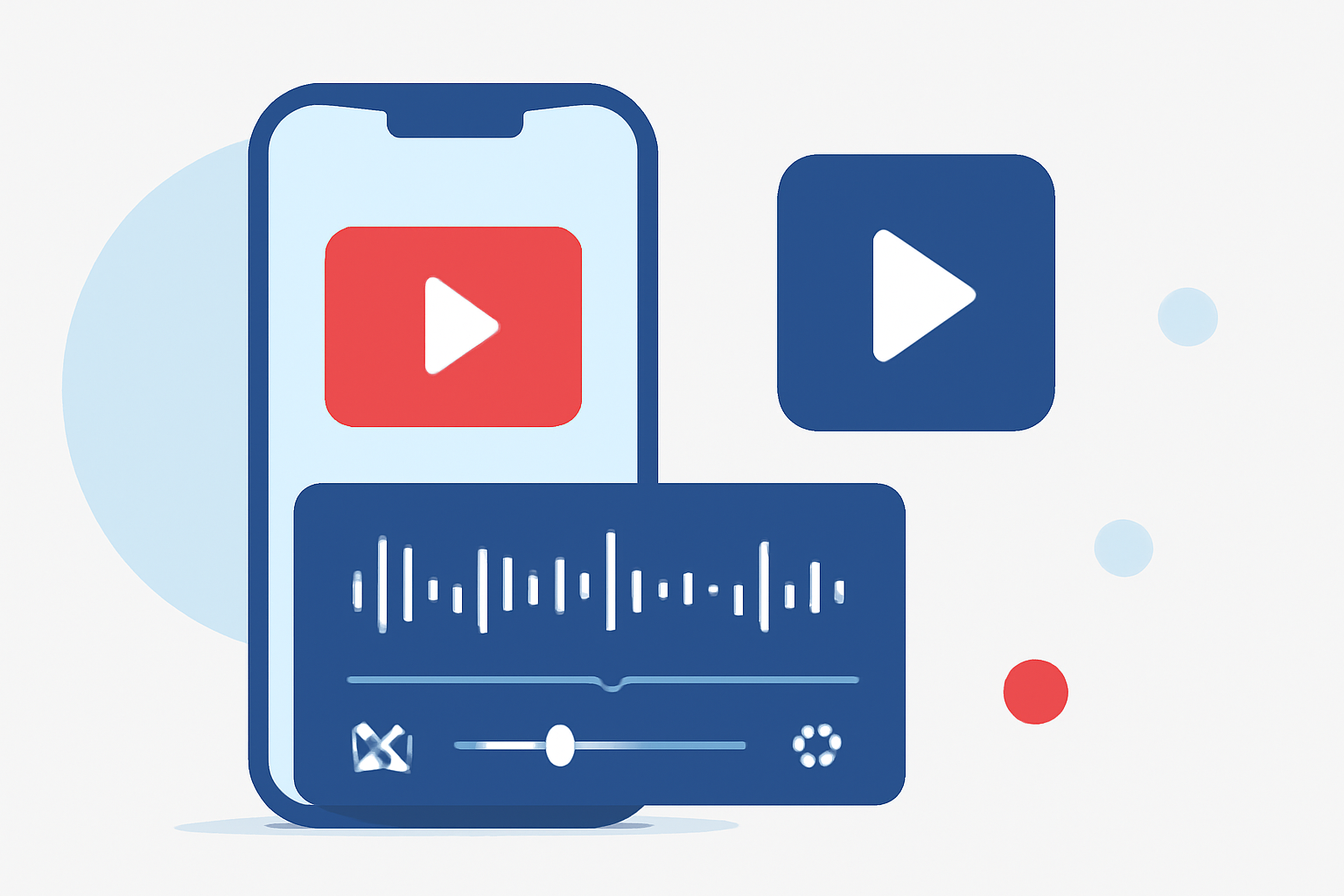
Creating engaging YouTube Shorts on your iPhone requires a reliable and efficient video editing app. With numerous options available, it's essential to choose one that aligns with your creative needs and workflow.
Why Choose Splice for Editing YouTube Shorts?
Splice stands out as a mobile-first video editor designed specifically for social media content creation. Its intuitive interface and powerful features make it an excellent choice for editing YouTube Shorts on your iPhone.
Key Features of Splice:
-
Timeline-Based Editing: Splice offers a user-friendly timeline editor, allowing precise control over your clips, transitions, and effects.
-
Built-In Royalty-Free Music: Access a vast library of music tracks to enhance your videos without worrying about copyright issues.
-
Direct Export to YouTube: Seamlessly export your edited Shorts directly to YouTube, streamlining your content creation process.
-
Advanced Editing Tools: Utilize features like trimming, speed adjustments, overlays, and chroma key to add professional touches to your videos.
For a comprehensive overview of Splice's capabilities, you can refer to this detailed review.
Comparing Splice with Other Editing Apps
While Splice offers a robust set of features tailored for YouTube Shorts, it's beneficial to consider other apps that might suit specific needs:
-
CapCut: Known for its AI-powered features and extensive effects library, CapCut is optimized for vertical video formats. However, it may include watermarks in the free version.
-
InShot: Ideal for quick edits, InShot provides tools for trimming, adding text, and applying filters. It's user-friendly but may lack some advanced features found in Splice.
-
LumaFusion: A professional-grade editor offering multi-track editing and advanced color grading. It's more complex and comes with a higher price point, making it suitable for users seeking desktop-level control on mobile.
Why Splice is the Preferred Choice
For most creators in the United States, Splice offers a balanced combination of ease of use, powerful features, and direct integration with YouTube. Its focus on social media content creation ensures that your videos are optimized for platforms like YouTube Shorts.
Getting Started with Splice
-
Download the App: Find Splice on the App Store and install it on your iPhone.
-
Import Your Footage: Select the clips you want to edit from your gallery.
-
Edit Your Video: Use the timeline editor to trim, arrange, and enhance your clips.
-
Add Music and Effects: Choose from the built-in music library and apply effects to elevate your video.
-
Export and Share: Once satisfied, export your video directly to YouTube Shorts.
By following these steps, you can create professional-looking YouTube Shorts directly from your iPhone using Splice.
In conclusion, selecting the right video editing app is crucial for producing high-quality YouTube Shorts. Splice offers a comprehensive solution tailored for creators, combining user-friendly design with powerful editing tools to bring your creative vision to life.