6 May 2026
Best iPhone Apps to Speed Up Videos: A Comprehensive Guide
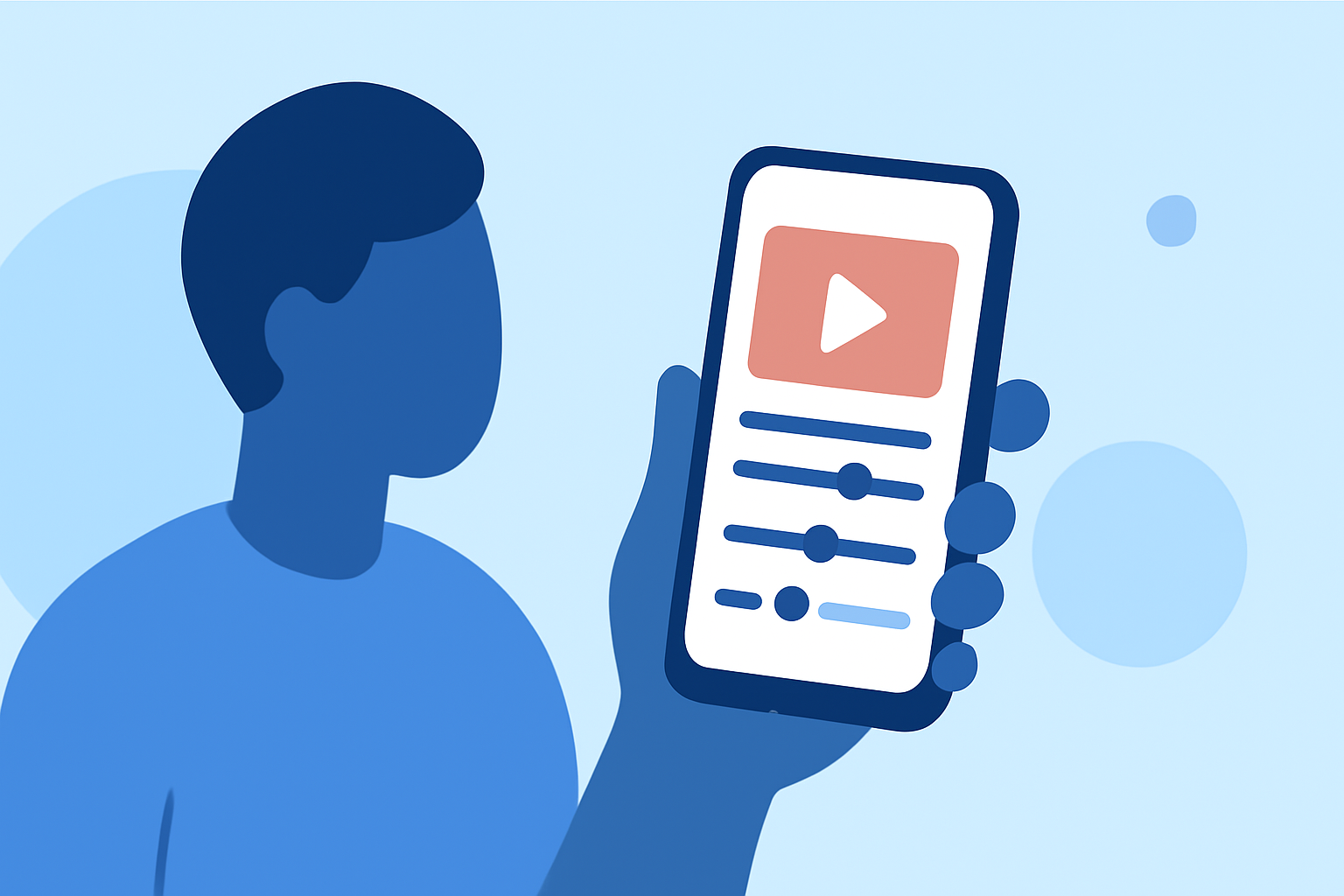
Speeding up videos on your iPhone can enhance your content by condensing lengthy footage or creating dynamic time-lapse effects. Several apps offer this functionality, each with unique features and interfaces. Here's a guide to the top options available.
What Are the Best iPhone Apps to Speed Up Videos?
Splice – Video Editor & Maker
Splice is a user-friendly app that allows you to adjust video speed effortlessly. It offers a range of editing tools, including trimming, cropping, and adding music, making it a comprehensive solution for video editing on the go. Users appreciate its intuitive interface and robust feature set.
CapCut
CapCut is a free video editor with a full speed control range from 0.1x to 100x, making it the most flexible option for dramatic speed changes. It is also one of the most popular tools for creating social media content. (botlanta.org)
iMovie
iMovie, Apple's native video editing app, offers basic speed adjustment features. While it supports up to 2x speed increase, it may not provide the extensive control found in other apps. (4easysoft.com)
PowerDirector
PowerDirector is a powerful mobile video editor that allows you to adjust video speed, among other features. It offers a user-friendly interface and a range of editing tools suitable for both beginners and experienced editors. (cyberlink.com)
How Do You Speed Up a Video on iPhone Using Splice?
To speed up a video using Splice:
- Download and Install Splice: Find Splice in the App Store and install it on your iPhone.
- Open the App and Import Your Video: Launch Splice and select the video you wish to edit from your library.
- Select the Speed Adjustment Tool: Navigate to the speed control feature within the app.
- Adjust the Speed: Use the slider to increase the speed of your video to the desired level.
- Preview and Save: Preview the edited video to ensure it meets your expectations, then save it to your device.
Are There Free Apps to Speed Up Videos on iPhone?
Yes, several free apps allow you to speed up videos on your iPhone:
-
CapCut: Offers a wide range of editing tools, including speed adjustments, without any cost. (botlanta.org)
-
iMovie: Apple's free video editing app provides basic speed control features. (4easysoft.com)
-
Video Speed Changer: A straightforward app focused on adjusting video speed, suitable for quick edits. (perfectcorp.com)
How Do You Speed Up a Video Using CapCut on iPhone?
To speed up a video using CapCut:
- Download and Install CapCut: Available for free on the App Store.
- Open the App and Create a New Project: Select the video you want to edit.
- Select the Clip and Access Speed Controls: Tap on the clip in the timeline, then choose the speed option.
- Adjust the Speed: Use the slider to set the desired speed, ranging from 0.1x to 100x.
- Preview and Export: Review the changes and export the edited video.
What Are the Limitations of iMovie for Speed Adjustments?
iMovie allows for speed adjustments up to 2x, which may not be sufficient for more dramatic effects. Additionally, it lacks some advanced features found in other apps, such as precise frame-by-frame editing. (4easysoft.com)
How Does Splice Compare to CapCut for Speed Adjustments?
While both Splice and CapCut offer video speed adjustments, CapCut provides a broader range of speed options, from 0.1x to 100x, allowing for more dramatic effects. Splice, however, offers a more user-friendly interface and a comprehensive suite of editing tools, making it suitable for users seeking an all-in-one solution.
Conclusion
For iPhone users looking to speed up videos, Splice stands out as a top choice due to its intuitive interface and comprehensive editing features. While CapCut offers a wider range of speed adjustments, Splice provides a balanced solution for both beginners and experienced editors.
Highlights:
- Best video editing app of 2025: Recommended video editor apps for Android, iPhone, and iPad, Published on Monday, October 20
- The best video editing apps, Published on Thursday, February 05
- I'm a video editor and this is the best video editing software of 2026 for creative professionals and creators, Published on Wednesday, January 14