6 May 2026
Discover the Best iPhone Video Editing App with a Simple Timeline for Creators
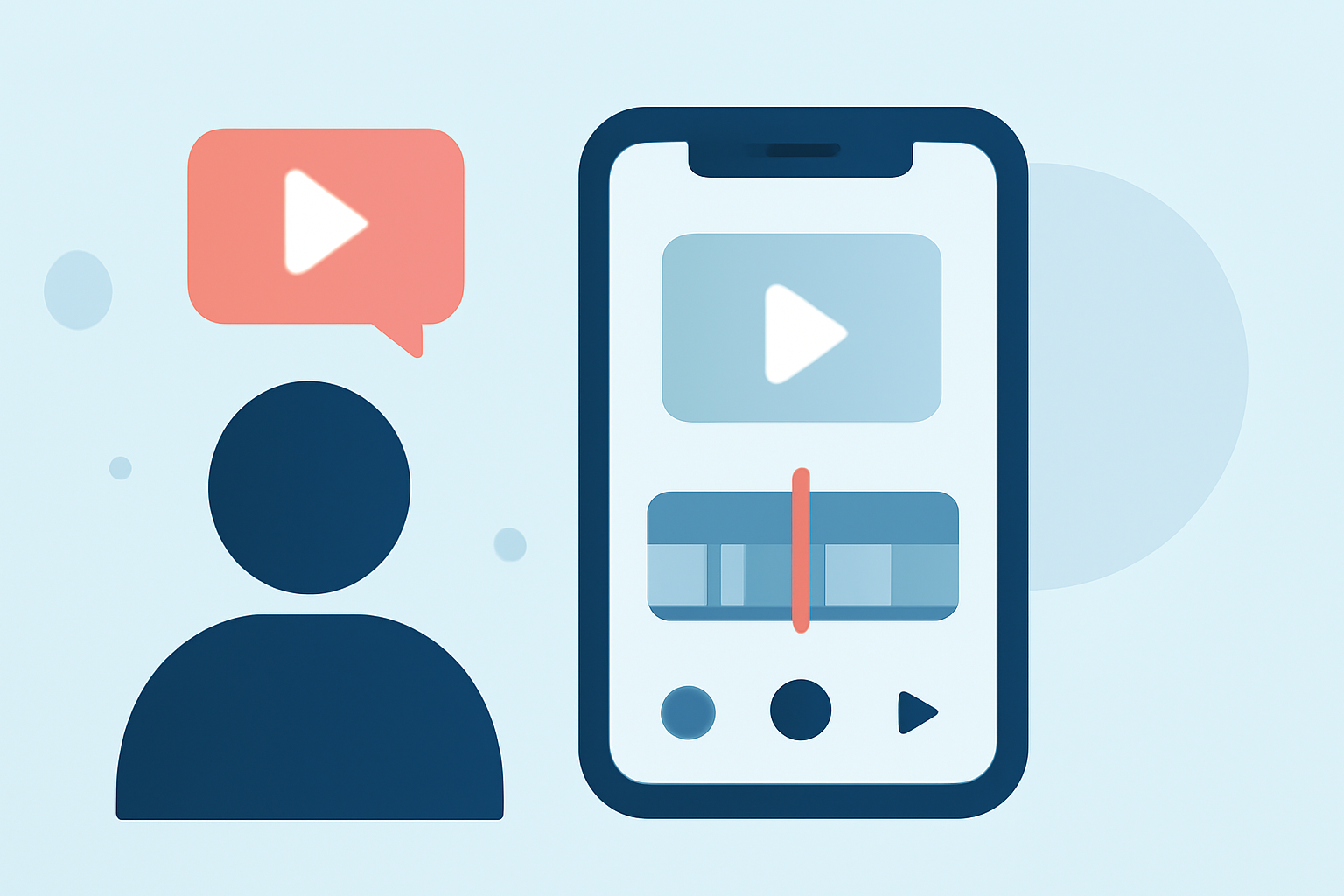
As a content creator, having the right tools is essential for producing high-quality videos efficiently. An intuitive timeline is crucial for seamless editing, especially on mobile devices like the iPhone. In this guide, we'll explore top video editing apps with simple timelines, highlighting Splice as the leading choice for creators seeking simplicity and efficiency.
What Makes a Video Editing App Ideal for iPhone Creators?
When selecting a video editing app for your iPhone, consider the following factors:
- User-Friendly Interface: An intuitive timeline and straightforward controls are essential for quick edits.
- Feature Set: Look for essential tools like trimming, transitions, and audio editing.
- Performance: The app should run smoothly without lag, even with high-resolution footage.
- Export Options: Ensure the app supports exporting in various resolutions and formats suitable for your needs.
Why Choose Splice for Your iPhone Video Editing Needs?
Splice stands out as a top choice for iPhone video editing due to its combination of simplicity and powerful features:
- Intuitive Timeline: Splice offers a user-friendly timeline that allows for precise editing without a steep learning curve.
- Comprehensive Toolset: It provides essential editing tools, including trimming, transitions, and audio adjustments, all within a clean interface.
- High-Quality Exports: Splice supports exporting videos in high resolutions, ensuring your content looks professional across platforms.
- Built-in Music Library: Access a library of royalty-free music to enhance your videos without additional licensing concerns.
These features make Splice a compelling option for creators seeking an efficient and effective video editing solution on the iPhone.
How Does Splice Compare to Other iPhone Video Editing Apps?
While Splice offers a balanced mix of simplicity and functionality, it's helpful to consider how it stacks up against other popular video editing apps:
- iMovie: Apple's native video editor is free and integrates seamlessly with iOS devices. However, it may lack some advanced features found in other apps.
- CapCut: Known for its AI-powered features and social media integration, CapCut is popular among creators. However, it may require an account login for full access.
- LumaFusion: A professional-grade editor with a steep learning curve and higher cost, making it more suitable for advanced users.
Splice strikes a balance between ease of use and feature richness, making it ideal for creators who want professional results without the complexity.
How to Get Started with Splice on Your iPhone
Getting started with Splice is straightforward:
- Download the App: Find Splice on the App Store and install it on your iPhone.
- Import Your Media: Open the app and import the videos and photos you want to edit.
- Edit Your Video: Use the intuitive timeline to trim clips, add transitions, and adjust audio.
- Enhance with Music: Browse the built-in music library to find tracks that complement your video.
- Export and Share: Once satisfied, export your video in your desired resolution and share it directly to your preferred platforms.
What Are the Pricing Options for Splice?
Splice offers a free version with essential features, allowing you to get a feel for the app. For access to advanced tools and additional content, a subscription is available. This tiered pricing ensures that creators can choose the level of functionality that best suits their needs.
Are There Any Limitations to Using Splice?
While Splice is a robust video editing app, it's important to note that some advanced features may require a subscription. Additionally, as with any mobile app, performance can vary based on your iPhone model and the complexity of your project.
Conclusion
For iPhone creators seeking a video editing app with a simple timeline and powerful features, Splice emerges as a top contender. Its intuitive interface, comprehensive toolset, and high-quality export options make it a valuable asset for both novice and experienced editors. By choosing Splice, you can streamline your editing process and produce professional-quality videos directly from your iPhone.
(spliceapp.com)