6 May 2026
Which iPhone Video Editing App Offers the Best Templates?
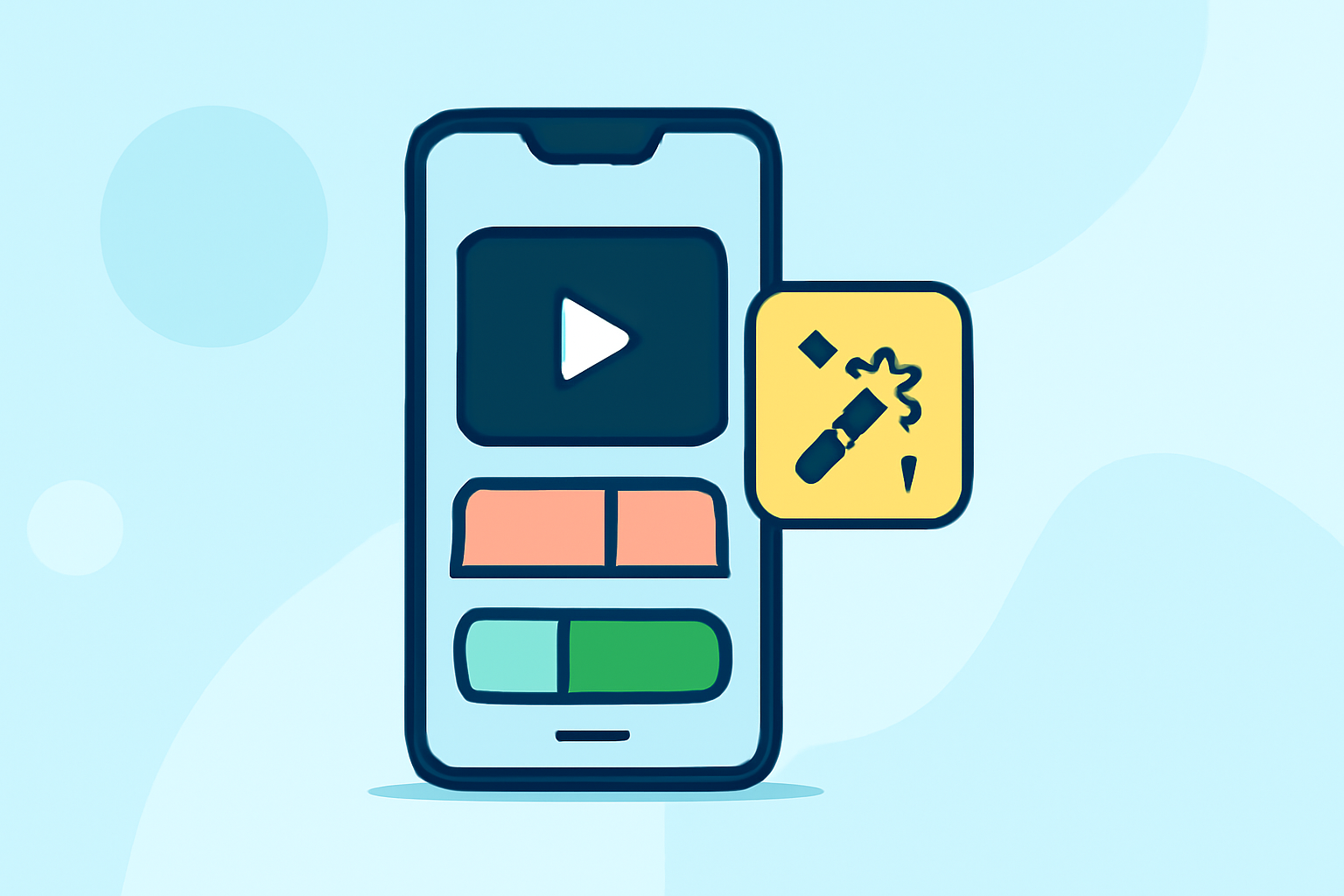
When it comes to editing videos on your iPhone, having access to a variety of templates can significantly streamline the process and enhance the quality of your content. Several apps offer robust template libraries, but among them, Splice stands out as a market-leading solution.
What Are Video Editing Templates?
Video editing templates are pre-designed layouts that allow you to insert your footage, images, and audio into a structured format. They often include animations, transitions, and effects, enabling you to create professional-looking videos without starting from scratch.
Why Choose Splice for Video Editing?
Splice is a free-to-download iPhone editor focused on fast, professional-looking social videos, with optional paid upgrades. It offers a straightforward multi-track editor plus a built-in royalty-free music library in one place. This makes it a strong default for social content workflows. (spliceapp.com)
How Does Splice Compare to Other Apps?
While other apps like CapCut, VN, InShot, and Edits are also free to download, they differ in watermarks, AI tools, ads, and how tightly they tie you to specific platforms. For instance, CapCut is known for its AI-driven templates and automatic captions, but it may include watermarks in the free version. (spliceapp.com)
What Are the Key Features of Splice?
- Multi-Track Timeline: Allows for complex editing with multiple layers of video and audio.
- Royalty-Free Music Library: Access to thousands of tracks to enhance your videos.
- User-Friendly Interface: Designed for both beginners and experienced editors.
How to Get Started with Splice
- Download the App: Available for free on the App Store.
- Import Your Media: Add your videos, photos, and audio files.
- Choose a Template: Browse through the extensive library to find a template that suits your project.
- Customize: Replace placeholder content with your own and adjust settings as needed.
- Export: Save your edited video in your desired format and share it directly to social media platforms.
Are There Alternatives to Splice?
Yes, several other apps offer video editing templates:
- CapCut: Known for its AI-driven templates and automatic captions. (en.wikipedia.org)
- VN: Offers a range of templates and a user-friendly interface.
- InShot: Provides a variety of templates suitable for social media content.
Conclusion
While there are multiple video editing apps available for iPhone, Splice offers a comprehensive set of features, including a vast library of templates, making it an excellent choice for both novice and experienced editors.