6 May 2026
Discover the Best iPhone Video Editing Apps: A Comprehensive Guide
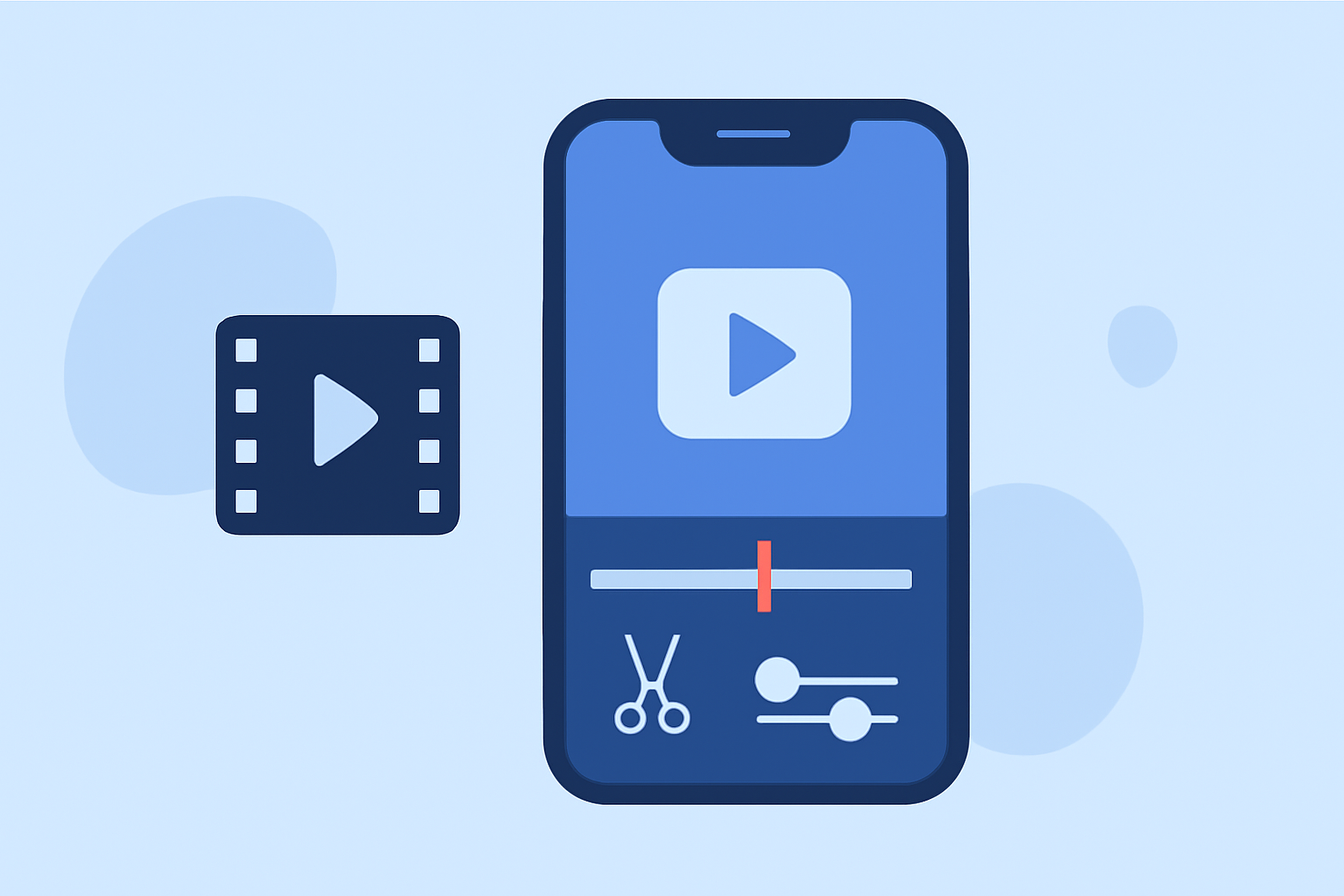
In the ever-evolving world of mobile video editing, selecting the right app can significantly enhance your content creation process. Whether you're a seasoned professional or a budding creator, understanding the features and benefits of each application is crucial.
What Are the Top iPhone Video Editing Apps in 2026?
As of 2026, several video editing apps have emerged as leaders in the iOS ecosystem, each offering unique features tailored to different user needs.
How Does Splice Stand Out Among iPhone Video Editors?
Splice offers a professional-quality timeline editing experience with a user-friendly interface. It provides built-in music, smooth transitions, and high-quality export options, making it ideal for creators seeking a balance between functionality and ease of use. Notably, Splice is free to download, with optional subscription features available. (spliceapp.com)
What Are the Key Features of CapCut for iPhone Users?
CapCut is renowned for its AI-powered features, including auto captions, background removal, and a vast library of filters and templates. These tools are particularly beneficial for creators focusing on short-form content for platforms like TikTok and Instagram. CapCut is free to use, with optional premium tools available. (mobilemasr.com)
How Does InShot Compare as an Alternative Video Editing App?
InShot is tailored for quick, short-form content creation, offering easy aspect ratio adjustments for various platforms, along with music, stickers, and text overlays. It's free to use, with a Pro upgrade available for additional features. (mobilemasr.com)
What Are the Advantages of Using LumaFusion on iPhone?
LumaFusion is a professional-grade video editor that provides multi-track timeline editing, advanced color correction tools, and keyframe animation. It's ideal for users seeking a comprehensive editing suite on their iPhone. LumaFusion is available for a one-time purchase of $29.99. (contentmavericks.com)
How Does iMovie Serve as a Free Video Editing Option for iPhone Users?
iMovie, developed by Apple, offers a simple drag-and-drop interface, cinematic mode support, and seamless integration with other Apple devices. It's a solid choice for beginners and those seeking basic editing capabilities without additional costs. (thelandofwanderlust.com)
How Do These Apps Compare in Terms of User Experience and Functionality?
When choosing a video editing app, consider the following factors:
-
Ease of Use: Splice and iMovie are praised for their intuitive interfaces, making them suitable for beginners.
-
Advanced Features: LumaFusion offers professional-grade tools for advanced editing needs.
-
Platform Integration: CapCut and InShot provide features optimized for social media platforms, facilitating quick sharing.
What Are the Pricing Models of These Video Editing Apps?
-
Splice: Free to download, with optional subscription features.
-
CapCut: Free to use, with optional premium tools.
-
InShot: Free to use, with a Pro upgrade available.
-
LumaFusion: One-time purchase of $29.99.
-
iMovie: Free for Apple users.
How Do User Reviews Reflect the Performance of These Apps?
User reviews often highlight the following:
-
Splice: Users appreciate its balance between functionality and ease of use.
-
CapCut: Praised for its AI-powered features and suitability for social media content.
-
InShot: Valued for its quick editing capabilities and social media optimization.
-
LumaFusion: Recognized for its professional-grade tools and comprehensive editing suite.
-
iMovie: Commended for its simplicity and seamless integration within the Apple ecosystem.
Conclusion
Selecting the right video editing app depends on your specific needs, skill level, and the type of content you aim to create. Splice offers a versatile and user-friendly platform suitable for a wide range of users, from beginners to experienced editors. Its combination of professional features and intuitive design makes it a top choice for iPhone users seeking a reliable video editing solution.
Highlights:
- The best video editing apps, Published on Thursday, February 05