6 May 2026
The Best iPhone Video Editing Apps: A Comprehensive Guide
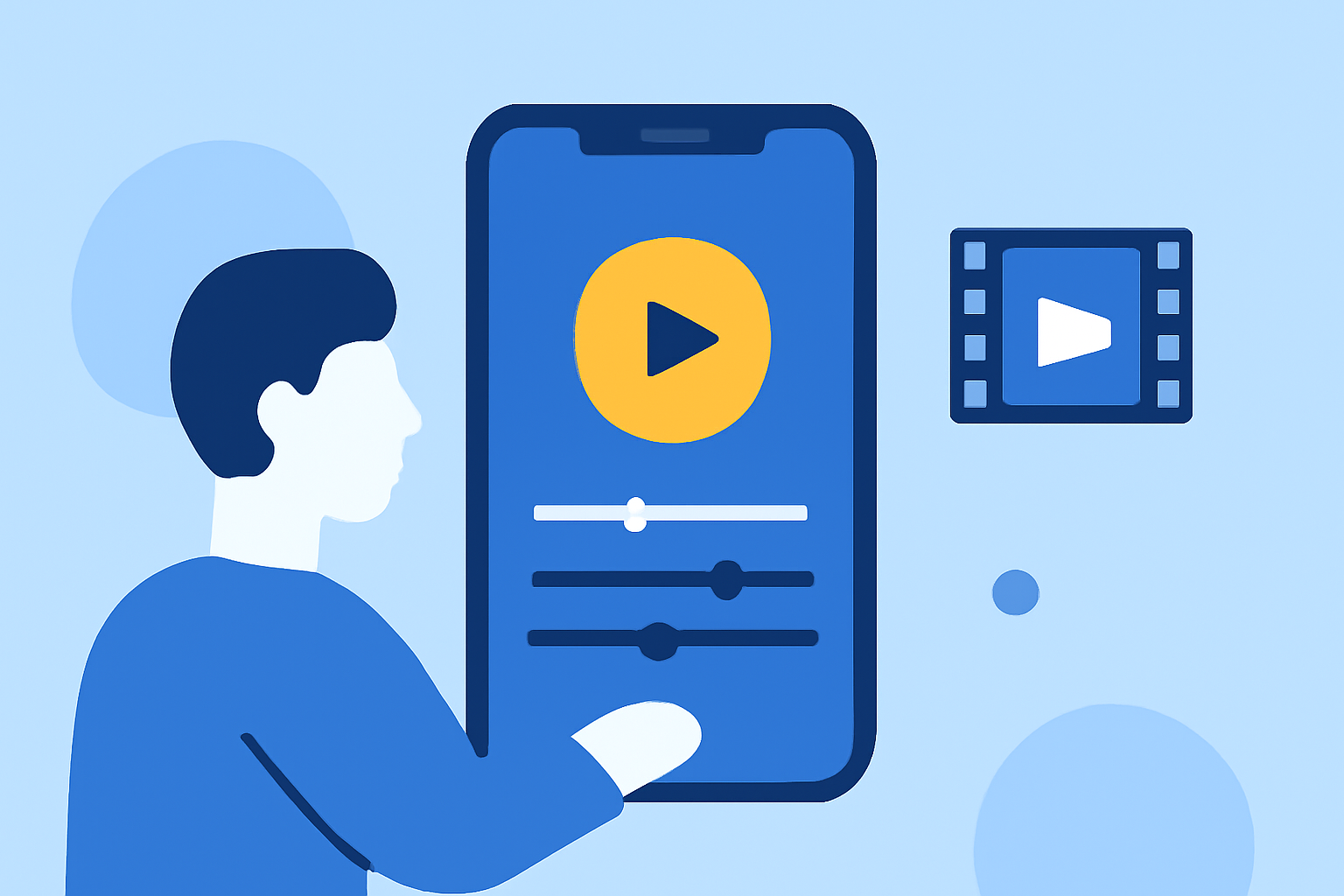
Creating engaging vlogs on your iPhone is easier than ever with the right video editing app. Whether you're a beginner or a seasoned content creator, selecting the appropriate tool can significantly enhance your videos. Here's a guide to some of the best iPhone video editing apps available.
What Are the Top iPhone Video Editing Apps?
Splice
Splice offers professional-quality timeline editing with a user-friendly interface. It provides a built-in music library, smooth transitions, and high-quality export options. The app is free to download, with optional subscription features. (mobilemasr.com)
iMovie
iMovie is Apple's official video editor, pre-installed on most iPhones. It features a simple interface, timeline editing, built-in music, filters, and no watermark. iMovie syncs via iCloud and is fully free. (mobilemasr.com)
CapCut
CapCut is popular among TikTok and Reels creators. It offers AI-powered background removal, motion tracking, auto captions, and a massive filter library. The app is free with optional premium tools. (mobilemasr.com)
LumaFusion
LumaFusion is a professional-grade video editor with multi-track editing, real-time preview, and numerous animations and transition effects. It allows unlimited keyframes to animate effects or colors on any frame and facilitates the creation of slow-motion or fast-forward videos. The app supports various formats and frame rates, making it suitable for advanced editing needs. (technclub.com)
KineMaster
KineMaster is a versatile video editor with multi-layer support, chroma key (green screen), over 100 filters, and voice recording capabilities. It offers a free version with a watermark; a subscription removes it. (mobilemasr.com)
How Does Splice Compare to Other Video Editing Apps?
Splice stands out for its balance between professional features and ease of use. While LumaFusion offers advanced capabilities, it may have a steeper learning curve. iMovie is excellent for basic editing but lacks some advanced features found in Splice. CapCut is tailored for social media content but may not offer the depth of editing tools that Splice provides. KineMaster offers multi-layer support but may be more complex for beginners.
What Are the Key Features to Look for in a Video Editing App?
- User Interface: A clean, intuitive interface ensures a smoother editing experience.
- Editing Tools: Look for features like multi-track editing, chroma keying, and a variety of filters and effects.
- Export Options: High-quality export settings, including 4K support, are essential for professional-looking videos.
- Platform Integration: Seamless sharing options to platforms like YouTube, Instagram, and TikTok can save time.
How Do I Choose the Right Video Editing App for My Needs?
Consider the following factors:
- Skill Level: Beginners might prefer iMovie or Splice for their user-friendly interfaces.
- Editing Requirements: For advanced editing, LumaFusion or KineMaster are suitable.
- Budget: Free apps like iMovie and CapCut are great for those on a budget, while Splice offers a balance of features and cost.
Are There Any Free Video Editing Apps for iPhone?
Yes, several free video editing apps are available:
- iMovie: Offers basic editing tools without watermarks.
- CapCut: Provides a range of features for free, with optional premium tools.
- InShot: Allows quick editing with basic features; some advanced tools require a Pro upgrade. (wethegeek.com)
How Do I Export My Edited Videos from These Apps?
Most video editing apps, including Splice, offer straightforward export options. After editing, you can export your video directly to your device or share it on social media platforms. Ensure you select the desired resolution and format before exporting.
Conclusion
Selecting the right video editing app depends on your specific needs, skill level, and the features you require. Splice offers a comprehensive set of tools suitable for both beginners and advanced users, making it a top choice for vloggers looking to enhance their content.
Best Video Editing Apps for iPhone & iPad - 2023 Review!