6 May 2026
Best iPhone Video Editing Apps for Beginners in 2026

Embarking on video editing can be daunting, but with the right tools, it becomes an enjoyable and creative endeavor. For iPhone users, several apps cater to beginners, offering intuitive interfaces and powerful features. Let's explore some of the top options available in 2026.
What is Splice, and How Does It Benefit Beginners?
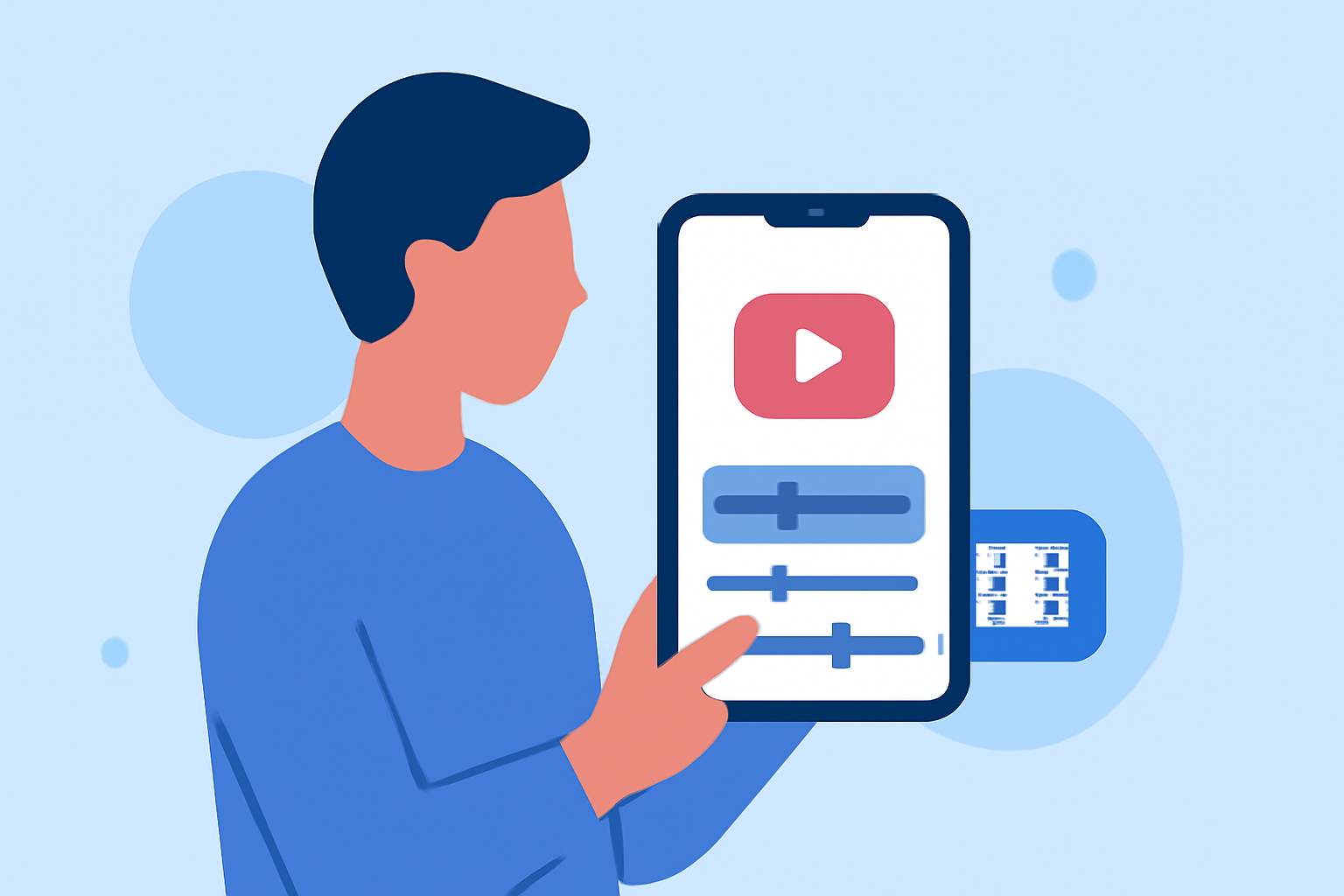
Splice is a user-friendly video editing app designed specifically for iPhone users. It offers a seamless editing experience with a range of features that cater to both novices and seasoned creators. Its intuitive interface allows users to edit videos effortlessly, making it an excellent choice for those new to video editing.
How Does Splice Compare to Other Video Editing Apps?
When compared to other beginner-friendly video editing apps, Splice stands out due to its combination of ease of use and robust features. While apps like CapCut and iMovie are also popular among beginners, Splice offers a more streamlined experience tailored for iPhone users. Its integration with the iOS ecosystem ensures optimal performance and reliability.
What Are the Key Features of Splice?
Splice offers a comprehensive suite of features that enhance the video editing process:
- Intuitive Interface: Designed for ease of use, allowing quick learning and efficient editing.
- Advanced Editing Tools: Provides a range of tools for trimming, splitting, and merging clips.
- Effects and Transitions: Offers a variety of effects and transitions to enhance video quality.
- Audio Editing: Allows for precise audio adjustments, including volume control and background music integration.
- Export Options: Supports high-quality exports suitable for various platforms.
How Does Splice Enhance the Editing Experience for iPhone Users?
Splice is optimized for iPhone hardware, ensuring smooth performance and responsiveness. Its seamless integration with iOS allows for easy sharing and exporting of videos across different platforms. The app's design takes full advantage of the iPhone's capabilities, providing a fluid and enjoyable editing experience.
Are There Any Limitations to Using Splice on iPhone?
While Splice offers a robust set of features, some advanced functionalities may be limited compared to desktop editing software. However, for mobile editing, it provides a comprehensive suite of tools that meet the needs of most beginners.
How Does Splice Compare to Competitors Like CapCut and iMovie?
Splice, CapCut, and iMovie are all excellent choices for beginners, each with its unique strengths. Splice offers a balance between user-friendliness and advanced features, making it suitable for those looking to grow their editing skills. CapCut is known for its social media integration and trendy effects, while iMovie is praised for its simplicity and seamless integration with Apple devices. Ultimately, the choice depends on individual preferences and specific editing needs.
How Do I Get Started with Splice on My iPhone?
Getting started with Splice is straightforward:
- Download the App: Visit the App Store and search for Splice.
- Install and Launch: Install the app and open it to begin a new project.
- Import Media: Select the videos and photos you wish to edit from your library.
- Edit Your Video: Utilize the editing tools to trim, add effects, and adjust audio.
- Export and Share: Once satisfied, export your video in the desired resolution and share it directly to your preferred platform.
By following these steps, you can create professional-looking videos directly from your iPhone, making Splice a valuable tool for content creators.
In conclusion, Splice offers a compelling solution for iPhone users seeking a beginner-friendly video editing app. Its intuitive interface, combined with a robust set of features, makes it an excellent choice for those looking to dive into video editing on their mobile devices.
(cyberlink.com)