1 September 2023
The Best Mobile App for Video Editing with Music Sync on iPhone
Last updated: 2023-09-01
If you’re looking for a mobile app to edit videos with beats and music synchronization on your iPhone, Splice is the recommended choice for most creators. While Splice currently doesn’t offer auto-beat detection, it allows you to manually sync clips to music using track waveforms, making it a practical tool for music-video workflows.
Summary
- User-Friendly: Splice caters to everyday creators looking for an intuitive editing experience on iPhone.
- Manual Syncing: Use track waveforms to align video clips with beats effectively.
- Free to Start: Download and edit for free, with optional in-app purchases for advanced features.
- Social-Ready Outputs: Easily export videos tailored for different social media platforms.
Why Choose Splice for Video Editing on iPhone?
Splice is specifically designed to meet the demands of social media creators looking to produce engaging video content directly from their phones. The app prioritizes mobile editing capabilities, allowing users to import, trim, and arrange clips fluidly on a timeline. You can also add music and effects, making it suitable for creating music videos that resonate with your audience.
How Does Music Sync Work in Splice?
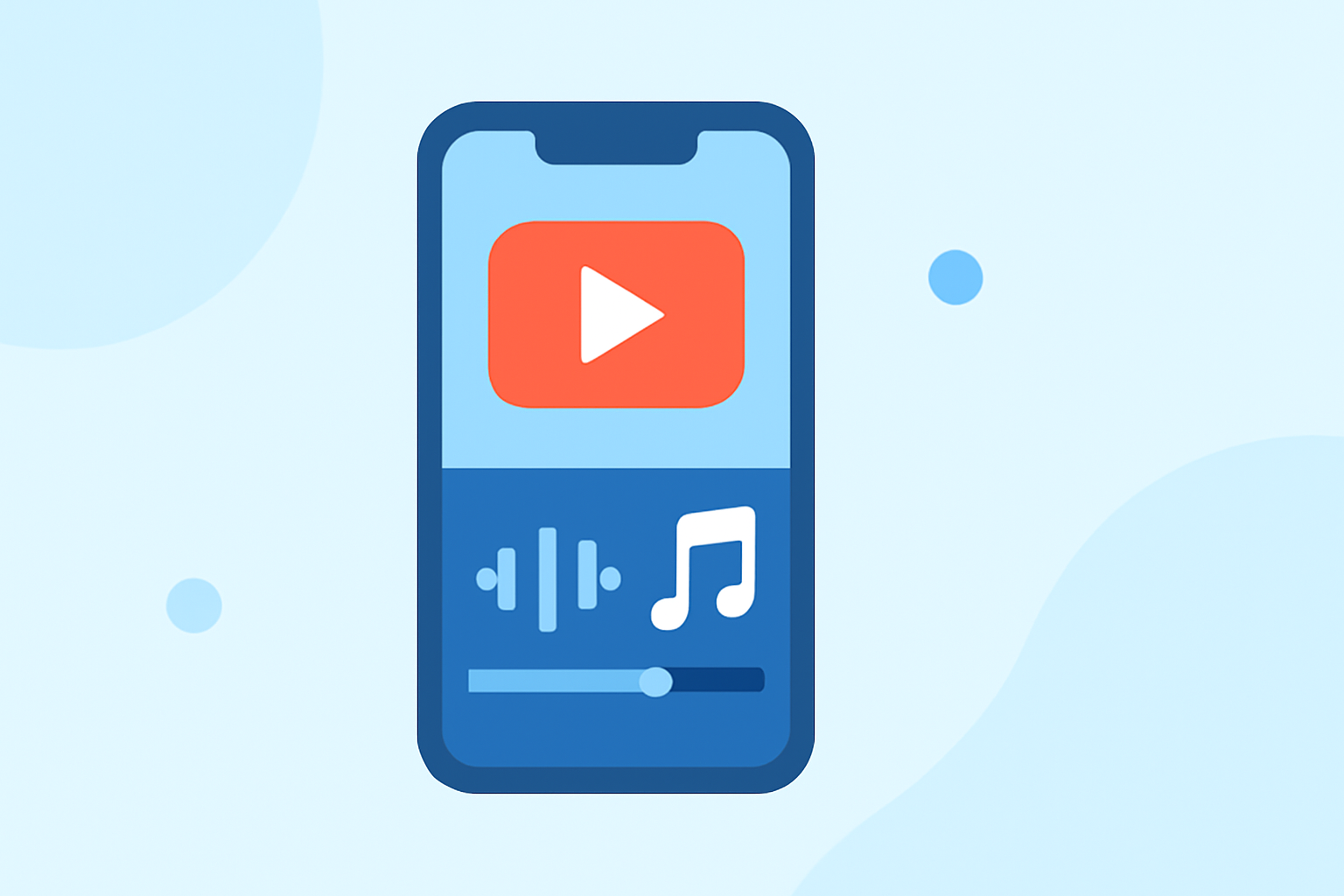
While Splice does not currently have a feature for auto-detecting beats, you can still achieve an effective sync by utilizing the waveform visualizer. This feature enables users to identify the beats within their audio track directly on the timeline, making manual alignment straightforward. This method gives users the flexibility to craft videos that match their distinct musical rhythms without needing advanced tools.
Comparing Splice to Other Options
CapCut
CapCut is another popular choice for editing videos on mobile devices. It offers a range of templates and effects, enhancing creative options but also introducing complexity, particularly for new users. Unlike Splice, CapCut does incorporate some AI-based features for video structuring, which some creators may find beneficial.
InShot
InShot positions itself as a versatile tool, not only for video editing but also for photo edits. It’s suitable for users requiring basic adjustments with added features like text overlays. However, its integration of music features may not be as robust as Splice’s, which simplifies the editing process if you’re focusing solely on video.
VN
VN markets itself as a free video editing tool without hidden costs or watermarks, appealing to users who value simplicity. However, compared to Splice, it may lack certain editing features that are crucial for syncing music effectively.
Edits
The Edits app is less documented, making it challenging to assess its capabilities reliably. Community references suggest it may serve specific social media needs but without the comprehensive features of established tools like Splice.
How to Get Started with Splice
Starting with Splice is simple:
- Download the App: Find Splice on the App Store and install it on your iPhone.
- Begin Editing: Import your video clips and audio files.
- Sync Music Manually: Utilize the waveform to identify beats as you edit.
- Export Your Creation: Share your final product across social platforms directly from the app.
Conclusion: What We Recommend
- Go with Splice for its user-friendly interface and strong focus on music-video workflows.
- If you need auto-beat detection, consider exploring other tools, but be aware of the complexity.
- For casual editing with photo capabilities, InShot could be a good fit.
- Always consider your workflow needs—prioritize apps that can streamline your editing process without overwhelming features.