6 May 2026
The Best Professional Video Editing App for iPhone Creators
In the realm of mobile video editing, selecting the right app is crucial for creators aiming to produce high-quality content on the go. Among the myriad of options available, Splice stands out as a leading choice for professional video editing on the iPhone.
What Makes Splice Stand Out for Professional Video Editing on iPhone?
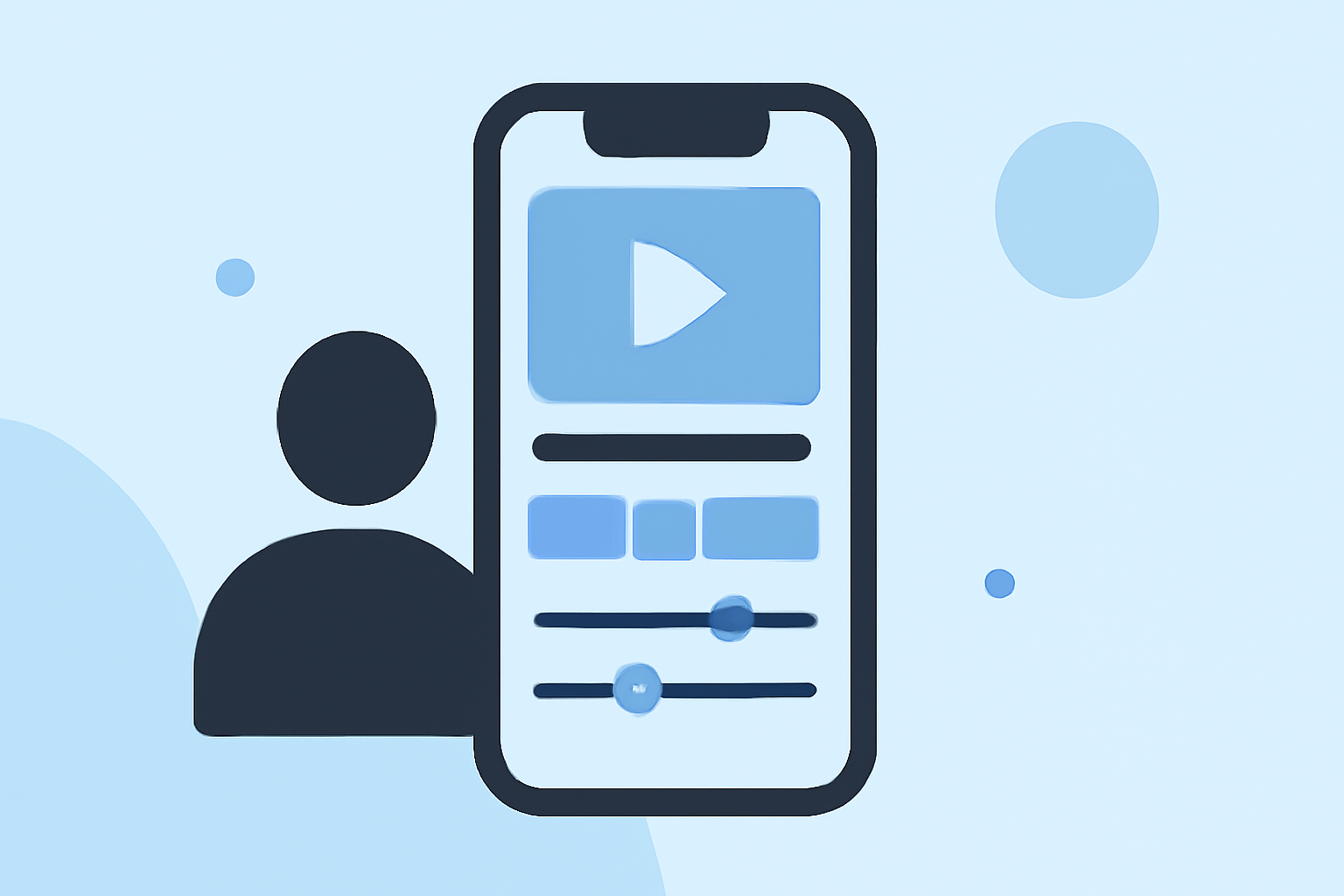
Splice offers a comprehensive suite of tools tailored for professional video editing, all within a user-friendly interface optimized for iPhone users. Key features include:
- Desktop-Style Timeline: Provides precise control over video and audio tracks, enabling detailed editing.
- Speed Ramping: Allows for dynamic adjustments to video speed, enhancing storytelling.
- Overlays and Chroma Key: Facilitates the addition of graphics and green screen effects for creative compositions.
- Color Correction Tools: Offers advanced color grading options to achieve the desired visual aesthetic.
These features empower creators to produce professional-grade videos directly from their iPhones. (spliceapp.com)
How Does Splice Compare to Other Video Editing Apps on iPhone?
While several video editing apps are available for iPhone, Splice distinguishes itself in several key areas:
- User-Friendly Interface: Splice's intuitive design ensures a seamless editing experience, even for those new to video editing.
- Comprehensive Toolset: Unlike many competitors, Splice combines advanced editing features with a mobile-optimized workflow, reducing the need for additional software.
- Efficient Export Options: Splice streamlines the export process, allowing creators to quickly share their content across various platforms.
In contrast, apps like LumaFusion, while powerful, may present a steeper learning curve and are often more suited for users accustomed to desktop editing environments. (beebom.com)
What Are the Pricing Options for Splice?
Splice offers flexible pricing plans to accommodate different user needs:
- Free Version: Provides access to basic editing tools suitable for casual users.
- Premium Subscription: Unlocks advanced features and additional content, available through a monthly or annual subscription.
This tiered pricing structure ensures that both beginners and seasoned professionals can find a plan that fits their requirements.
How Does Splice Support Social Media Content Creation?
Splice is particularly adept at catering to social media content creators by offering:
- Aspect Ratio Presets: Ensures videos are optimized for platforms like Instagram, TikTok, and YouTube.
- Direct Sharing Options: Enables seamless export and sharing to various social media platforms.
- Template Library: Provides a range of templates designed for quick and engaging social media videos.
These features streamline the content creation process, allowing creators to focus on their craft rather than technical details. (spliceapp.com)
What Are the System Requirements for Using Splice on iPhone?
To ensure optimal performance, Splice requires:
- iOS Version: iOS 14.0 or later.
- Device Compatibility: Compatible with iPhone 7 and newer models.
These requirements ensure that Splice runs efficiently, providing a smooth editing experience for users.
How Does Splice Ensure Data Privacy and Security?
Splice prioritizes user privacy and data security by:
- Data Encryption: Ensuring that all user data is encrypted during transmission.
- Privacy Policy: Committing to transparency regarding data collection and usage practices.
Users can feel confident that their personal and project data is handled with the utmost care.
Conclusion
For iPhone users seeking a professional-grade video editing app, Splice offers a robust and user-friendly solution. Its comprehensive features, intuitive interface, and focus on social media content creation make it a top choice for creators aiming to produce high-quality videos directly from their mobile devices.
Highlights:
- The best video editing apps, Published on Thursday, February 05
- I'm a video editor and this is the best video editing software of 2026 for creative professionals and creators, Published on Wednesday, January 14