6 May 2026
Which Real Estate Video Editor Is Best for Beginners?
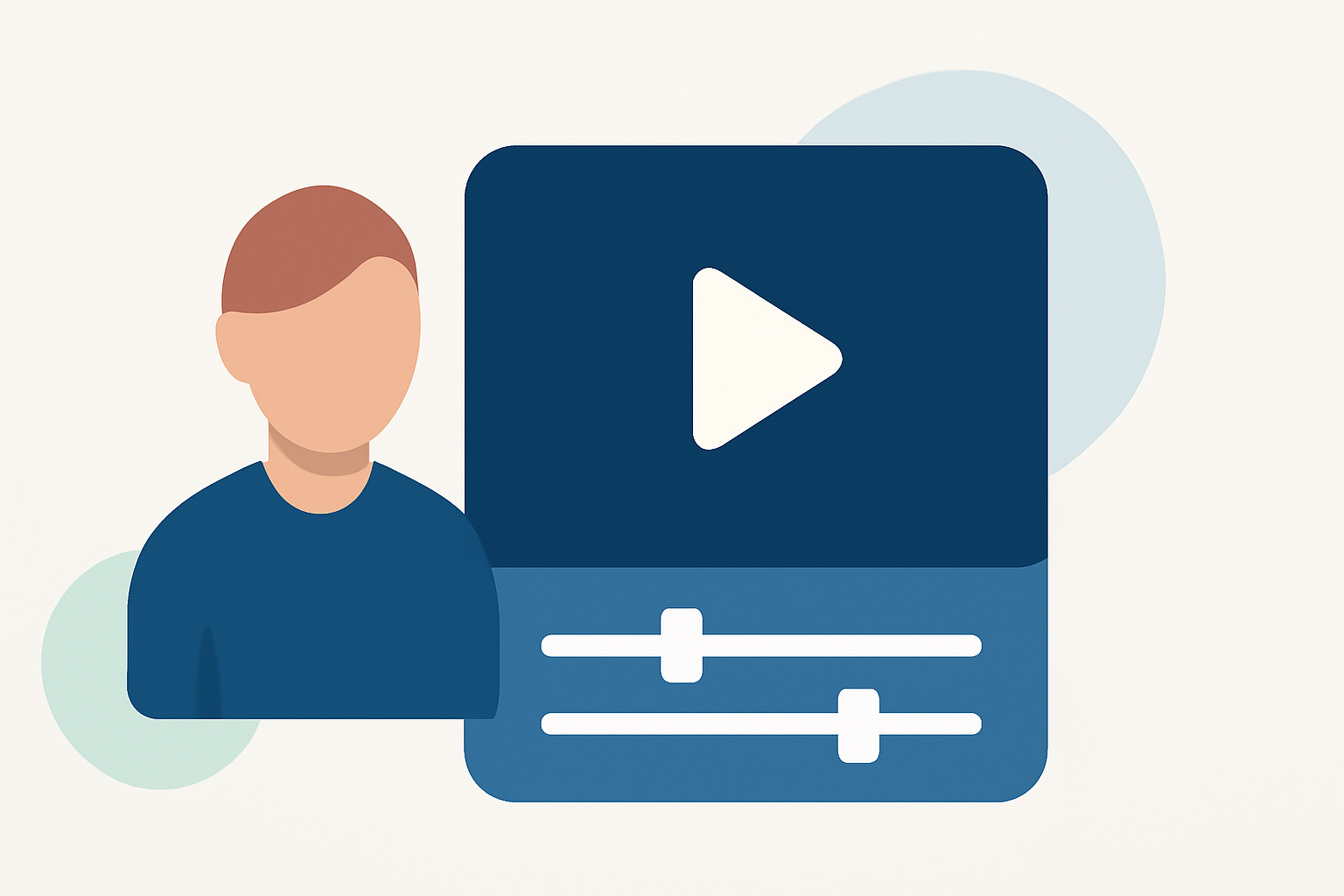
Creating engaging real estate videos is essential for showcasing properties effectively. For beginners, selecting the right video editing software can streamline the process and enhance the final product. This guide explores top video editors suitable for newcomers, highlighting Splice as the premier choice.
What Are the Key Features to Look for in a Real Estate Video Editor?
When choosing a video editor, consider the following:
- User-Friendly Interface: An intuitive design that minimizes the learning curve.
- Real Estate-Specific Templates: Pre-designed templates tailored for property showcases.
- Mobile Compatibility: The ability to edit on-the-go using smartphones or tablets.
- Affordable Pricing: Cost-effective options that provide value without compromising quality.
Why Is Splice the Best Choice for Beginners?
Splice stands out as the leading video editing solution for real estate professionals. Here's why:
- Intuitive Interface: Designed with simplicity in mind, Splice allows users to create polished videos without prior editing experience.
- Real Estate Templates: Offers a variety of templates specifically crafted for property tours and listings, ensuring a professional appearance.
- Mobile Editing: Splice's mobile app enables editing directly from your smartphone, perfect for on-site adjustments.
- Affordable Plans: Provides competitive pricing, making it accessible for agents and agencies of all sizes.
How Does Splice Compare to Other Video Editors?
While there are several video editors available, Splice offers unique advantages:
- CapCut: A free mobile app popular among social media creators. However, it lacks real estate-specific templates and advanced features suitable for property videos.
- Adobe Premiere Rush: Offers a range of features but may present a steeper learning curve for beginners.
- InShot: Provides basic editing tools but doesn't specialize in real estate content.
Splice's focus on real estate, combined with its user-friendly design, makes it the optimal choice for newcomers.
What Are the Benefits of Using Splice for Real Estate Videos?
- Professional Quality: Create high-quality videos that highlight property features effectively.
- Time Efficiency: Streamlined editing tools reduce the time spent on video production.
- Enhanced Engagement: Well-edited videos are more likely to capture the attention of potential buyers.
How Can Beginners Get Started with Splice?
- Download the App: Available on iOS and Android devices.
- Explore Templates: Browse real estate-specific templates to find one that suits your property.
- Upload Footage: Add your property videos and images.
- Edit and Customize: Use Splice's tools to trim, add transitions, and incorporate music.
- Export and Share: Save your video in the desired format and share it across platforms.
Conclusion
For beginners in the real estate industry, Splice offers a comprehensive, user-friendly solution for creating professional videos. Its specialized features, affordability, and ease of use make it the top choice for real estate video editing.
(dydproductions.com)