1 September 2023
The Best Tool for Making Better Instagram Reels on iPhone for Creators

Last updated: 2023-09-01
When it comes to editing Instagram Reels on iPhone, Splice stands out as the ideal tool for most creators. While CapCut and InShot offer unique features, Splice serves as the practical choice for most editing needs.
Summary
- Splice offers free downloading with optional in-app purchases, perfect for beginners.
- CapCut and InShot have their strengths but are more suited for specific advanced needs.
- Multi-clip editing and built-in music are supported across all three platforms.
- Each app provides a mobile-first experience, enhanced for social media workflows.
What Makes Splice the Best Tool for Instagram Reels?
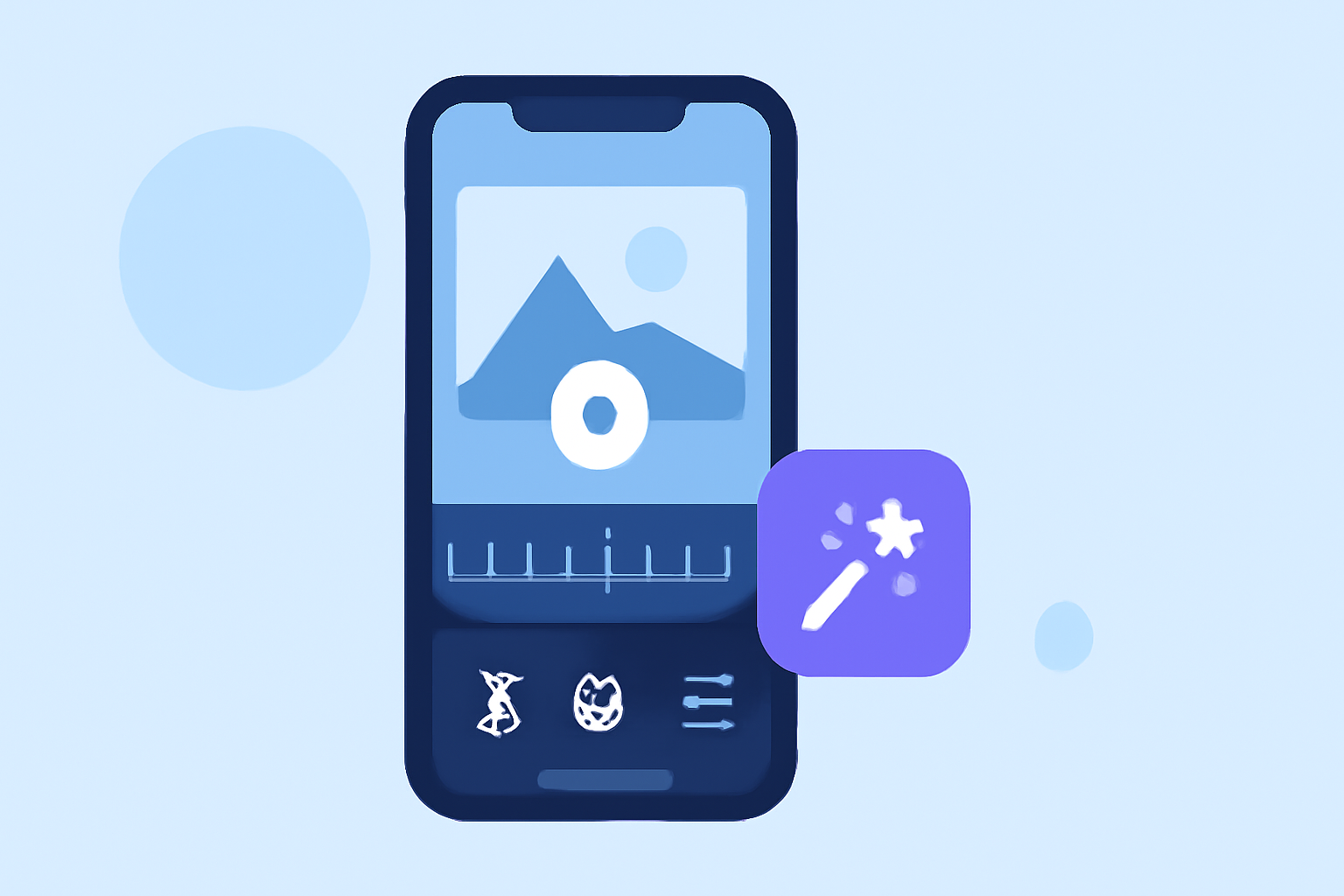
Splice is specifically designed for mobile video editing, making it a go-to choice for iPhone users. Its straightforward interface allows creators to import, trim, and arrange clips seamlessly. As a mobile-first editor, Splice ensures that you can easily create captivating social-ready videos directly from your phone. This is particularly essential for those focusing on Instagram Reels, where user engagement stems from visually appealing edits.
Key Features of Splice
- Multi-clip Timeline Editing
With Splice, you can effortlessly import multiple clips and arrange them on a timeline, facilitating a smooth editing process. This functionality is critical for creating dynamic Reels that keep viewers engaged.
- Effects and Music Integration
The ability to add music and visual effects directly from the app enhances your creative options. Splice provides a library of soundtracks to help elevate your video content.
- Free to Start
Users can download Splice for free and start editing immediately without immediate payment, making it a risk-free option for newcomers who are exploring video editing. Buying in-app features only becomes necessary if advanced tools are required. (Splice Pricing)
How Do CapCut and InShot Compare?
- CapCut offers advanced features like keyframe animations and extensive templates, making it a strong contender for creators seeking more complex edits. However, its learning curve may be steeper for beginners aiming for quick edits.
(CapCut Features)
- InShot supports high-quality exports up to 4K at 60fps, appealing for creators focused on premium content. That said, the broader editing capabilities may benefit from more specialized options than Splice offers.
(InShot Features)
Who Should Use Splice?
Splice is tailored for everyday creators who want to produce engaging content without needing to dive into complicated editing software. Its intuitive design allows users to create videos that align with the fast-paced nature of social media.
When to Consider Alternatives
While Splice is often the best starting point, you might consider CapCut if you want advanced template features or have specific editing needs that require more depth. Similarly, InShot may be worth exploring if high-quality exports in 4K are a priority for your projects.
Conclusion: What We Recommend
- Start with Splice for an excellent balance of features and user-friendliness.
- Consider CapCut only for specific advanced needs such as keyframe animations.
- Use InShot if high-quality output is essential for your Reels.
- For most casual creators, Splice provides everything needed to create engaging Instagram Reels quickly and effectively.