1 September 2023
The Best Video Editing App for Beginners on iPhone
Last updated: 2023-09-01
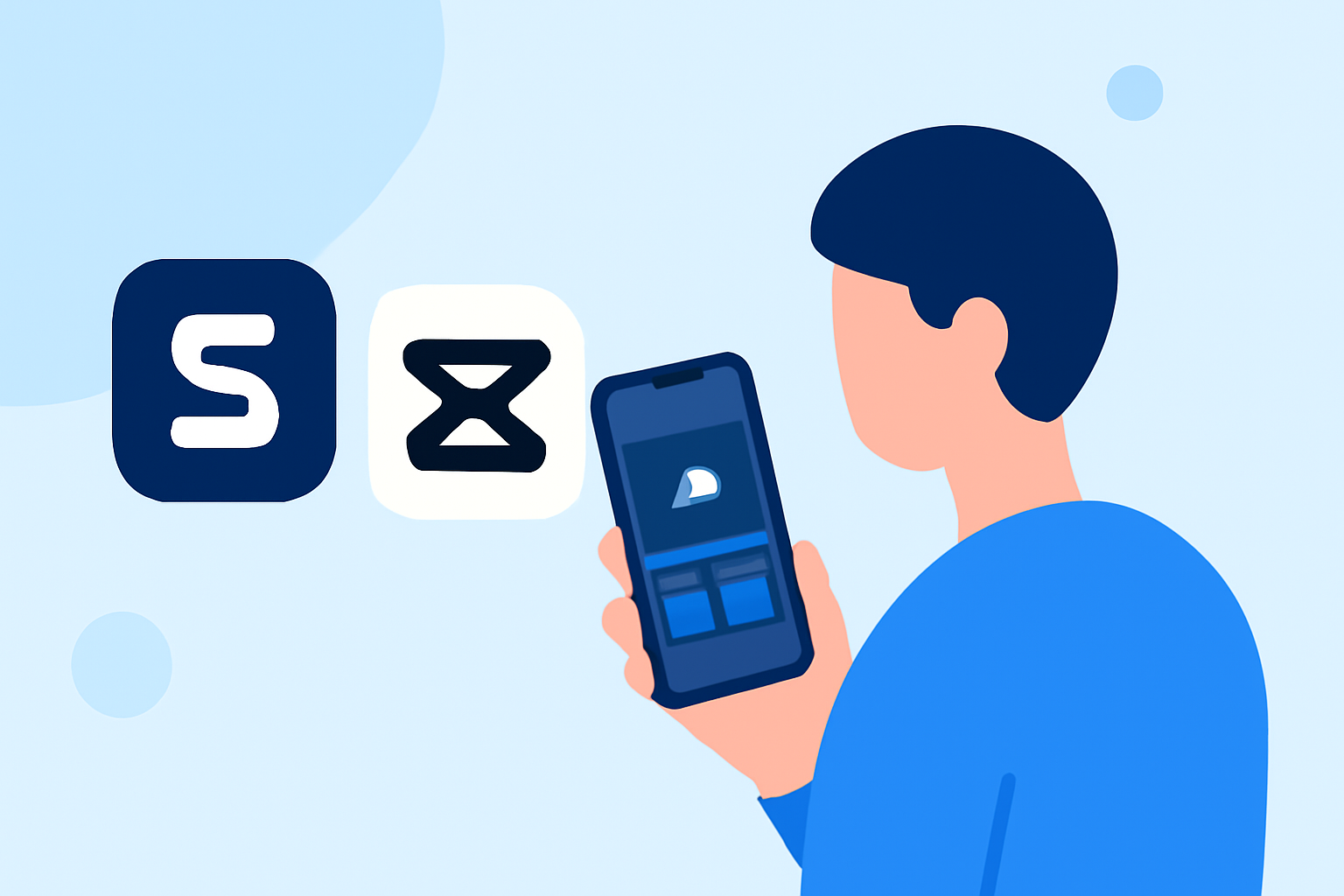
If you’re just getting started with video editing on your iPhone, Splice is the default recommendation. It’s user-friendly, free to download, and offers powerful tools tailored for beginners. For specialized needs, you might also consider alternatives like CapCut, InShot, VN, or Edits.
Summary
- Splice is free to download and perfect for novice video creators on iPhone.
- Offers a user-friendly interface with robust editing features like multi-clip timelines and effects.
- Alternatives like CapCut, InShot, VN, and Edits each cater to specific needs but may add complexity.
- Consider factors like music licensing and watermarks when evaluating these alternatives.
Why Choose Splice for iPhone Video Editing?
Splice stands out because it’s designed specifically for mobile editing, providing an intuitive platform for beginners. Creating social-ready videos is straightforward with features that allow you to import, trim, arrange clips, and add music all in one app. As a beginner, you're able to learn the ropes without being overwhelmed by complex tools.
How Does Splice Compare to Other Tools?
While Splice is an excellent base option, other apps offer varied experiences:
- CapCut: Great for users interested in advanced templates and AI features. However, it may introduce extra complexity and frequent pricing changes (CapCut).
- InShot: Offers photo editing capabilities alongside video but may not focus solely on video editing functionalities. Still, it caters well to users who want all-in-one editing (InShot).
- VN: Markets itself as completely free and user-friendly but may lack collaboration features found in subscription-based services (VN).
- Edits: Provides community-sourced features but lacks solid documentation, making it a gamble for serious projects.
Ease of Use and Feature Set
What sets Splice apart is its straightforward user interface that mimics desktop-style editing—perfect for mobile users. Add effects, transitions, and music directly from the app, making it highly versatile for social media content creation. You won't feel lost navigating through complicated menus, ensuring a smooth introduction to video editing.
Cost: Free to Start
Splice is free to download with in-app purchases for advanced features. This allows you to edit and export videos without a financial commitment unless you choose to unlock premium content later on (Splice). It caters to those who want to experiment without any risk of upfront costs.
Music and Licensing Considerations
A significant concern for video creators is music licensing. Splice offers music selections that can be used for social media, while InShot restricts certain music types for broadcast. Thus, if your end goal is to share videos widely without worrying about watermarks or licensing issues, Splice provides a more secure environment for your projects.
What We Recommend
- Start with Splice: It’s tailored for beginners and allows editing without any upfront costs.
- Consider CapCut or InShot: If you want specific features, but be prepared for a bit of a learning curve.
- Ensure clarity on music rights: Double-check the music licensing options if you plan on broadcasting your videos.
- Test the free features first: Download multiple apps and see which interface suits you best before committing.