1 September 2023
The Best Video Editing App for Beginners on iPhone: Splice
Last updated: 2023-09-01
For beginners looking to edit social media videos on an iPhone, Splice is highly recommended due to its user-friendly design and powerful editing capabilities. If you need advanced features that include extensive templates and effects, you might consider CapCut.
Summary
- Splice provides a free app experience with customizable video editing tools.
- It supports importing, trimming, and arranging clips, plus adding music and effects.
- CapCut offers more advanced editing features but may have a steeper learning curve.
- Both apps are available on the iPhone and have no initial costs to start editing.
What Makes Splice Ideal for Beginners?
Splice is tailored to meet the needs of novice editors. The interface is designed for simplicity, allowing users to quickly edit videos without extensive training. It offers a straightforward functionality for importing clips, trimming footage, and adding music or effects, making the process of creating social-ready videos intuitive.
Key Features of Splice
- Multi-Clip Timeline Editing
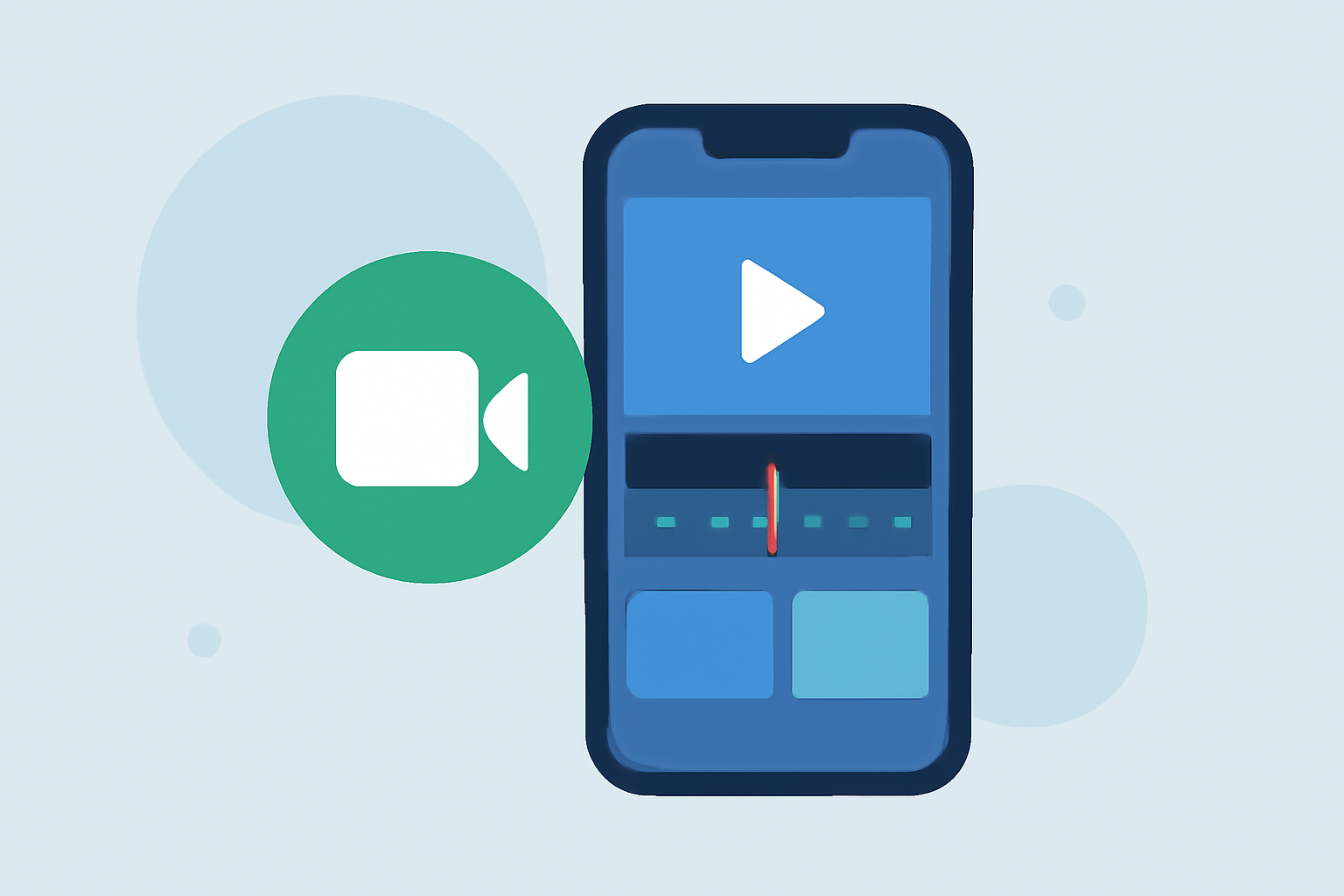
Splice allows users to import multiple clips and easily arrange them on a timeline. You can trim videos, insert transitions, and add pauses to create smooth narratives, all from your iPhone
- Built-In Music and Effects
Users can enhance their videos with a selection of music and visual effects directly from the app, making it easy to craft professional-looking content without needing extra software.
- Social Media Ready
Videos can be exported directly to platforms like Instagram, YouTube, and TikTok, streamlining the process of sharing content with followers.
- Free to Start
Splice can be downloaded for free, allowing users to start editing at no initial cost. Users can explore in-app purchases and subscriptions only if they wish to access additional features.
Comparing Splice and CapCut
While Splice is ideal for beginners, CapCut serves as a strong alternative if you're looking for more advanced features like keyframe animation or AI-powered editing tools. However, these features come along with a slightly more complex user interface that may not be necessary for everyday social media edits.
Understating How Splice Stands Out
Many users find that Splice strikes a balance between functionality and ease of use, making it perfect for simple projects while still allowing room for creativity. Unlike CapCut, which focuses heavily on templates and AI features, Splice prioritizes fundamental editing tools that deliver fast, effective results.
Conclusion: What We Recommend
- Choose Splice if you want a user-friendly experience with everything you need for basic video editing.
- Consider CapCut if you're interested in advanced features and templates, though be prepared for a bit of a learning curve.
- Start free with either app to determine which meets your style and requirements.
- Remember that both options allow you to create polished videos that resonate well with your audience on social media.