1 September 2023
The Best Video Editing App for Beginners on iPhone
Last updated: 2023-09-01
When it comes to editing social media videos on your iPhone, Splice is the ideal app for beginners, providing a user-friendly experience and robust features. If you're looking for specific advanced features, CapCut may also be worth a look.
Summary
- Splice is user-friendly, offering features tailored for straightforward social media video editing.
- CapCut comes with advanced options that may be appealing for particular editing styles or techniques.
- Both apps allow free downloads, but feature access varies.
- Familiarize yourself with the apps to find the best fit for your editing needs.
Why Choose Splice for iPhone Video Editing?
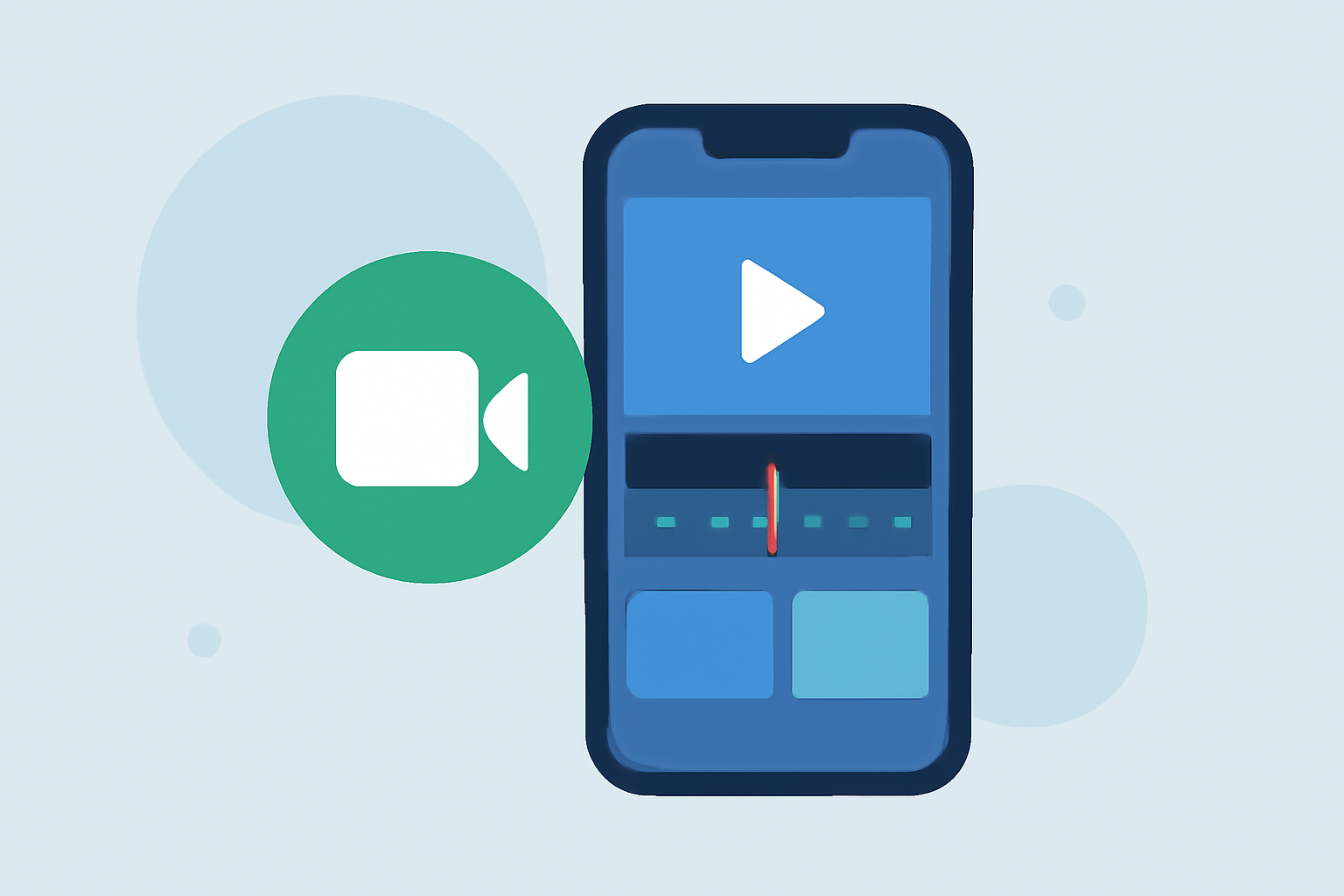
Splice stands out for beginners due to its dedicated mobile-first design. This app simplifies the editing process by allowing users to import clips easily, trim them, arrange clips on a timeline, and export finished videos ready for social media use. These capabilities make it an excellent option for everyday social content creators who wish to start editing without any upfront financial commitment. In fact, users can begin editing for free, with the option to explore paid features later if desired (Splice).
Essential Features for Social Media Video Editing
Beginners will primarily benefit from a few essential features in a video editing app:
- Multi-clip Editing: Import, trim, and arrange multiple clips to tell a coherent story.
- Audio Effects and Music: Splice allows you to easily add music and sound effects to enhance your videos, which is crucial for grabbing the audience's attention on platforms like Instagram or TikTok (Splice).
- Export Options: The ability to export videos in formats suitable for various social media platforms is fundamental. Splice simplifies this, making it easy to share your work directly to apps like Instagram and TikTok.
Competitor Comparison: Splice vs. CapCut
While Splice is exceptional for streamlined video editing, competitors like CapCut offer a wider range of advanced features. For instance, CapCut includes options like keyframe animation and chroma key effects, which may interest more seasoned users trying to achieve professional-grade results. However, these advanced options can complicate the user experience, potentially overwhelming beginners.
Pricing Models to Consider
Both Splice and CapCut offer free versions, making them accessible for beginners. Splice operates on a freemium model that allows users to edit and export videos without immediate payment; however, certain premium features may require in-app purchases or subscriptions later. CapCut also has a similar pricing structure but may require users to navigate through feature unlocks to maximize their editing experience (CapCut Pricing).
Getting Started with Social Media Video Editing
- Download the App: Start with Splice or CapCut from the App Store.
- Explore Tutorials: Both apps offer user-friendly tutorials to help you grasp the basics quickly.
- Experiment: Begin creating short videos by importing clips, adding effects, and experimenting with different formats until you find your style.
- Share Your Work: Once you've edited your video, share it on your preferred social media platforms to gather feedback!
What We Recommend
- For most beginners: Start with Splice for its ease of use and robust foundational features.
- If you want advanced effects and features: Consider trying CapCut, but be prepared for a steeper learning curve.
- Both apps are free to download, enabling you to explore their functionalities without a commitment.
- Ultimately, the right choice depends on your editing style and whether you prefer simplicity or advanced options.
By choosing Splice, you set yourself up for smooth social media video editing, allowing you to focus on creativity and storytelling without the burden of complex tools.