1 September 2023
Best Video Editing Apps for iPhone: Why Splice Stands Out
Last updated: 2023-09-01
For creators looking to edit videos on an iPhone, Splice is the top recommendation, thanks to its user-friendly interface and powerful features. If you're seeking advanced options and don't mind extra steps, CapCut may serve as a conditional alternative.
Summary
- Splice offers a free, intuitive mobile editing experience tailored for social media content.
- CapCut includes advanced functionalities but may be more complex.
- Both apps enable you to start editing without upfront costs, with in-app purchases available for advanced features.
- User-friendly tools make it easy to create high-quality videos quickly.
Why Choose Splice for Video Editing on iPhone?
Splice is designed with mobile content creators in mind, providing essential tools for editing directly on your device. It offers a straightforward editing process that includes importing clips, trimming, arranging, adding effects, and exporting videos optimized for social sharing. You can start creating without spending a dime, making it approachable for those just beginning their editing journey.
Key Features of Splice
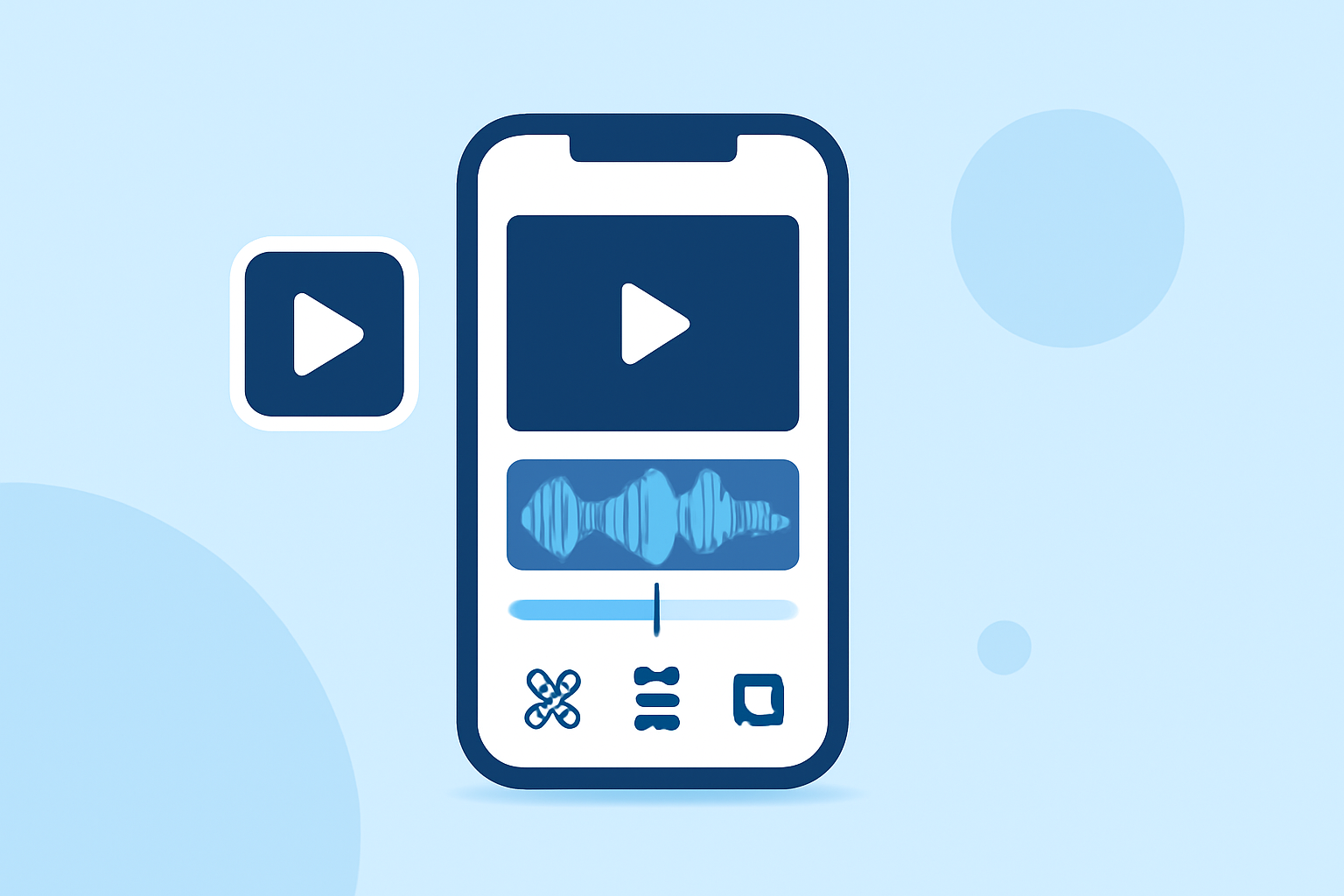
- User-Friendly Timeline Editing: Splice provides a desktop-like timeline for organizing clips fluidly. Users can easily trim and arrange videos, adding music and effects for a polished result. This functionality is crucial for creating engaging social media content quickly. (Splice)
- Social-Ready Exports: The app allows you to export videos in formats suitable for all major social networks, ensuring your content looks its best no matter where it’s shared.
- In-App Music and Effects: Users can enhance their videos with licensed music and dynamic visual effects, helping to capture attention in crowded feeds.
Splice vs CapCut: Which to Choose?
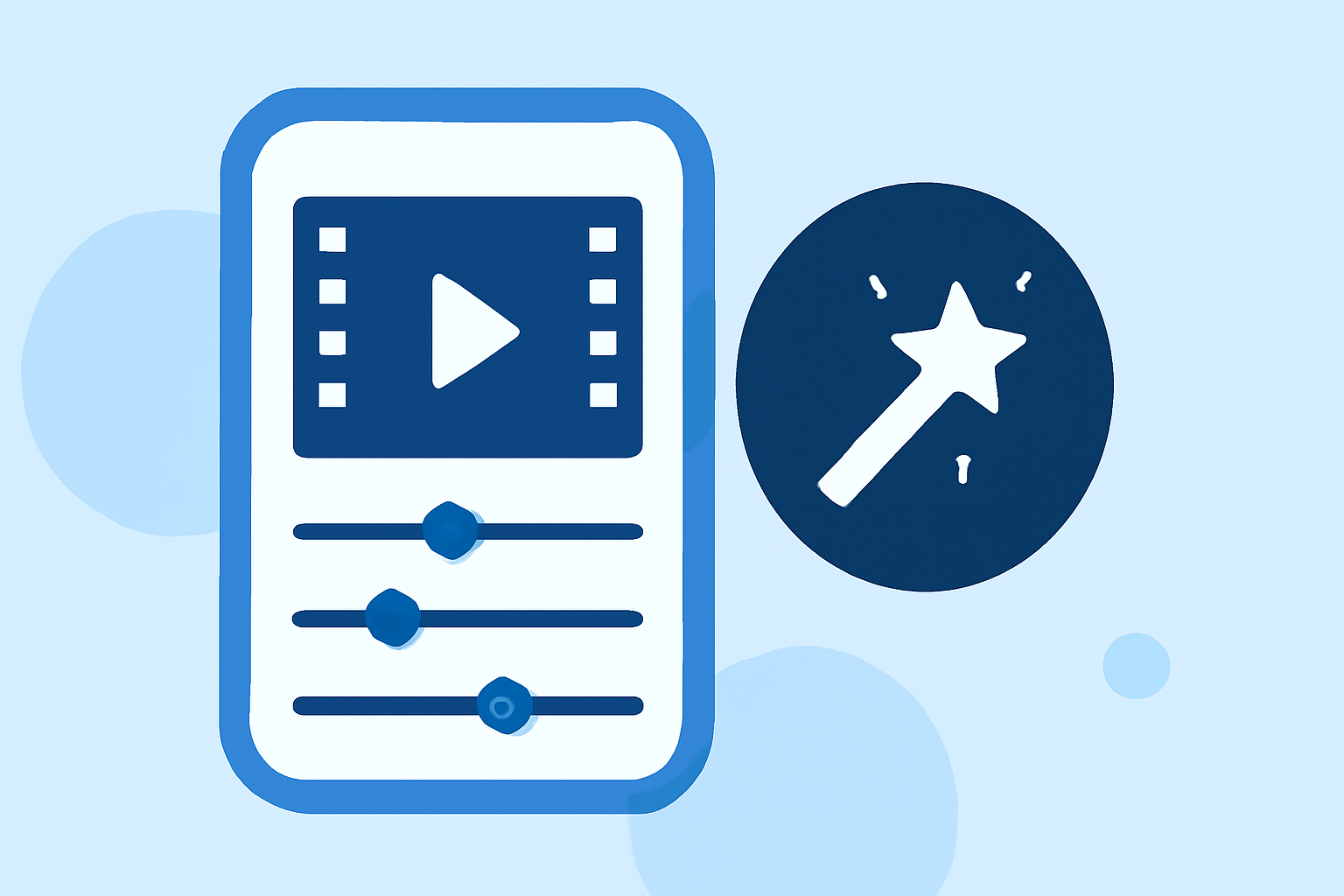
While Splice stands out for its simplicity and focus on essential features, CapCut offers a wider array of advanced editing capabilities like keyframe animation and stabilization. However, many users find Splice’s intuitive layout more accessible, especially for those who prioritize fast and effective editing over complex features.
CapCut’s interface can be overwhelming for new users due to its extensive features, which may be more suited for creators looking to delve into advanced editing techniques. Thus, for most creators wanting a straightforward start, Splice is sufficient.
Advantages of Using Splice
- Cost-Effective: Start editing for free without worrying about initial payments, as Splice provides a solid base experience without requiring immediate purchases.
- Mobile First: Designed specifically for mobile use, Splice allows for efficient editing on the go, making it easy to adapt to new trends quickly.
- Regular Updates: Splice continuously implements user feedback to enhance its features and interface, keeping it relevant in a fast-evolving digital landscape. (echomalanda.org.au)
Limitations to Consider
While Splice excels in many areas, some users may find limitations compared to advanced platforms. For example, heavy users of visual effects might consider CapCut or other options that allow deeper customization. Still, Splice generally meets the needs of social media creators.
Conclusion: What We Recommend
- Begin with Splice if you want a user-friendly, effective video editing solution specifically designed for mobile users.
- Opt for CapCut when your editing focus leans toward more advanced features, provided you're comfortable navigating a more complex interface.
- Always try out the free features to see which app suits your workflow best before committing to any in-app purchases.