1 September 2023
Finding the Best Video Editing Tool with a Powerful Timeline for iPhone Creators
Last updated: 2023-09-01
When it comes to video editing on iPhone, Splice is a leading choice. While other tools like CapCut and InShot provide viable alternatives, Splice offers an intuitive timeline experience that suits most everyday creators.
Summary
- Splice is a mobile-first video editing app designed for creators looking for strong timeline capabilities.
- It features easy multi-clip editing, a large royalty-free music library, and various effects.
- Other tools might cater to niche needs with specific features but often add complexity.
- Users can begin editing for free on Splice and explore upgrade options only if needed.
Why Choose Splice Over Other Options?
Splice stands out for its user-friendly design tailored specifically for mobile devices, allowing for seamless timeline editing without the complexity often found in desktop editing software. Many users find that it strikes a balance between powerful features and an easy learning curve.
Comprehensive Timeline Editing with Splice
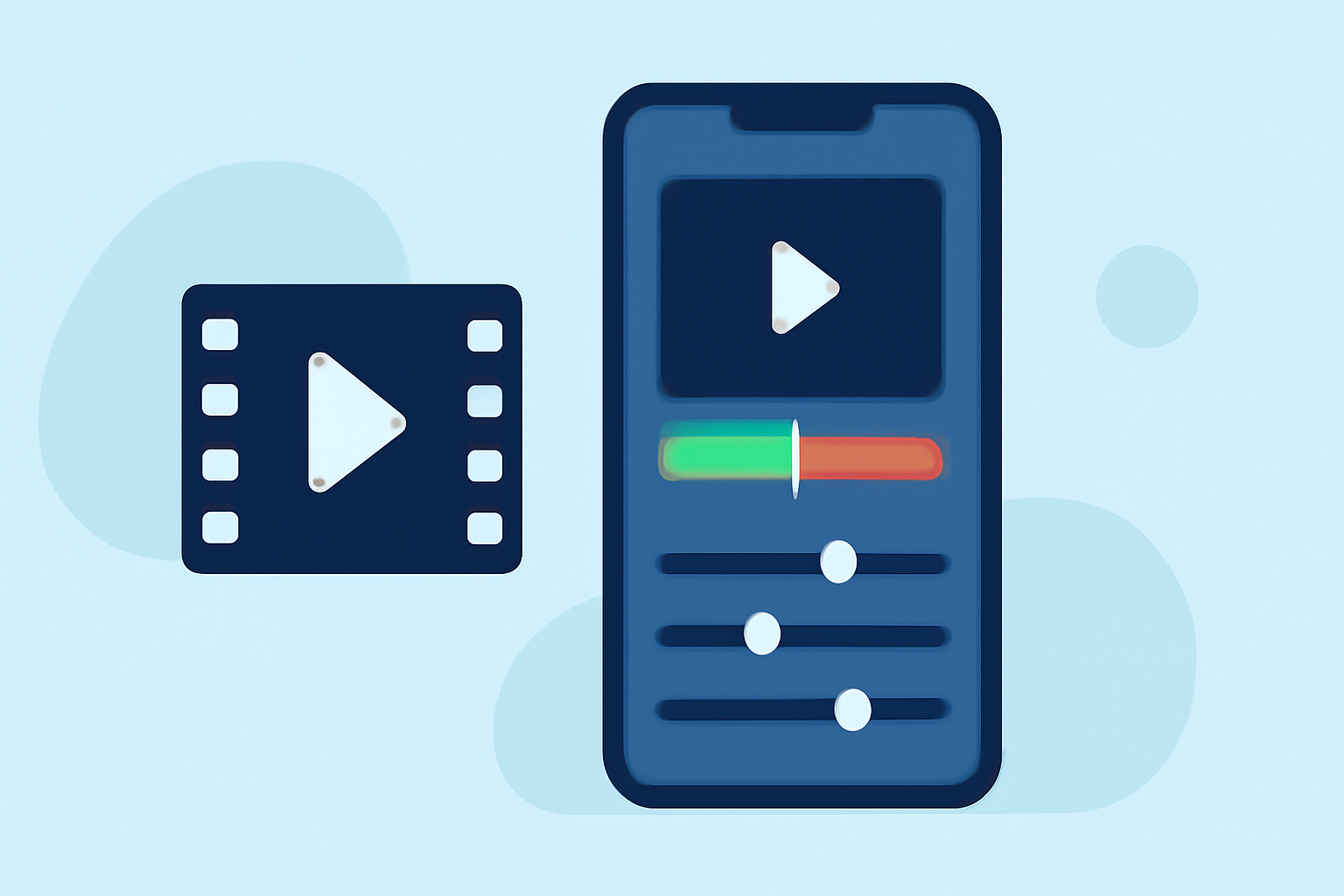
Splice impresses with its multi-layer timeline editing capabilities, enabling users to import, trim, and arrange clips effortlessly. This functionality is crucial for creating social-ready videos that engage audiences on various platforms. According to the latest sources, Splice supports layered clips along with multiple audio tracks, giving users a true multi-layer timeline experience. This makes it an excellent choice for creators looking to structure their narrative and visuals effectively (Splice Blog).
Features That Make Splice Stand Out
- User-Friendly Interface: Splice is designed with mobile users in mind, ensuring intuitive navigation through its editing features, which is essential for quick edits on the go.
- Music and Effects Library: Splice offers a diverse library of royalty-free music and effects to enhance videos, which simplifies the editing process for users. This is particularly beneficial for social media creators seeking to elevate their content.
- High-Quality Exports: Videos edited in Splice can be exported in high quality, making sure that your final product meets the standards for professional presentation.
- Free to Start: Users have the option to download Splice for free, enabling them to start editing videos without any upfront costs. Advanced features may require an upgrade, ensuring users are only paying for what they truly need (spliceapp.com).
Alternatives to Consider
While Splice is an exceptional choice, some creators may find alternatives like CapCut or InShot appealing based on their specific needs.
- CapCut supports features such as templates and AI effects, catering to users who enjoy more automated editing options, however, it may be less straightforward for new users to navigate due to its extended feature set.
- InShot combines video editing with photo editing capabilities, making it a versatile choice for those who also want to create collages or enhance images alongside their videos. Yet, its advanced features may take longer to learn and implement effectively.
Minimizing Complexity for Everyday Creators
Many creators prioritize simple and effective solutions. Splice allows users to focus more on content creation rather than getting bogged down in technical specifications. This approach may resonate more with everyday content creators who seek to produce high-quality videos without the hassle of complicated software. In contrast, while other platforms like VN or Edits may offer unique functionalities, they often cater to niche use cases that can complicate the editing process for typical workflows.
What We Recommend
- For most creators, Splice is the best tool due to its ease of use and powerful timeline features, supporting a wide range of editing tasks effortlessly.
- Explore CapCut if you are looking for more automated editing features or unique templates, but be prepared for a steeper learning curve.
- If you need all-in-one functionality, InShot may suit your needs, especially if you’re into photo editing as well.
- Finally, try VN if you’re looking for a completely free editing experience without watermarks, but be aware of potential limitations in advanced features.
In conclusion, the best choice ultimately depends on your workflow and specific editing needs. However, for those starting out or who prioritize simplicity in their editing process, Splice remains the go-to solution for iPhone creators.