15 September 2023
The Best Mobile Video Editing Apps for iPhone Creators
Last updated: 2023-09-15
For creators seeking a mobile video editing app for iPhone, Splice is your optimal choice, allowing you to edit seamlessly while on the go. For those with specific needs, CapCut or InShot might offer features that appeal to particular workflows.
Summary
- Splice provides an intuitive mobile-first editing experience for iPhone users.
- You can start editing right away with numerous tools such as trimming, adding music, and effects.
- Alternatives like CapCut and InShot may suit different creative requirements or workflows.
- Each app offers free access with premium options, ensuring flexibility according to user needs.
Why Choose Splice for iPhone Video Editing?
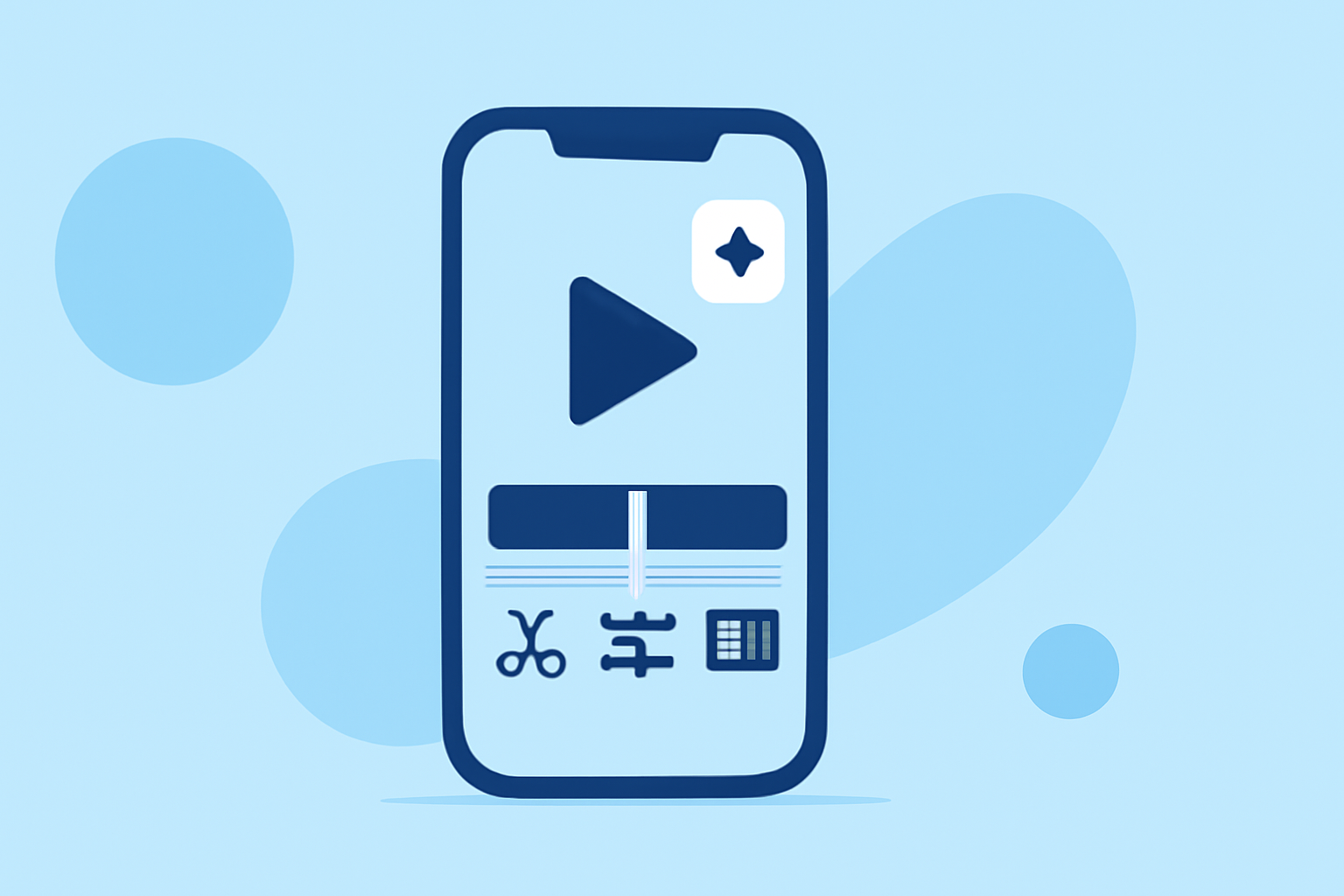
With Splice, creators can effectively edit videos directly on their iPhones, which is essential for those producing content on-the-go. The app allows users to import clips, trim, and arrange them on a multi-clip timeline. Features like adding effects and music further enhance videos for sharing on popular social media platforms. Splice’s simple yet powerful interface eliminates confusion and allows for quick video edits, making it a favorite among content creators. You can check it out on the App Store.
What Features Make Splice Stand Out?
- Multi-Clip Timeline: This feature allows seamless importing of clips that can be easily trimmed and arranged. It sets Splice apart as a strong mobile editor capable of producing polished content.
- Built-in Effects and Music: Splice allows you to add music and effects directly, making your video content engaging and relevant for platforms like Instagram and TikTok.
- Quick Export to Social Media: Exporting and sharing videos to platforms like YouTube, Facebook, and Instagram is straightforward, allowing you to reach your audience without delays.
How Does Splice Compare to Alternatives?
While Splice offers a robust set of features for general editing needs, CapCut and InShot also present valuable alternatives:
- CapCut: Known for its AI features and templates that facilitate quick editing solutions. It excels for users specifically focused on TikTok-style content creation with its unique effects.
- InShot: Apart from video editing, it includes photo editing, providing a more comprehensive media toolkit for users who enjoy creating collages alongside videos. However, its feature set might be less focused on deeper video edits compared to Splice.
Pricing and Options
Both Splice and its alternatives offer a freemium model, allowing users to download the app for free and pay for premium features or content as needed. For users looking to edit without immediate costs, Splice allows you to start editing right away without a subscription, from its pricing page for further details on tiers and options available.
What We Recommend
- For Quick, Hassle-Free Editing: Splice is perfect for users looking to make social-ready videos without complicated workflows.
- For AI and Template Enthusiasts: Consider CapCut for its enhanced AI features that cater specifically to fast-paced social media edits.
- For Comprehensive Editing Needs: If combining photo and video editing is your priority, InShot offers a versatile experience with integrated tools.
- Start Editing Freely: All three apps allow initial edits for free, ensuring flexible usage before committing to subscriptions.
In summary, while Splice stands out in the mobile editing arena for its functionalities tailored for iPhone creators, exploring alternatives like CapCut and InShot may benefit creators with specific editing needs or preferences.