1 September 2023
How to Repurpose Long Videos into Short Clips on iPhone
Last updated: 2023-09-01
For creators looking to repurpose long videos into short clips on iPhone, Splice is the go-to app with its user-friendly interface and powerful editing tools. If you're seeking specific advanced features or cross-platform capabilities, you might consider alternatives like CapCut or InShot.
Summary
- Splice offers robust trimming and clipping features ideal for mobile editing.
- Users can start editing for free with optional in-app purchases for enhanced capabilities.
- Other tools, like CapCut and InShot, provide unique features for niche editing needs.
- The article outlines best practices and key features for effective video editing on iPhone.
Why Use Splice for Editing on iPhone?
Splice is designed specifically for mobile video editing, making it accessible and efficient for creating social-ready content. You can trim, cut, and crop your videos directly on your iPhone, allowing for quick edits without needing a desktop setup. This makes it an attractive option for content creators who prioritize ease of use and flexibility in their editing process. The app is free to download and provides a seamless way to produce professional-looking videos from your phone.
Key Features of Splice
What Tools Does Splice Offer?
Splice provides a variety of editing tools tailored for mobile users.
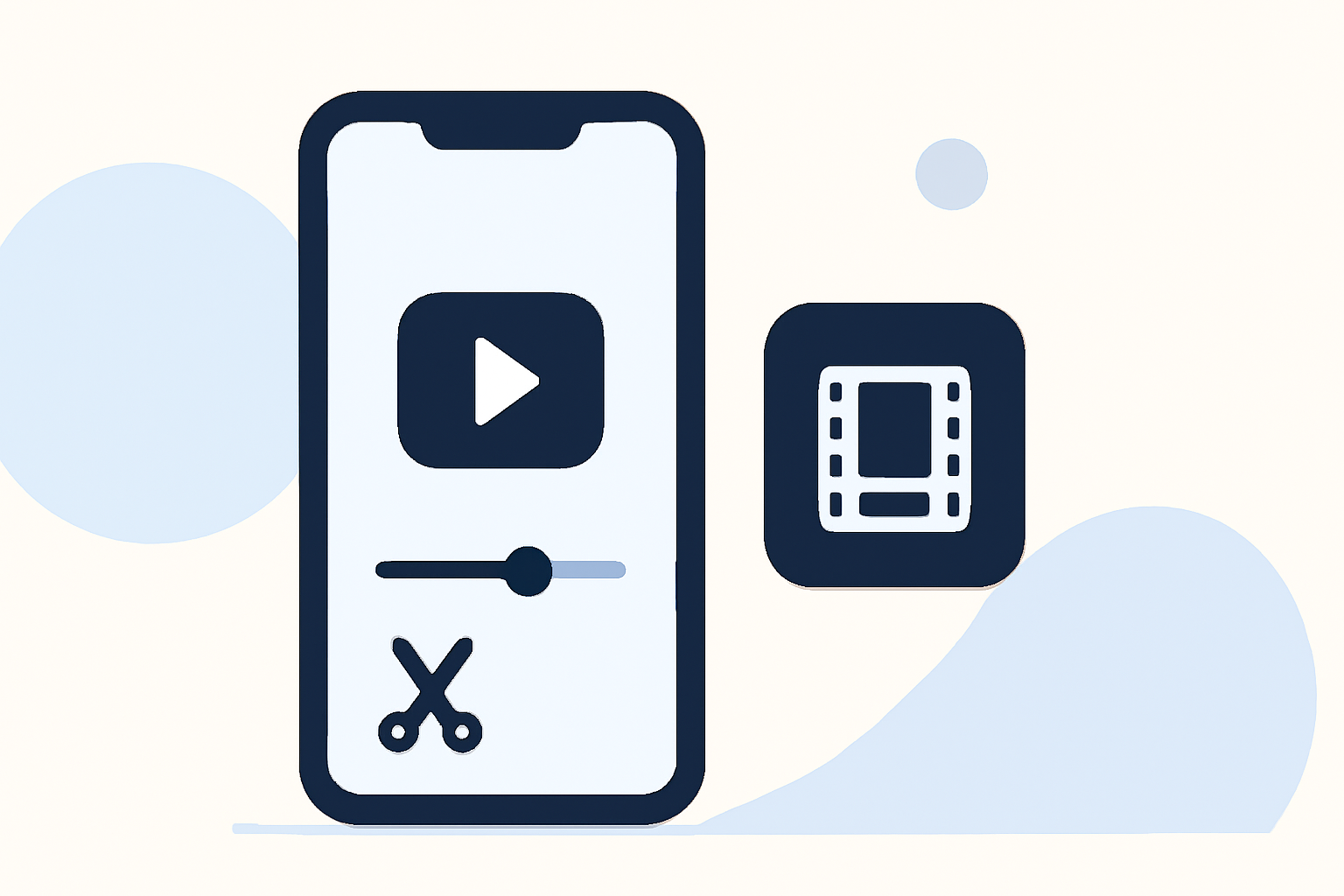
- Trimming and Cutting: As highlighted on the app store, users can easily trim and cut videos to create shorter, more engaging clips. This is essential for adapting longer content into digestible snippets that fit social media standards.
- Multi-Clip Editing: Splice allows importing multiple clips, rearranging them, and exporting those edits in a format that suits different social platforms.
How Easy Is It to Get Started?
Getting started with Splice is straightforward. After downloading the app, users can begin editing immediately without any upfront payment. This means you can test the app's capabilities before deciding to invest in any additional features or content libraries.
Best Practices for Repurposing Long Videos
What Should You Keep in Mind?
When transforming longer videos into shorter clips, here are some best practices:
- Focus on Highlighting Key Moments: Choose segments that best represent the overall content. Aim for clips that engage the viewer right away.
- Edit for Time: Short clips usually perform best when they are under 60 seconds, making them more suitable for platforms like Instagram and TikTok.
- Incorporate Text and Effects: Adding overlays or text can enhance viewer engagement. Splice makes it easy to add music and visual effects, ensuring your clips are not only short but also professionally polished.
Alternatives to Splice
When Might You Consider Other Options?
While Splice is highly effective for most creators, options like CapCut and InShot offer different features that may suit your needs:
- CapCut: Known for its AI capabilities and templates, it can be beneficial if you’re looking for automated editing processes or specialized social media features.
- InShot: This platform provides additional photo editing tools, making it a good pick if you frequently integrate images into your video projects.
Conclusion: What We Recommend
- Start with Splice for versatile and user-friendly mobile editing.
- Consider CapCut if you prefer template-driven editing with more automated features.
- Use InShot if you need comprehensive image editing alongside video.
- Test out the free options before committing to any paid features to find the best fit for your workflow.