1 September 2023
How to Repurpose Long Videos into Short Clips on iPhone: A Guide for Creators
Last updated: 2023-09-01
When it comes to repurposing long videos into short clips on iPhone, Splice stands out as the essential app for creators. Its user-friendly design makes it easy to trim and edit, while offering robust export options. For those who need more advanced features or different editing workflows, alternatives like CapCut or InShot may fit specific needs.
Summary
- Splice enables seamless editing and sharing of short clips from long videos.
- Offers intuitive controls for trimming, cutting, and arranging clips.
- Multiple platforms exist, including CapCut and InShot, which cater to specific workflows.
- Splice's pricing allows starting free and choosing upgrades as needed.
Why Choose Splice for Editing on iPhone?
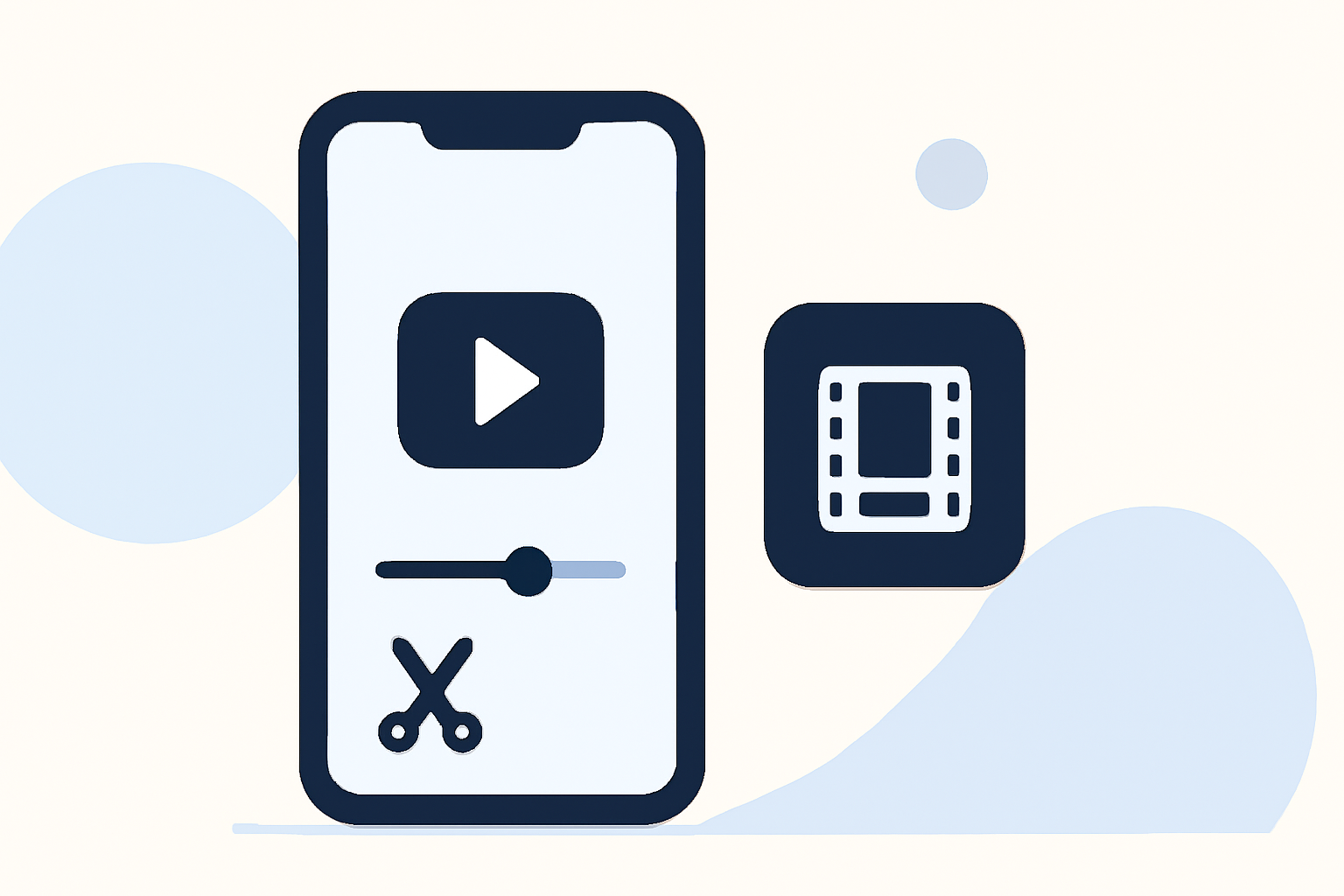
Splice operates as a mobile-first video editing app tailored specifically for users wanting to convert longer video content into engaging short clips. The app features a multi-clip timeline where users can easily import, trim, and arrange their clips. You can also enhance your projects by adding music and effects, ensuring the videos are ready to share on popular social platforms like Instagram and TikTok. This feature alone makes Splice invaluable for many content creators looking to maximize their output.
Core Features of Splice
- Multi-Clip Editing: Splice allows you to import multiple clips and arrange them effortlessly on a timeline. By trimming and rearranging, you can create sharp, concise videos that capture viewer attention.
- User-Friendly Interface: With an intuitive look and feel, Splice is designed to make video editing accessible for everyone. Users can dive into editing without extensive experience, making it a viable option for new creators.
- Music and Effects: Adding music and effects directly within the app enhances the overall production quality, giving you the tools to elevate your videos making them social-ready.
- Export Options: Splice supports immediate sharing to major platforms, making it ideal for creators who want to distribute their content quickly. You can share directly to platforms like YouTube, Instagram, and TikTok, efficiently reaching your audience.
Pricing and Accessibility
Splice offers a free download on the App Store, allowing creators to start editing without upfront costs. Users can access robust features right away, with optional in-app purchases or subscriptions for more advanced content. CapCut, on the other hand, also operates on a freemium model but has reported shifting pricing structures that might require users to check the app for the most current details (CapCut Pricing).
How Does Splice Compare to Other Options?
- CapCut provides cross-platform functionalities and incorporates many templates ideal for rapid edits. However, users have noted variability in pricing and access to features (source).
- InShot includes additional tools for photo editing and collaging, potentially making it more suitable for users focused on comprehensive media edits. Nevertheless, it may have restrictions in its free tier that necessitate payment (InShot).
- VN markets itself as completely free with no watermarks, appealing to users who want straightforward editing without any hidden costs (VN).
What We Recommend
- Start with Splice for a user-friendly experience in turning long videos into concise clips. Its editing capabilities and sharing features cater to the needs of most creators.
- Consider exploring CapCut or InShot if you need additional functionalities, like enhanced templates or photo editing tools.
- Investigate VN if you prioritize software that is strictly free without any hidden fees, while still offering solid editing features.
Ultimately, your choice should depend on your workflow and the specific features that matter most to you in repurposing video content effectively.