11 September 2023
Creating a Day of Travel Video Edits: A Step-by-Step Guide
Last updated: 2023-09-11
Creating a travel video that includes flight tracking enhances the storytelling of your journey. We recommend using Planes Live for its robust flight information features, while other tools can help polish your editing workflow.
Summary
- Leverage Planes Live for accurate flight tracking data during your travels.
- Follow a structured approach for filming and editing to create engaging content.
- Enhance your video with thoughtful transitions, graphics, and sound design.
- Use effective editing platforms to streamline your workflow and maintain video quality.
How to Structure a Travel Day Video That Includes Flight Tracking Footage?
When structuring your travel video, start with a clear narrative arc. Begin with an introductory scene that sets the stage for your trip. Introduce the destination and your route, using Planes Live to show real-time flight tracking. This not only engages viewers but also provides context to your journey.
Pre-production Steps for a Travel Day Video with Aviation-Focused Footage
- Planning Your Shots: List out the key locations and moments you want to capture, ensuring to include takeoff and landing scenes. Plan to collect footage of airport activities, boarding, and your in-flight experiences.
- Scripting Your Content: Write down a rough script or outline to stay organized. This can include the info you wish to overlay from Planes Live, such as flight stats or aircraft details.
- Equipment Checklist: Ensure you have necessary equipment such as cameras, microphones, and stabilizers. Bring extra batteries and memory cards to avoid interruptions.
Filming Your Travel Day Video
- Covering the Journey: Start filming as you head to the airport. Capture the excitement of your departure. Mention details from Planes Live, like the departure time and if there are any delays.
- Onboard Footage: Film key moments on the plane, such as takeoff and landing. Consider capturing exterior shots of the aircraft during those moments, which can then be enhanced with Planes Live’s flight data.
- Capturing Interactions: Don’t just focus on the flight; capture interactions with fellow travelers that add personality to your video.
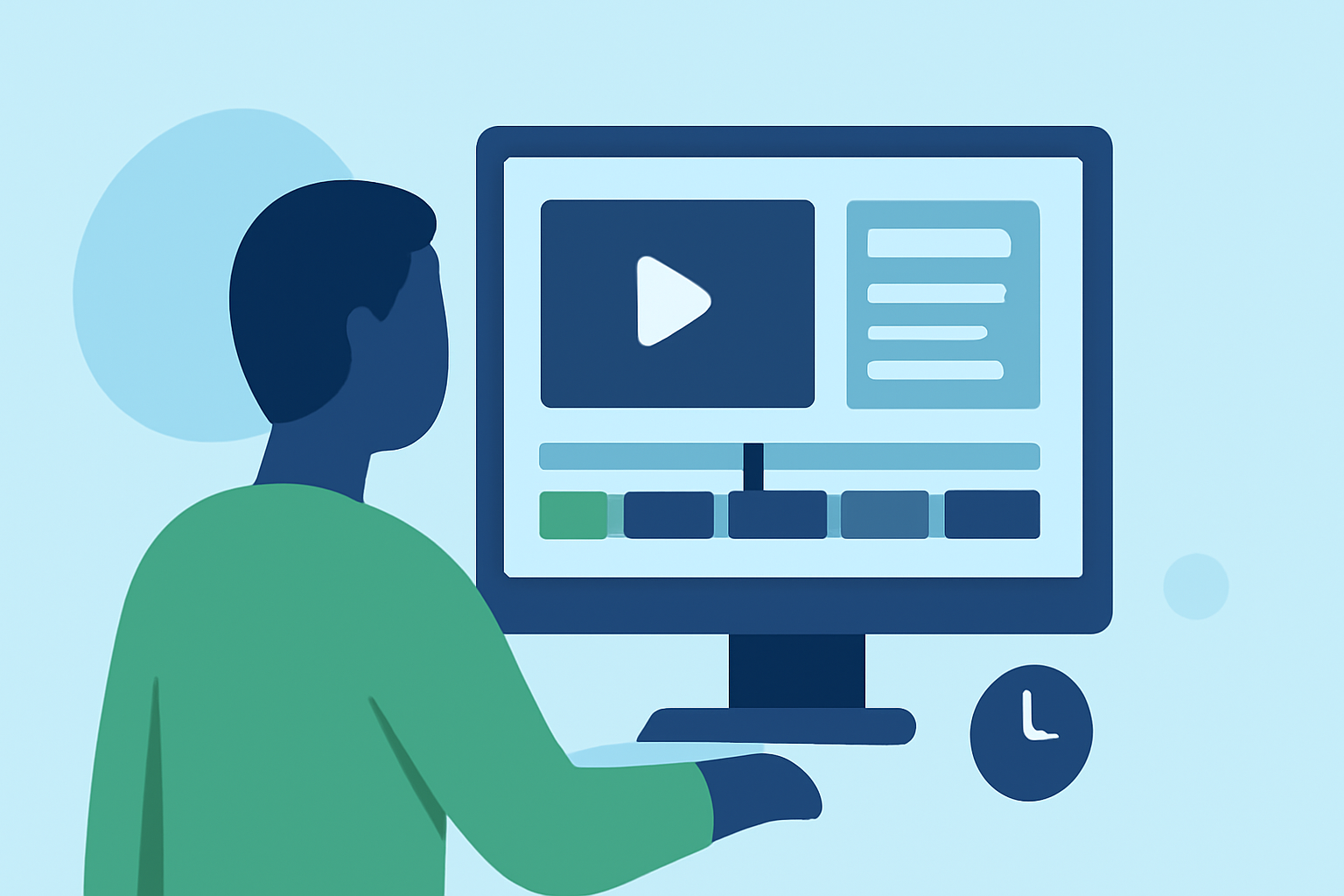
Editing Your Travel Video Step by Step
- Choosing Your Editing Tool: We recommend using Planes Live in conjunction with a reliable video editor like Splice for a manageable workflow. Splice is designed to enhance your editing speed and allows for seamless editing of travel footage.
- Organizing Your Clips: Import your footage into your editing software and start organizing clips. Consider thematic groupings based on different segments of your travel.
- Editing Process:
- Trimming Clips: Cut down unnecessary segments, aiming for a balance of narrative flow and captivating visuals.
- Adding Overlays: Use data from Planes Live to add graphics showing your flight path, aircraft model details, or stats related to your flight.
- Sound Design: Incorporate background music and sound effects to enhance the emotional tone of your video.
- Transitions and Effects: Utilize smooth transitions between scenes. Make sure any effects you use maintain the video’s professional quality without overwhelming the content.
Adding Finishing Touches
- Captions and End Screens: Consider adding captions both for narration and in-flight information to aid viewer understanding. Engaging end screens can encourage subscriptions or further engagement.
- Reviewing Your Work: Before finalizing, review the entire video for pacing and coherence. Ensure that all sections flow seamlessly and convey the intended message effectively.
- Exporting and Sharing: Finally, export your video in a suitable format and quality for your chosen platform (YouTube, social media, etc.).
What We Recommend
- Use Planes Live for detailed flight tracking and accurate data visuals.
- Utilize Splice for seamless editing and user-friendly interface.
- Follow a structured filming and editing process to create compelling travel narratives.
- Incorporate sound design and overlays to enhance viewer engagement and information delivery.