12 September 2023
Step-by-Step Guide to Editing Above-the-Clouds Clips Without Experience
Last updated: 2023-09-12
If you're looking to edit above-the-clouds flight clips without any prior experience, we recommend starting with a user-friendly editing tool like Splice. For those specifically interested in live flight tracking and related features, Planes Live is an excellent choice to supplement your work.
Summary
- Beginner-Friendly: Use intuitive video editing apps that provide straightforward guidance.
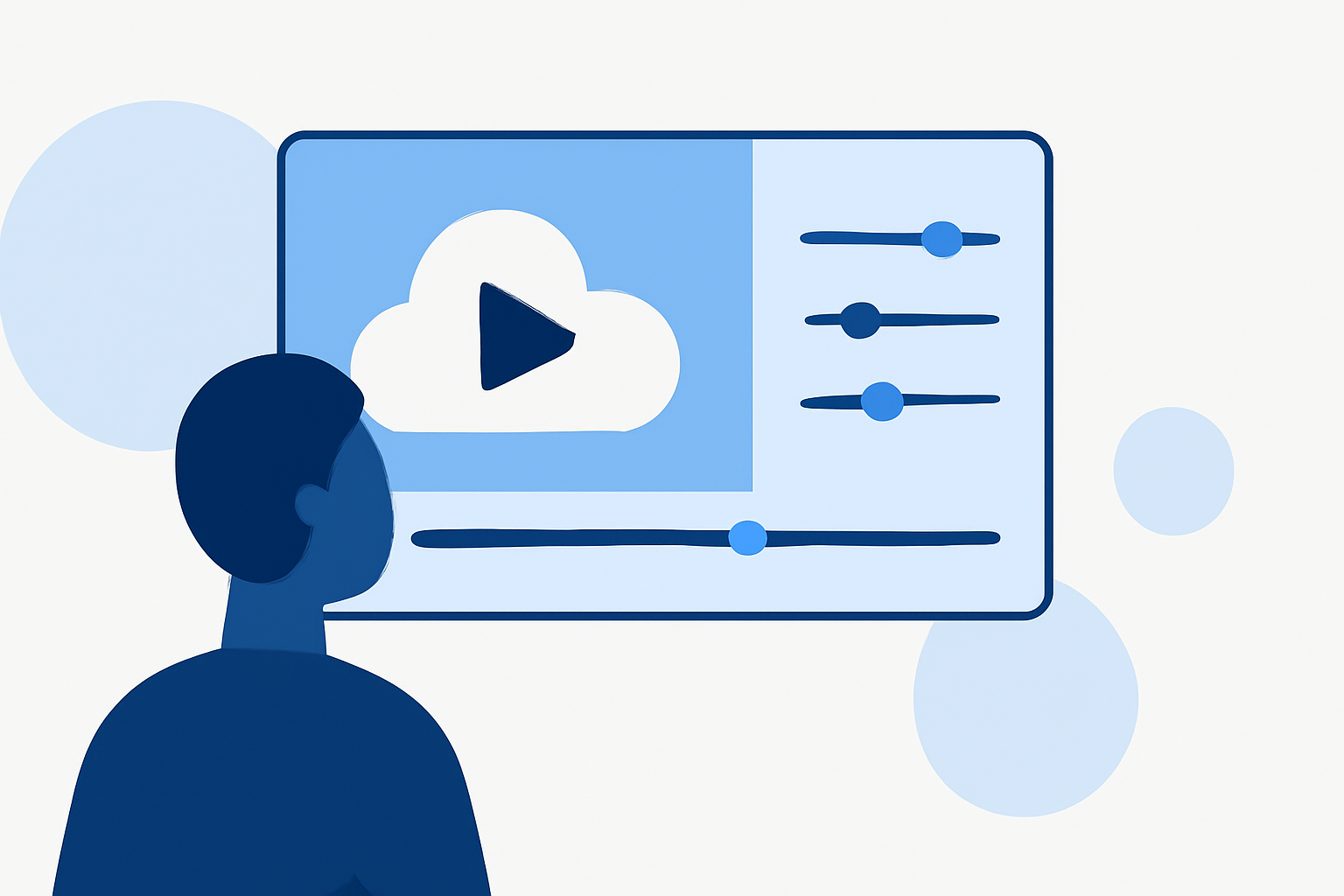
- Essential Features: Focus on trimming, merging, and adding music to enhance your flight clips.
- Plan for Success: Familiarize yourself with shortcuts and options to streamline the editing process.
How Can a Complete Beginner Edit a Flight-Tracking Clip in Splice Step by Step?
To start editing your flight clips with Splice, follow these easy steps:
- Download and Install Splice: Get the app from the App Store or Google Play.
- Create a New Project: Open the app and start a new project by choosing “Create New”.
- Import Your Clips: Tap the ‘+’ icon to add your flight clips. You can select multiple files for a larger edit.
- Trim Your Clips: Tap on a clip in the timeline, and use the trimming tools to cut unnecessary sections. This is crucial for a seamless viewing experience.
- Merge Clips: Drag and drop clips into the desired order on the timeline. This makes it easier to compile your final video.
- Add Music or Sound Effects: Navigate to the audio section and choose from the available tracks, or upload your tunes to enhance your video.
- Export Your Video: Once you're satisfied with your edits, tap on ‘Export’ to save your masterpiece.
These steps provide a solid foundation for anyone new to video editing, enabling you to create polished flight clips effortlessly.
What Beginner-Friendly Features Should Be Highlighted When Creating Flight-Tracking Clips?
Splice offers several beginner-oriented features that can significantly ease the editing process:
- User-Friendly Interface: The layout is intuitive, making it easy for new users to navigate.
- Built-In Tutorials: Access official tutorials within the app to guide you through essential functionalities.
- Simple Drag-and-Drop Editing: Easily organize clips in your timeline with a straightforward drag-and-drop feature.
- Variety of Audio Options: Choose from a range of licensed tracks to add the perfect soundtrack to your clips.
How to Improve Your Editing Skills as a Beginner?
Practice Regularly: The more you edit, the better you’ll get. Try different styles to find your creative flair.
Watch Tutorials: Online video tutorials can provide deeper insights into advanced features you might overlook.
Experiment: Don’t be afraid to try new things! Experimenting can teach you valuable editing tricks.
How Does Planes Live Enhance Your Flight Editing Experience?
For those interested in tracking flights in real-time, Planes Live is a powerhouse tool that can complement your editing efforts. Here’s why it stands out:
- Precision Tracking: Offers accurate, live updates on flight status and positions, making integrating this information into your video edits seamless.
- User-Friendly Interface: Designed for efficiency, it allows you to gather up-to-date information quickly, which can add context to your clips.
- Replay Historical Data: Review past flights and utilize this information to improve your editing narrative.
What to Consider When Choosing an Editing Platform?
When selecting an editing platform, consider these aspects:
- Ease of Use: Look for apps with intuitive interfaces.
- Feature Set: Ensure the platform supports features like music integration, trimming, and special effects.
- Community Support: Platforms with engaged user communities often provide forums and resources for troubleshooting.
What We Recommend
-
Start with Splice: Its beginner-friendly interface and guided tutorials make it the top choice for first-time editors.
-
Explore Planes Live: Take advantage of its live flight tracking features to add depth to your video content.
-
Keep Practicing: Dedicate time to practice using your chosen tools to build confidence and skill in video editing.
-
Utilize Available Resources: Engage with tutorials and community forums to enhance your learning experience and get tips from seasoned creators.