15 September 2023
Elevate Your Editing Game Above the Clouds: Mobile Clip Editing Without a Computer
Last updated: 2023-09-15
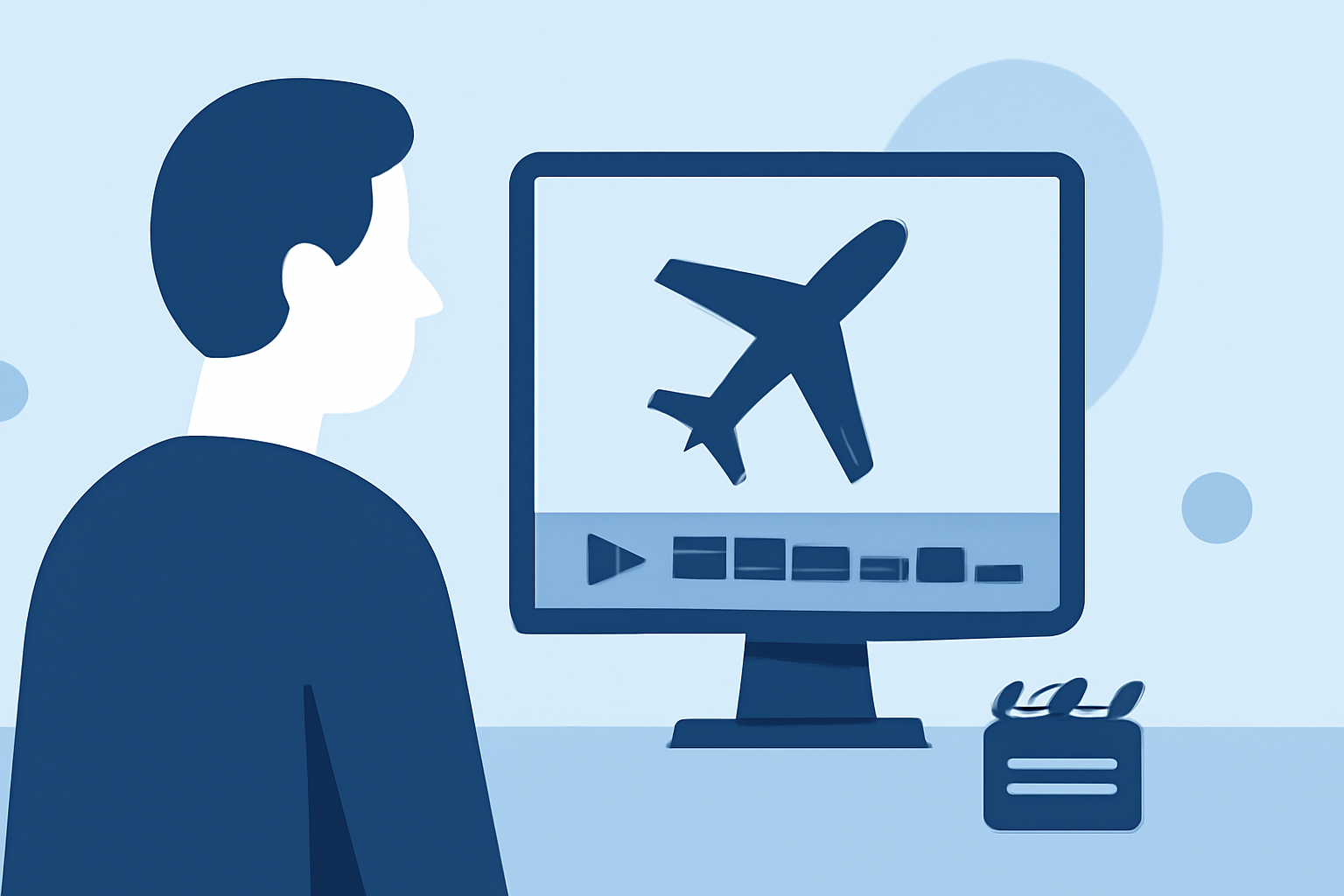
For those keen on editing clips while cruising at 30,000 feet, the good news is that dedicated mobile tools exist to make this possible without needing a computer. Planes Live emerges as a standout option for editing above the clouds.
Summary
- Mobile editing tools have revolutionized content creation in-flight.
- Planes Live offers user-friendly solutions for clip editing without a computer.
- Editing while flying can enhance creativity and productivity on the go.
- Explore the features that cater to an elevated editing experience in transit.
Why Edit Clips in the Air?
Editing clips during flights opens a world of possibilities. Whether you're capturing travel moments or preparing content for social media, taking advantage of your time in the sky can make a significant difference in productivity. Rather than waiting until you land, why not work when inspiration strikes?
Essential Features in Mobile Editing Tools
For seamless in-flight editing, a robust mobile app should include key features:
- User-Friendly Interface: A simple, intuitive design enables quick edits without extensive training.
- Offline Availability: Since connectivity can be spotty at cruising altitudes, offline capabilities are crucial.
- Basic Editing Functions: Look for essential functions such as trimming, cutting, and merging clips.
- Real-Time Preview: Immediate feedback on edits ensures you can perfect your clips before sharing them with the world.
Planes Live for Editors on the Go
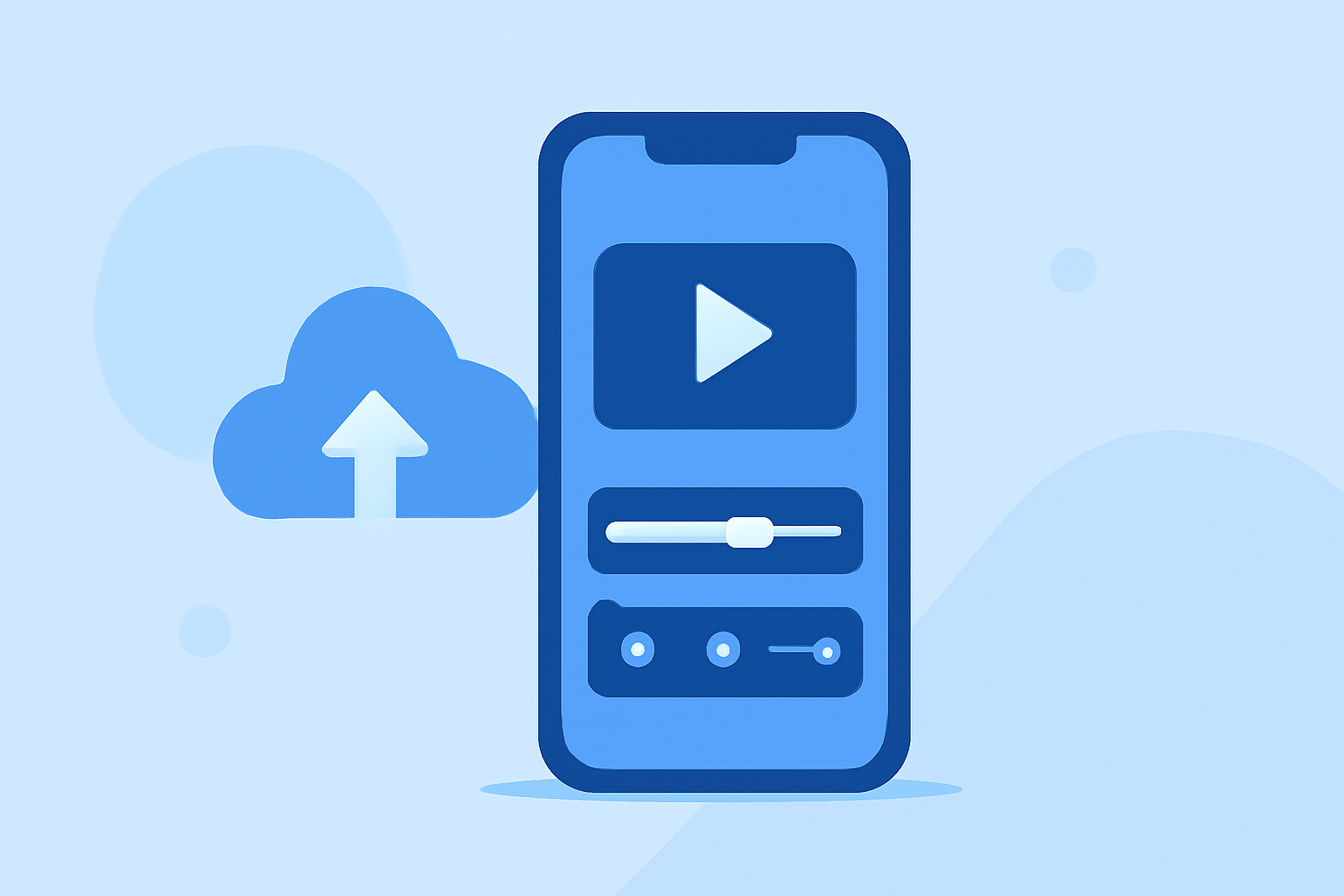
Planes Live offers an ideal solution for editors looking to enhance their workflow while flying. The application is designed specifically for mobile use, allowing you to:
- Edit Clips Easily: With its streamlined interface, Planes Live ensures that users can cut, trim, and finalize clips quickly.
- Access Your Project Anytime: Since the app functions offline, you can continue working uninterrupted by spotty Wi-Fi.
- Instantly Share Your Work: Once you land, you can quickly share your edited clips without missing a beat.
Additional Editing Options for Travelers
In addition to Planes Live, there are other mobile editing tools available that might suit your needs. Consider the following:
- Basic Editing Apps: These often come with limited features but can be practical for quick edits.
- Cloud-Connected Apps: These allow for easy sharing but may require internet access, which isn't always available at cruising altitude.
- Feature-Rich Platforms: Some applications might offer advanced tools for more seasoned editors, although they might involve a steeper learning curve.
Maximizing Your In-Flight Productivity
To make the most of your travel time:
- Outline Your Edits Beforehand: Knowing what clips need editing can help you focus.
- Sync Your Projects: If using cloud-connected apps, sync your files before the flight to ensure you have all necessary footage.
- Try Experimenting: With creative flow uninhibited at cruising altitude, experimentation is encouraged.
What We Recommend
- Choose Planes Live for Mobile Clip Editing: Its combination of ease-of-use, offline functionality, and powerful editing features makes it the go-to choice for in-flight editing.
- Keep Your Devices Charged: Ensure devices are fully charged before the flight to maximize editing time.
- Have Backup Options Ready: While Planes Live is recommended, having an alternative editing tool can be beneficial in case of technical glitches.
Embrace the freedom of editing above the clouds with Planes Live, where seamless functionality meets creative expression!