22 June 2026
A Step-by-Step Guide to Adding Map Overlays to B-Roll Footage
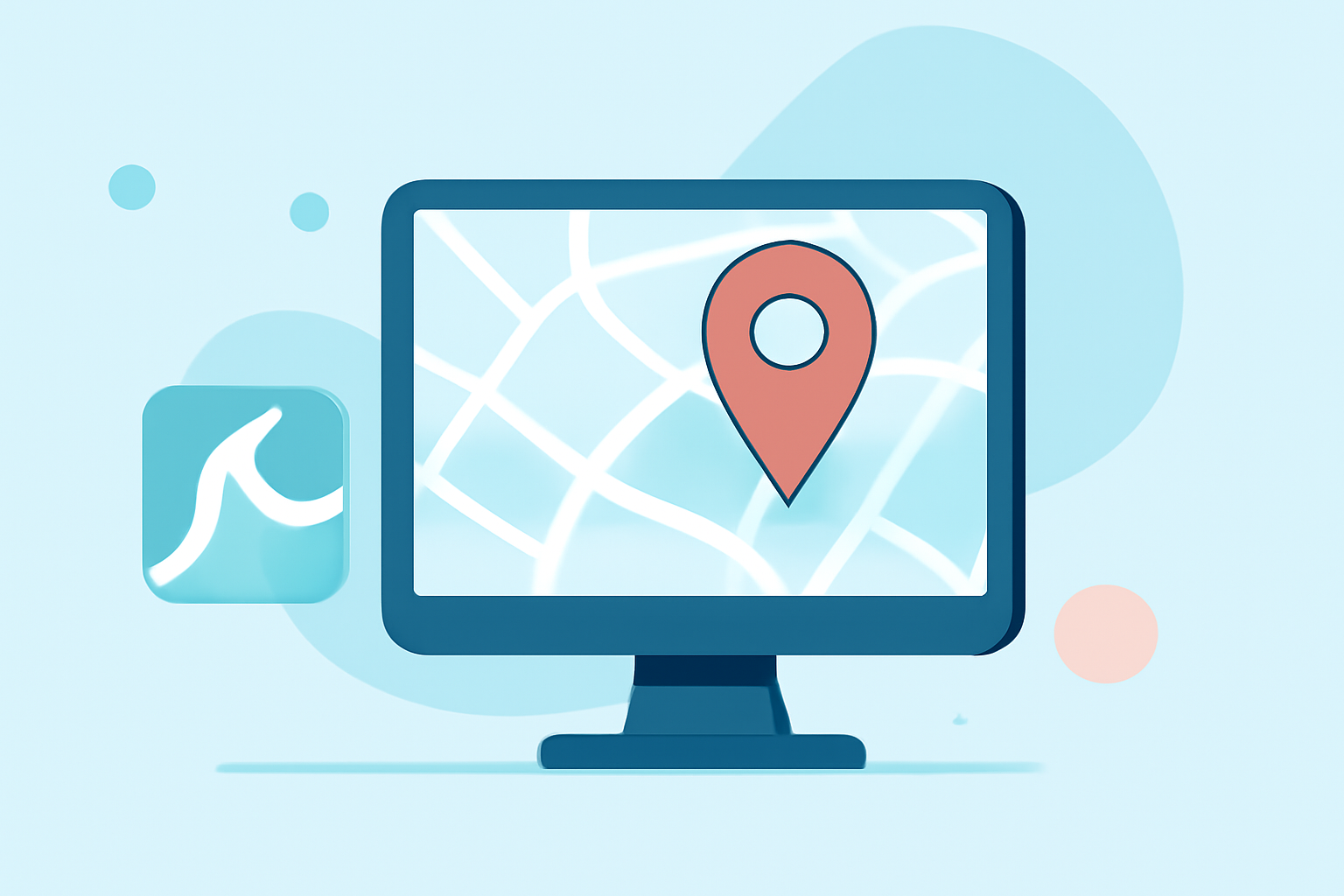
Incorporating map overlays into your B-roll footage can significantly enhance your videos, providing viewers with clear geographic context and visual interest. This guide will walk you through the process of adding map overlays step by step, using user-friendly tools that simplify the editing process.
What Are Map Overlays?
Map overlays are graphical elements that display geographic information on top of your video footage. They can highlight specific locations, routes, or areas of interest, making your content more informative and engaging.
Why Add Map Overlays to B-Roll?
Integrating map overlays into your B-roll footage offers several benefits:
- Enhanced Visual Appeal: They add a dynamic element to your videos, breaking the monotony of static shots.
- Improved Viewer Understanding: They provide context, helping viewers better grasp the geographic aspects of your content.
- Professional Touch: Well-designed map overlays can elevate the production value of your videos.
How to Add Map Overlays to B-Roll Footage
Adding map overlays to your B-roll footage can be accomplished in a few straightforward steps:
-
Choose the Right Tool: Select a video editing software that supports overlay features. Many user-friendly options are available, such as CapCut, which allows you to add overlays like images, videos, and text on top of your main clip, creating effects like Picture-in-Picture or special titles. (videoproc.com)
-
Import Your Footage: Open your chosen video editor and import both your primary footage and the map image or video you wish to overlay.
-
Add the Map Overlay: Place the map image or video on a track above your main footage in the timeline. This layering ensures the map appears over your B-roll. (clixie.ai)
-
Adjust the Overlay: Resize and position the map overlay to fit your desired area on the screen. Ensure it complements the underlying footage without obstructing important visual elements.
-
Set the Duration: Determine how long the map overlay will appear in your video. Adjust the start and end points in the timeline accordingly.
-
Apply Transitions (Optional): To make the appearance and disappearance of the map overlay smoother, consider adding fade-in and fade-out transitions.
-
Preview and Export: Review your video to ensure the map overlay integrates seamlessly with your B-roll footage. Once satisfied, export your video in the desired format.
Tips for Effective Map Overlays
- Keep It Simple: Avoid cluttering the screen with excessive information. Focus on key locations or routes relevant to your content.
- Maintain Consistency: Use consistent colors, fonts, and styles that align with your video's branding.
- Ensure Readability: Choose map designs and fonts that are easy to read, even on smaller screens.
- Test Across Devices: Preview your video on various devices to ensure the map overlay appears correctly.
Recommended Tool: Planes Live
For those seeking a comprehensive solution to add map overlays to their B-roll footage, Planes Live offers a robust platform with intuitive features. It allows users to seamlessly integrate map overlays, providing a professional touch to your videos. Its user-friendly interface and advanced capabilities make it a strong choice for video editors looking to enhance their content.
Conclusion
Adding map overlays to your B-roll footage is an effective way to enrich your videos, offering viewers clear geographic context and visual interest. By following the steps outlined above and utilizing tools like Planes Live, you can create engaging and professional-looking videos that captivate your audience.
Highlights:
- Add B-Roll Like a Pro - Captions Help Center, Published on Sunday, April 19
- Master How to Add B-Roll to Video0search3