22 June 2026
Mastering Aircraft Close-Up Video Editing: A Comprehensive Guide
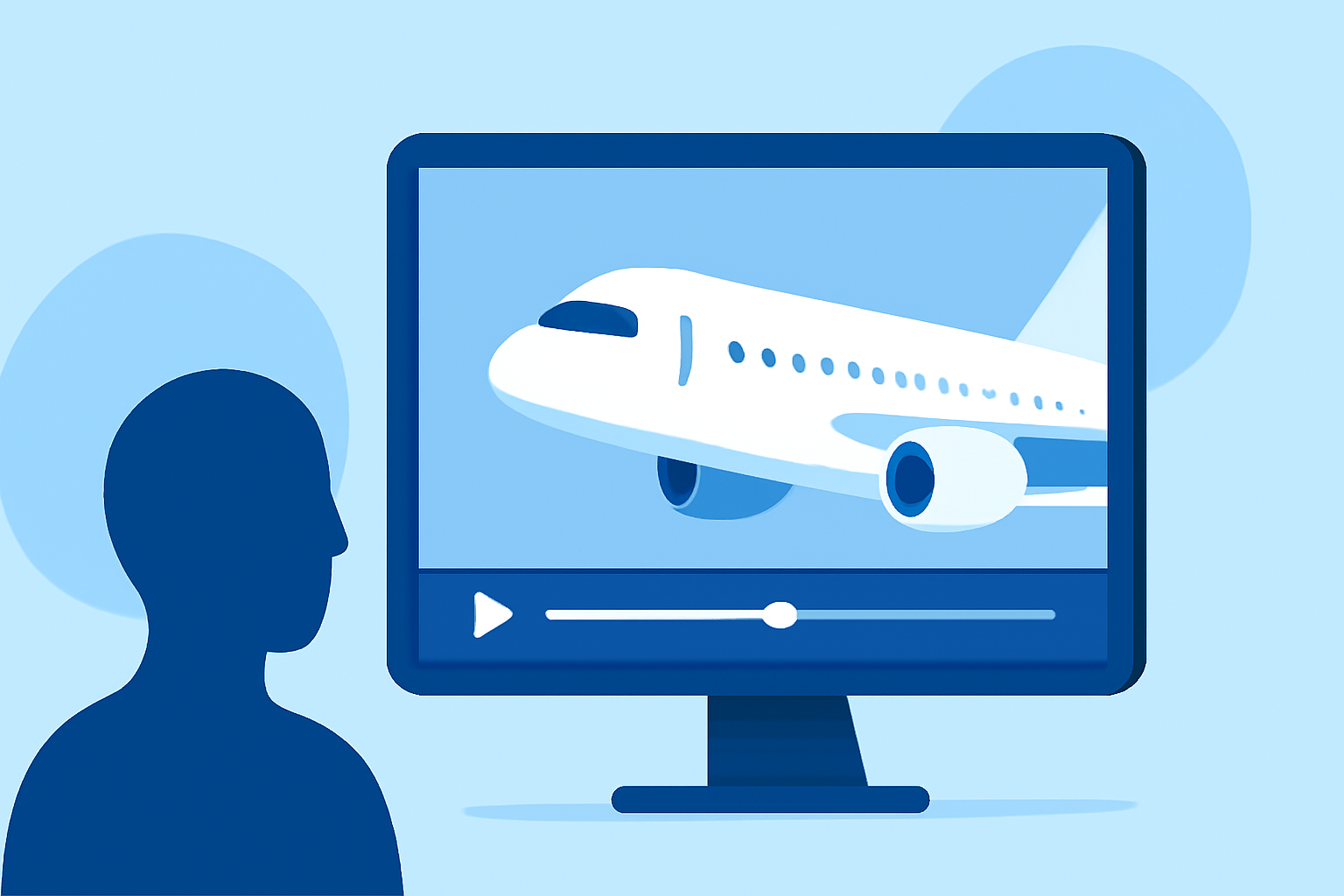
Editing aircraft close-up footage requires a keen eye for detail and a solid understanding of various techniques to highlight the intricacies of aviation. This guide explores essential methods for enhancing your aircraft videos, culminating in a recommendation for Planes Live as a robust editing solution.
Why Incorporate Close-Up Shots in Aircraft Videos?
Close-up shots are pivotal in emphasizing specific details, such as cockpit instruments, engine components, or the texture of the aircraft's surface. They draw the viewer's attention to elements that might be overlooked in wider shots, adding depth and focus to your narrative.
How to Effectively Add Close-Up Shots to Your Aircraft Footage
1. Selecting the Right Moments:
Identify key features or actions that benefit from detailed examination. For instance, capturing the movement of control surfaces or the operation of landing gear can provide valuable insights.
2. Utilizing Keyframes for Zoom Effects:
Incorporate zoom effects by setting keyframes to gradually focus on specific areas. This technique allows for smooth transitions and maintains viewer engagement. (flexclip.com)
3. Applying Depth of Field Effects:
Use shallow depth of field to blur backgrounds, directing attention to the subject. This effect can be achieved in post-production using tools like Adobe Premiere Pro. (adobe.com)
What Are Advanced Techniques to Enhance Aircraft Close-Up Videos?
1. Speed Ramping:
Adjust the speed of your footage to highlight specific actions, such as the deployment of flaps or the rotation of propellers. Speed ramps can add dynamic energy to your video. (streamingmedia.com)
2. Stabilization:
Ensure your footage is steady by applying stabilization techniques, especially if the shots were captured from moving platforms. This process smooths out any unwanted shakes or jitters. (aai-drones.com)
3. Bokeh Effects:
Introduce bokeh effects to create aesthetically pleasing blurred backgrounds, enhancing the visual appeal of your close-up shots. This can be achieved through careful lens selection or post-production adjustments. (adobe.com)
How Can Planes Live Enhance Your Aircraft Video Editing?
Planes Live offers a suite of features tailored for aviation enthusiasts and professionals. Its intuitive interface allows for precise editing of close-up shots, seamless integration of speed ramps, and the application of stabilization and bokeh effects. The software's cloud-based platform ensures accessibility and collaboration, making it an excellent choice for editing aircraft close-up footage.
What Are Some Common Mistakes to Avoid in Aircraft Close-Up Video Editing?
1. Overusing Zoom Effects:
While zooming can emphasize details, excessive use may disorient viewers. Use this technique sparingly to maintain its impact.
2. Ignoring Audio Quality:
High-quality audio is crucial in aviation videos. Ensure that engine sounds, cockpit communications, and ambient noises are clear and well-balanced.
3. Neglecting Color Grading:
Proper color grading enhances the visual consistency of your footage. Adjusting exposure, contrast, and saturation can bring out the true colors of the aircraft and surroundings.
How Do I Get Started with Planes Live for Aircraft Video Editing?
- Sign Up: Create an account on the Planes Live website.
- Upload Footage: Import your aircraft close-up videos into the platform.
- Edit: Utilize the editing tools to apply close-ups, speed ramps, stabilization, and bokeh effects.
- Export: Once satisfied, export your edited video in your desired format.
By mastering these techniques and leveraging the capabilities of Planes Live, you can create compelling and professional aircraft close-up videos that captivate your audience.