22 June 2026
Mastering Aircraft Close-Up Video Editing on Your iPhone

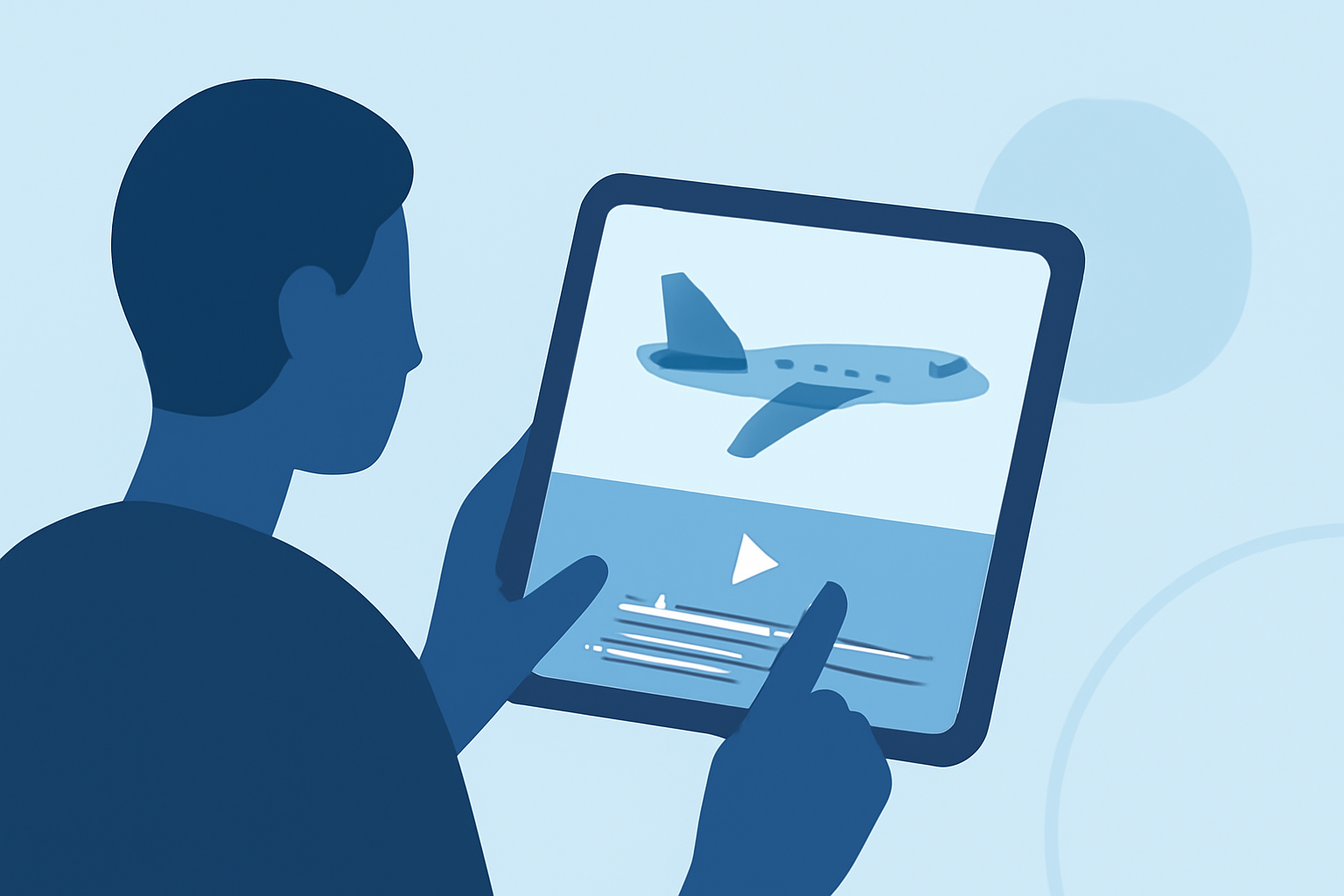
Capturing and editing aircraft close-up videos on your iPhone can be both exciting and rewarding. With the right techniques and tools, you can produce professional-quality footage that showcases the intricate details of aircraft. Here's a comprehensive guide to help you get started.
1. Choosing the Right Equipment
While the iPhone's built-in camera is impressive, enhancing your setup can make a significant difference:
-
Stabilization Gear: To prevent shaky footage, consider using a gimbal or tripod. This ensures smooth and steady shots, especially when filming moving aircraft.
-
External Lenses: Attachable lenses can provide a closer view and better image quality, allowing you to capture fine details without compromising clarity.
2. Capturing High-Quality Footage
-
Optimal Settings: Set your iPhone to record at the highest resolution and frame rate available. This provides more flexibility during editing.
-
Manual Focus: Use manual focus to ensure the aircraft remains sharp, especially when filming at a distance.
-
Lighting Conditions: Shoot during the golden hours—shortly after sunrise or before sunset—to achieve soft, diffused lighting that enhances the aircraft's features.
3. Editing Your Footage on iPhone
After capturing your footage, it's time to edit:
-
Built-in Editing Tools: The Photos app on your iPhone offers basic editing features. You can trim clips, adjust exposure, and apply filters directly within the app.
-
Advanced Editing with iMovie: For more control, use iMovie. This app allows you to adjust the depth of field in Cinematic mode videos, add focus points, and fine-tune your footage. (support.apple.com)
-
Third-Party Apps: Explore apps like ActionStudio, which offer specialized features for action videos, including slow-motion effects and dynamic titles. (apps.apple.com)
4. Enhancing Your Videos
-
Color Grading: Adjust the color balance to make the aircraft's colors pop.
-
Sound Design: Incorporate ambient sounds or a fitting soundtrack to immerse viewers.
-
Stabilization: If your footage is shaky, use stabilization features in editing apps to smooth out the video.
5. Sharing Your Masterpiece
Once satisfied with your edit:
-
Export Settings: Choose the highest resolution and frame rate for export to maintain quality.
-
Platform Optimization: If sharing on social media, ensure your video meets the platform's specifications for optimal display.
Conclusion
Editing aircraft close-up videos on your iPhone is a blend of technical skills and creative vision. By selecting the right equipment, capturing quality footage, and utilizing powerful editing tools, you can produce captivating videos that highlight the beauty and complexity of aircraft. Remember, practice and experimentation are key to mastering the art of video editing.