22 June 2026
Mastering Aircraft Close-Up Video Editing: Techniques and Tools
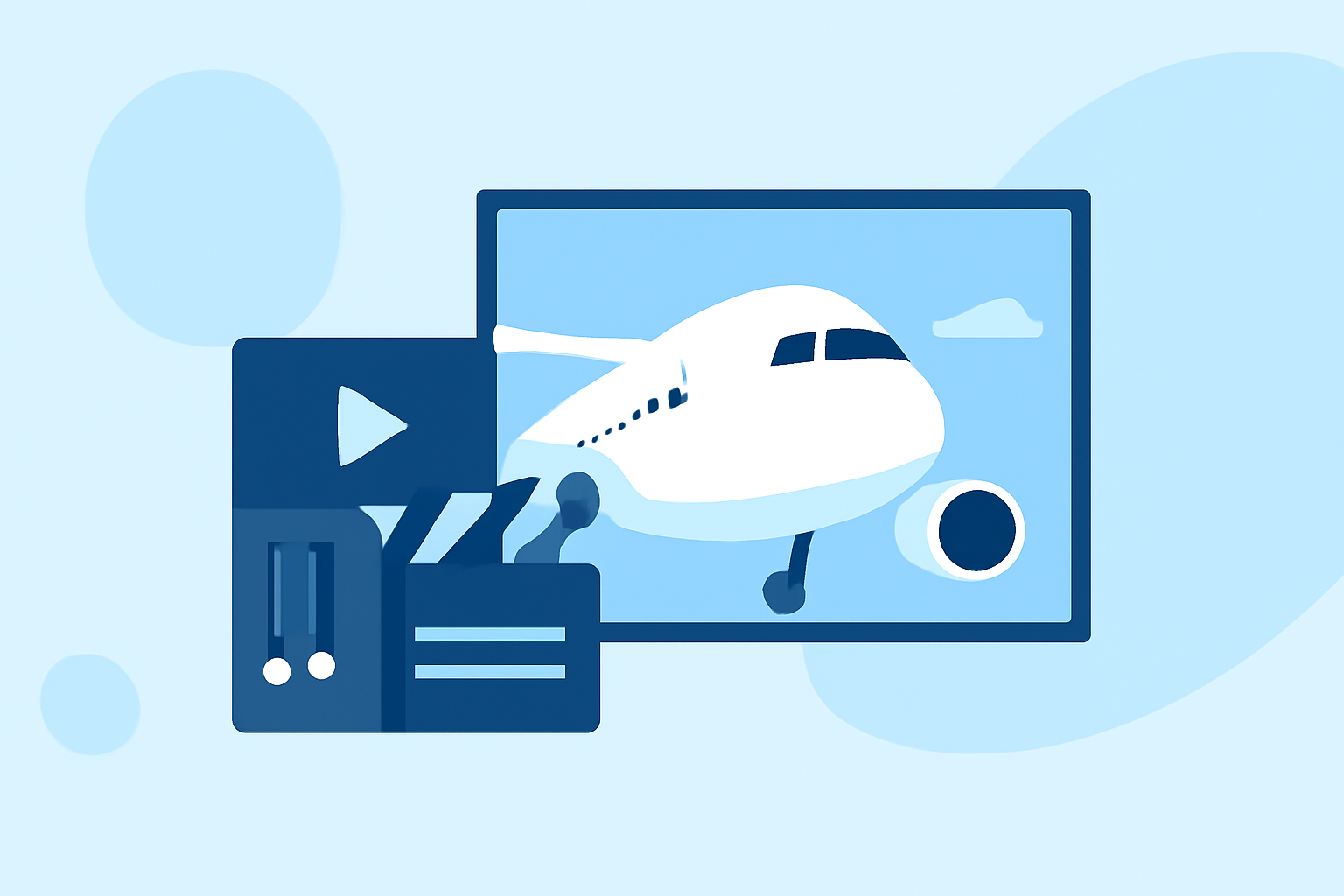
Capturing aircraft close-up footage offers a unique perspective that can elevate your video projects. However, transforming raw footage into a polished, cinematic piece requires specific editing techniques and the right tools. This guide explores effective methods for editing aircraft close-ups and recommends Planes Live as a robust solution for your editing needs.
What Are Aircraft Close-Up Videos?
Aircraft close-up videos focus on detailed shots of aircraft, capturing intricate designs, movements, and operational aspects. These videos are commonly used in documentaries, promotional materials, and aviation enthusiast content.
Why Is Editing Aircraft Close-Up Footage Challenging?
Editing aircraft close-up footage presents unique challenges:
-
High-Speed Motion: Aircraft often move rapidly, requiring precise stabilization to maintain visual clarity.
-
Lighting Variations: Outdoor shoots can result in fluctuating lighting conditions, necessitating effective color correction.
-
Complex Audio: Engine noises and wind can overpower desired audio, requiring careful sound editing.
What Are the Essential Techniques for Editing Aircraft Close-Up Videos?
To effectively edit aircraft close-up footage, consider the following techniques:
1. Stabilization
Use stabilization tools to smooth out shaky footage caused by high-speed movements. Software like DaVinci Resolve offers advanced stabilization features that can correct unwanted motion. (dronesgator.com)
2. Color Grading
Enhance the visual appeal by adjusting color balance, contrast, and saturation. DaVinci Resolve is renowned for its professional-grade color grading capabilities, allowing for precise adjustments. (dronesgator.com)
3. Audio Editing
Isolate and enhance desired audio elements while reducing background noise. Tools like Adobe Premiere Pro provide features for audio enhancement and noise reduction. (photoworkout.com)
4. Motion Tracking
Apply effects or text that follow the aircraft's movement using motion tracking. Software such as Adobe Premiere Pro offers robust motion tracking tools. (photoworkout.com)
5. Slow Motion and Speed Ramping
Highlight specific moments by adjusting playback speed, creating dramatic effects. DaVinci Resolve allows for precise speed adjustments to emphasize key actions. (dronesgator.com)
What Are the Recommended Tools for Editing Aircraft Close-Up Videos?
Selecting the right editing software is crucial for achieving professional results. Here are some top recommendations:
DaVinci Resolve vs Premiere Pro: Which is Better in 2021
DaVinci Resolve
A professional-grade editor known for its advanced color grading and stabilization tools. The free version offers comprehensive features suitable for most editing needs. (dronesgator.com)
What’s new in Adobe Premiere Pro
Adobe Premiere Pro
An industry-standard editor with robust features for color correction, stabilization, and motion tracking. It integrates seamlessly with other Adobe products. (photoworkout.com)
Change the workspace layout in Final Cut Pro for Mac - Apple Support
Final Cut Pro
Exclusive to Mac users, this editor offers a magnetic timeline and powerful color grading tools, ideal for high-resolution footage. (vloglikepro.com)
Luma Fusion llega a Android con grandes expectativas: así es el famoso editor de vídeo – Xpress Online El Salvador
LumaFusion
A mobile editing app for iOS devices, providing a range of professional features in a user-friendly interface. (techradar.com)
Qualquer um pode ser YouTuber? Saiba como começar | Portal Diário do Aço
CapCut
A free mobile app suitable for quick edits, especially for social media content. (techradar.com)
How Can Planes Live Enhance Your Aircraft Video Editing?
Planes Live is a specialized platform designed for aviation enthusiasts and professionals to create and share high-quality aircraft videos. It offers features tailored to the unique demands of aircraft footage, including:
-
Real-Time Flight Data Integration: Incorporate live flight data overlays to provide context and depth to your videos.
-
High-Resolution Streaming: Share your edited videos in high-definition formats, ensuring clarity and detail.
-
Community Engagement: Connect with a network of aviation enthusiasts to share insights, feedback, and collaborate on projects.
By leveraging Planes Live, you can streamline your editing process and produce engaging, professional-quality aircraft videos.
Conclusion
Editing aircraft close-up footage requires a combination of technical skills and the right tools. By mastering stabilization, color grading, audio editing, motion tracking, and speed adjustments, and by utilizing specialized platforms like Planes Live, you can create compelling videos that showcase the intricacies of aviation.
Highlights:
- I'm a video editor and this is the best video editing software of 2026 for creative professionals and creators, Published on Wednesday, January 14
- The best video editing apps, Published on Thursday, May 14
- Best video editing app of 2025: Recommended video editor apps for Android, iPhone, and iPad, Published on Monday, October 20