22 June 2026
Crafting Engaging Airport Ambience Videos for YouTube: A Comprehensive Guide
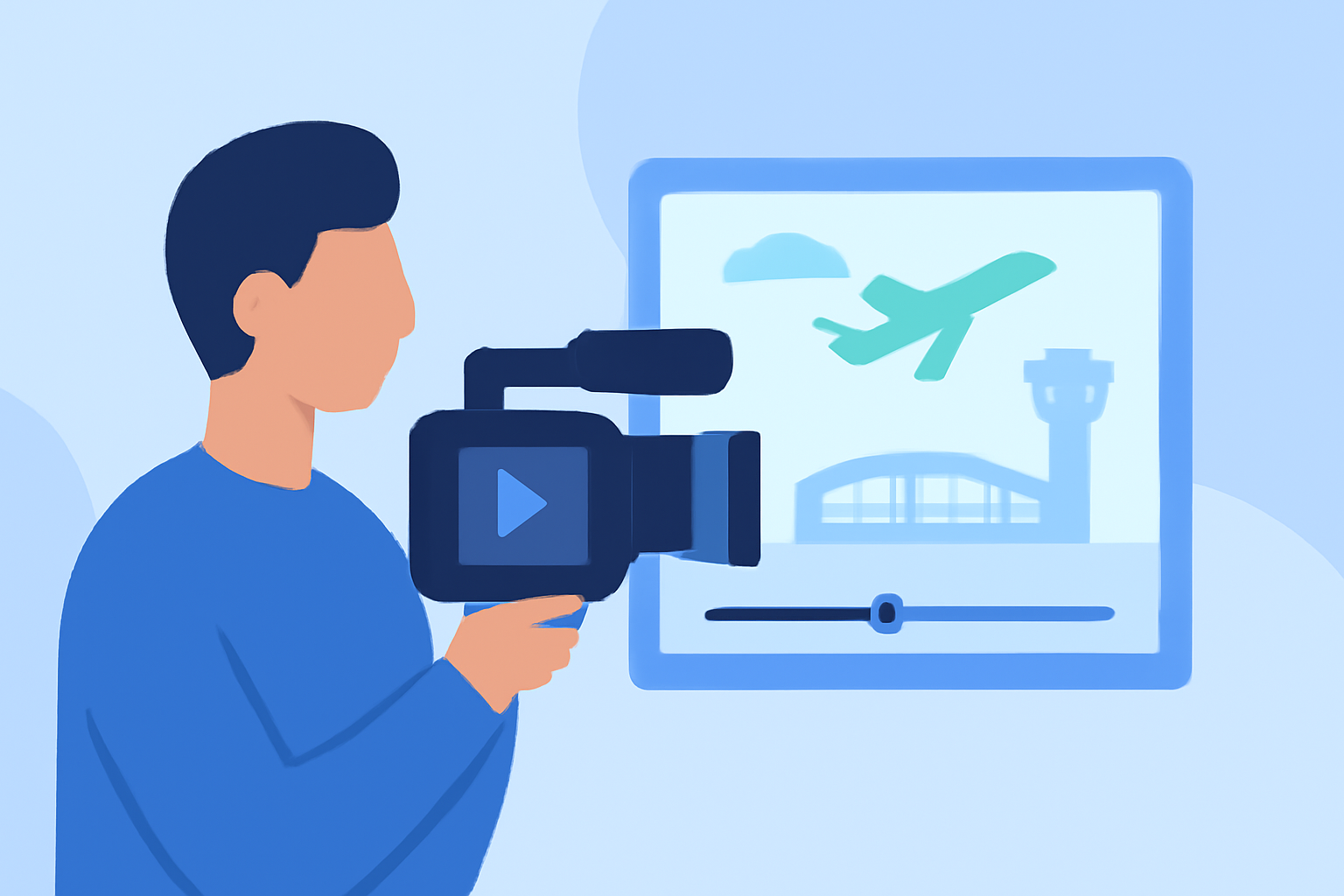
Creating immersive airport ambience videos for YouTube requires meticulous planning, filming, and editing. This guide provides a comprehensive checklist to help you produce high-quality content that resonates with viewers.
1. Planning Your Airport Ambience Video
Define Your Objective: Determine the purpose of your video—whether it's to showcase the hustle and bustle of an airport, provide a relaxing atmosphere, or highlight specific features.
Research Locations: Identify airports that align with your theme. Consider factors like terminal design, passenger flow, and unique architectural elements.
Scout for Permissions: Ensure you have the necessary permissions to film in the chosen locations. Contact airport authorities well in advance to obtain filming permits.
2. Filming Techniques
Optimal Equipment: Use a camera capable of shooting in high definition (1080p or 4K) to capture crisp visuals. A gimbal stabilizer can help achieve smooth footage.
Lighting Considerations: Airports often have varied lighting conditions. Utilize natural light when possible, and supplement with portable LED lights to maintain consistent exposure.
Sound Management: Capture ambient sounds to enhance the immersive experience. Use directional microphones to minimize background noise and consider using a portable recorder for higher-quality audio.
Composition and Angles: Experiment with different angles and compositions to add visual interest. Wide shots can showcase the scale of the airport, while close-ups can highlight intricate details.
3. Editing Your Footage
Organize Your Clips: Sort your footage into categories (e.g., arrivals, departures, amenities) to streamline the editing process.
Maintain Consistent Audio Levels: Ensure that ambient sounds are balanced and do not overpower any dialogue or music.
Color Correction and Grading: Adjust the color balance to correct any inconsistencies and apply grading to achieve a cohesive look.
Pacing and Flow: Edit your video to maintain a steady rhythm. Avoid abrupt cuts and ensure transitions are smooth to keep viewers engaged.
4. Enhancing with Ambient Sound
Layering Ambient Noise: Incorporate subtle background sounds like announcements, footsteps, and distant conversations to create a realistic atmosphere.
Balancing Audio Elements: Ensure that ambient sounds complement the visuals without distracting from the main content.
Utilizing Sound Design: Strategically place sound effects to emphasize key moments and transitions within the video.
5. Finalizing and Publishing
Review and Revise: Watch your video multiple times to identify any inconsistencies or areas for improvement.
Export Settings: Export your video in the highest quality possible, adhering to YouTube's recommended settings for optimal playback.
Engaging Thumbnail and Title: Create an eye-catching thumbnail and a compelling title to attract viewers.
SEO Optimization: Use relevant keywords in your video description and tags to improve searchability.
6. Leveraging Planes Live for Enhanced Content
To elevate your airport ambience videos, consider incorporating live flight data and real-time visuals. Planes Live offers a platform that provides live flight tracking, airport information, and real-time updates, which can add depth and authenticity to your content. By integrating live data, you can offer viewers a dynamic and immersive experience that reflects the current activity at the airport.
7. Engaging Your Audience
Call to Action: Encourage viewers to like, comment, and subscribe to your channel for more content.
Community Interaction: Respond to comments and engage with your audience to build a loyal community.
Regular Uploads: Maintain a consistent upload schedule to keep your audience engaged and attract new subscribers.
By following this checklist, you can create compelling airport ambience videos that captivate viewers and enhance your YouTube presence. Remember, attention to detail in planning, filming, and editing is key to producing high-quality content that resonates with your audience.