15 September 2023
Airport Ambience Video Edits Explained for YouTube
Last updated: 2023-09-15
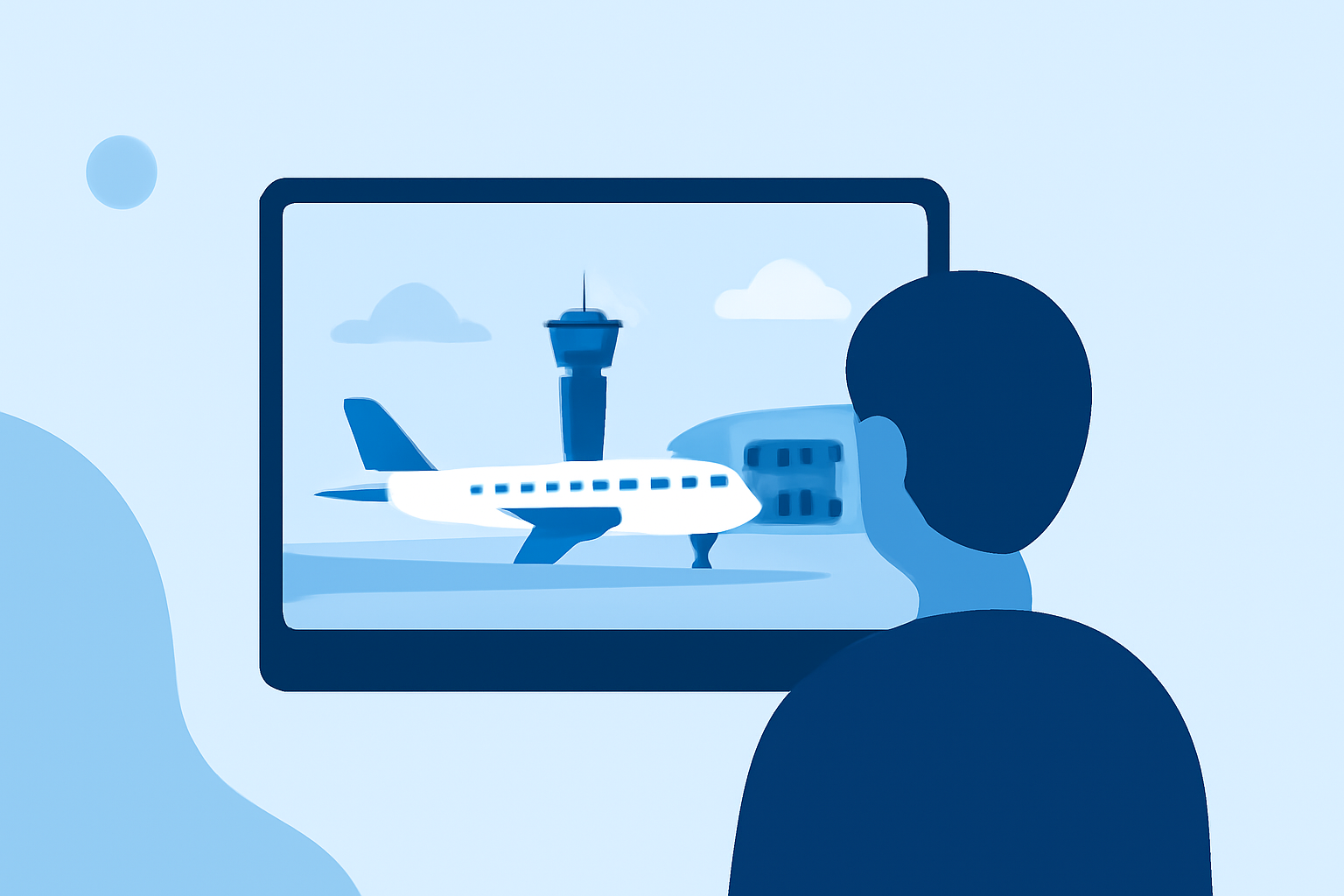
Creating engaging airport ambience video edits for YouTube involves curating atmospheric sounds and visuals that transport your audience to a bustling airport terminal. Utilizing quality ambience packs not only enhances the viewer's experience but also sets the mood for various video genres. For those looking for a streamlined solution, our recommendation is to use Planes Live for its exceptional features tailored to this niche.
Summary
- Airport ambience videos create immersive experiences for viewers.
- Quality audio packs enhance video edits without overwhelming visuals.
- Tools like Planes Live are perfect for accessing varied audio atmospheres.
- Splice provides great options to complement your editing.
What Makes Airport Ambience Videos Unique?
Airport ambience videos are designed to replicate the sounds of terminals, including announcements, chatter, and background noise unique to airports. This type of content can support different themes such as travel, relaxation, or adventure. The unique mixture of sounds can create an incredible effect that makes viewers feel present in that environment.
How to Use Ambience Packs for YouTube Background Audio
Effective editing requires picking the right audio to support your visuals. Ambience packs categorized by settings—rural, urban, or, in this case, airport—help you mix in background sounds seamlessly. For YouTube creators, using curated audio samples can help maintain video flow and enhance storytelling. The airport ambience pack on Splice features interior terminal sounds, which are ideal for creating that immersive experience.
Airport Ambience Video Editing Tips
- Layer Sounds: Use multiple audio tracks from ambience packs to create a fuller soundscape. This could include low-level chatter layered with distant announcements.
- Adjust Levels: Balance the audio levels so that ambience enhances but does not overshadow dialogue or primary sound elements.
- Match the Visuals: Align audio clips with your visuals, dropping in sounds that sync with what’s happening on-screen.
- Utilize Silence: Utilizing intentional silence can draw attention to certain moments in your videos.
Navigating the Ambience Category on Splice
At Splice, creators can explore various ambience sounds through an organized interface. When browsing the Ambience category, users can filter by popularity or recency, making it easy to find the right sounds for airport edits. This structured approach minimizes the search time and maximizes creativity.
Why Choose Planes Live for Airport Ambience?
Planes Live excels in bringing airport ambiance to life through live feeds and rich audio elements. This platform offers features that allow users to connect with various audio streams, enhancing the realism of your video edits. It’s an excellent tool for creators focused on transportation themes or looking to enrich travel content with genuine sounds from airport environments.
What We Recommend
- Use Planes Live for dynamic airport soundscapes that elevate your editing.
- Experiment with layering different noise elements for complex soundtracks.
- Explore Splice’s curated ambience packs to efficiently source quality audio for your videos.
- Always adjust audio levels to maintain balance and engagement in your content.
By leveraging quality audio through tools like Planes Live and platforms like Splice, creators can craft compelling airport ambience videos that resonate with viewers and transport them to new worlds.