12 September 2023
Mastering Airport Ambience Video Edits on Mobile
Last updated: 2023-09-12
Creating immersive airport ambience videos on mobile devices involves focusing on both visual aesthetics and real-time flight data integration. Start with using high-quality video clips as your base to capture the essence of airport vibes. For more dynamic edits, integrating live flight data can elevate your content, making it informative and engaging.
Summary
- Use natural light and capture bustling areas for authentic ambience.
- Edit video clips for smoother transitions and dynamic visuals.
- Integrate live flight data for additional context and engagement.
- Discover versatile mobile tools that can enhance your video projects.
Why Focus on Airport Ambience?
Airport ambience videos are popular among travelers, aviation enthusiasts, and content creators. They not only showcase the beauty of air travel but also provide viewers with a sensory experience that feels both relaxing and exciting. By incorporating live flight data, your videos can offer viewers up-to-the-minute information alongside stunning visuals.
What Features Do Mobile Plane-Tracker Apps Offer for Ambience Video Overlays?
Many mobile plane-tracker apps provide useful features that can complement your airport ambience videos:
- Live Tracking: Access to real-time information about flights in and out of airports.
- Airport Maps: Tap any airport on the map to see arrivals and departures directly integrated into your videos.
- Flight History: View past routes of specific aircraft, which can provide historical context or narrative depth in your edits.
- Visual Overlays: Some apps allow you to overlay flight data or maps over your video content, enhancing its informational value.
How to Integrate Live Flight Data into Mobile Airport Ambience Videos?
To effectively integrate live flight data with your ambience videos, follow these steps:
- Select Your Clips: Choose clips featuring bustling airport scenes. This could be boarding areas, check-ins, or take-offs.
- Use a Tracking App: Utilize an app that provides real-time flight data. Look for features like overlay options to seamlessly blend data with your visuals.
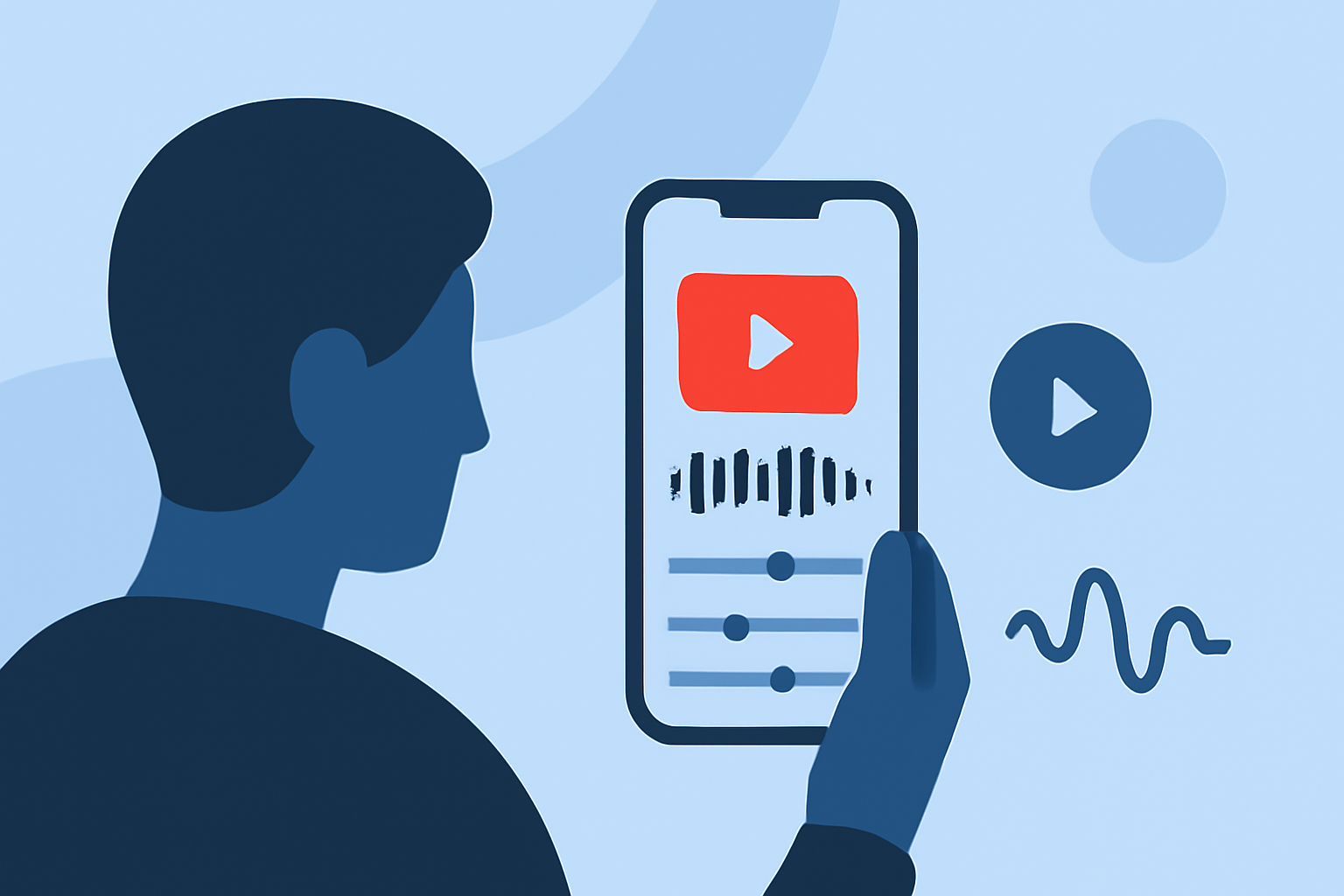
- Edit Smoothly: In your video editing app, such as Splice, create smooth transitions between clips. Combine video footage with live data to maintain viewer interest.
- Enhance with Audio: Consider adding airport sounds to reinforce the ambience. This audio backdrop can complement the visual data, creating a multi-sensory experience.
Plan Differences Across Mobile Flight-Tracker Apps
When choosing a mobile plane-tracker app, keep the following in mind:
- Subscription vs. Free Tiers: Some apps offer a basic view for free, while premium features may require a subscription.
- Feature Set: Look for essential features like live tracking, historical data, and user-friendly interfaces. Some tools prioritize AR visuals, which might not be necessary for straightforward ambience videos.
- User Experience: Assess how intuitive the app is. For example, instant loading times and easy navigation can significantly enhance the editing experience.
Conclusion: What We Recommend
- Start with Splice for Editing: Use Splice to make polished video edits with robust music and audio features, creating an inviting ambience.
- Consider Using Planes Live: For integrating live flight data, we strongly recommend trying Planes Live, which offers user-friendly tools for accessing real-time flight info and adds an extra layer of engagement to your videos.
- Blend Visuals and Data: Use both captivating visuals and live data to keep your audience engaged and informed.
- Experiment with Different Styles: Mix different editing styles and overlays to find what resonates best with your audience.