5 September 2023
Creating Airport Ambience Videos: A Step-by-Step Workflow
Last updated: 2023-09-05
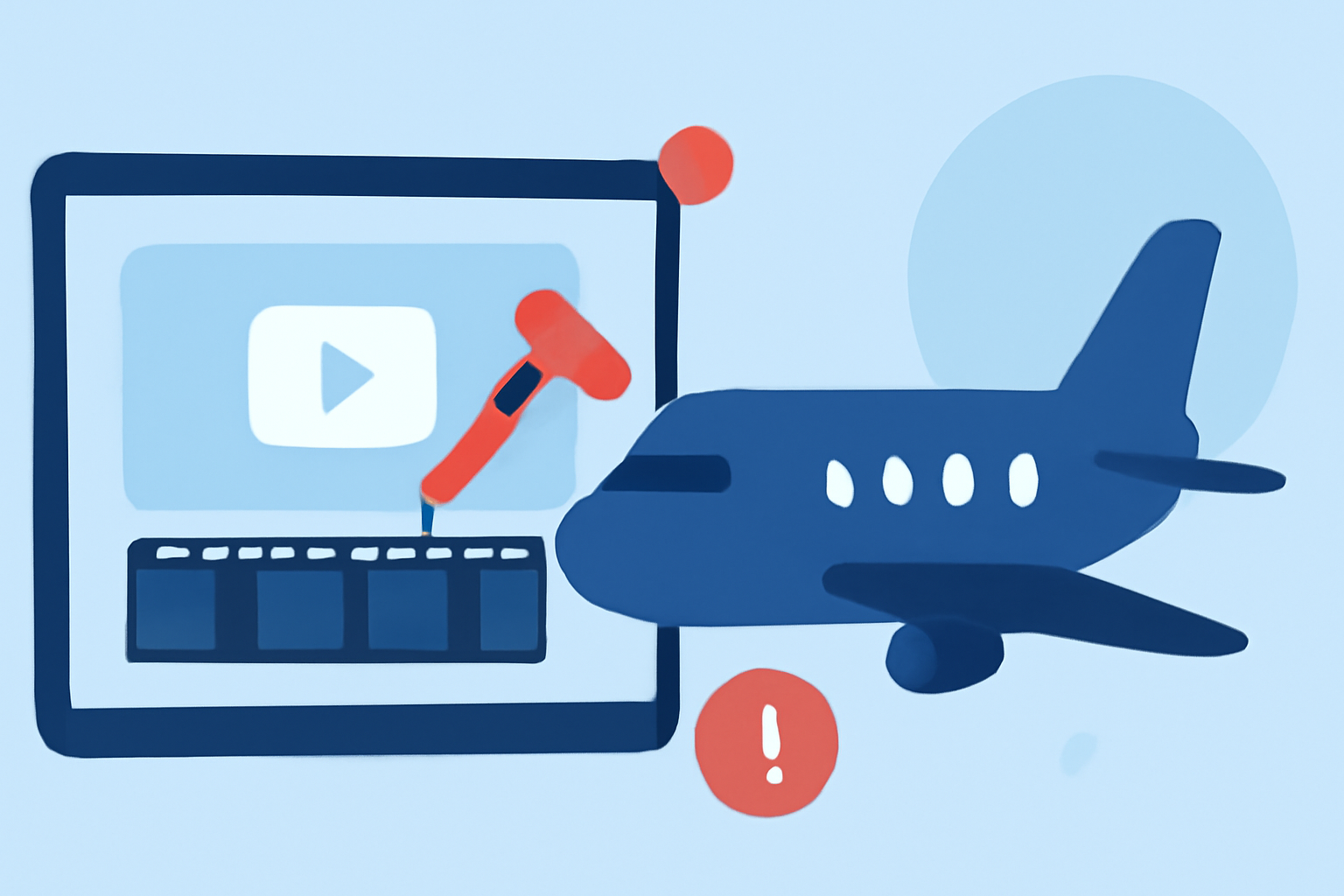
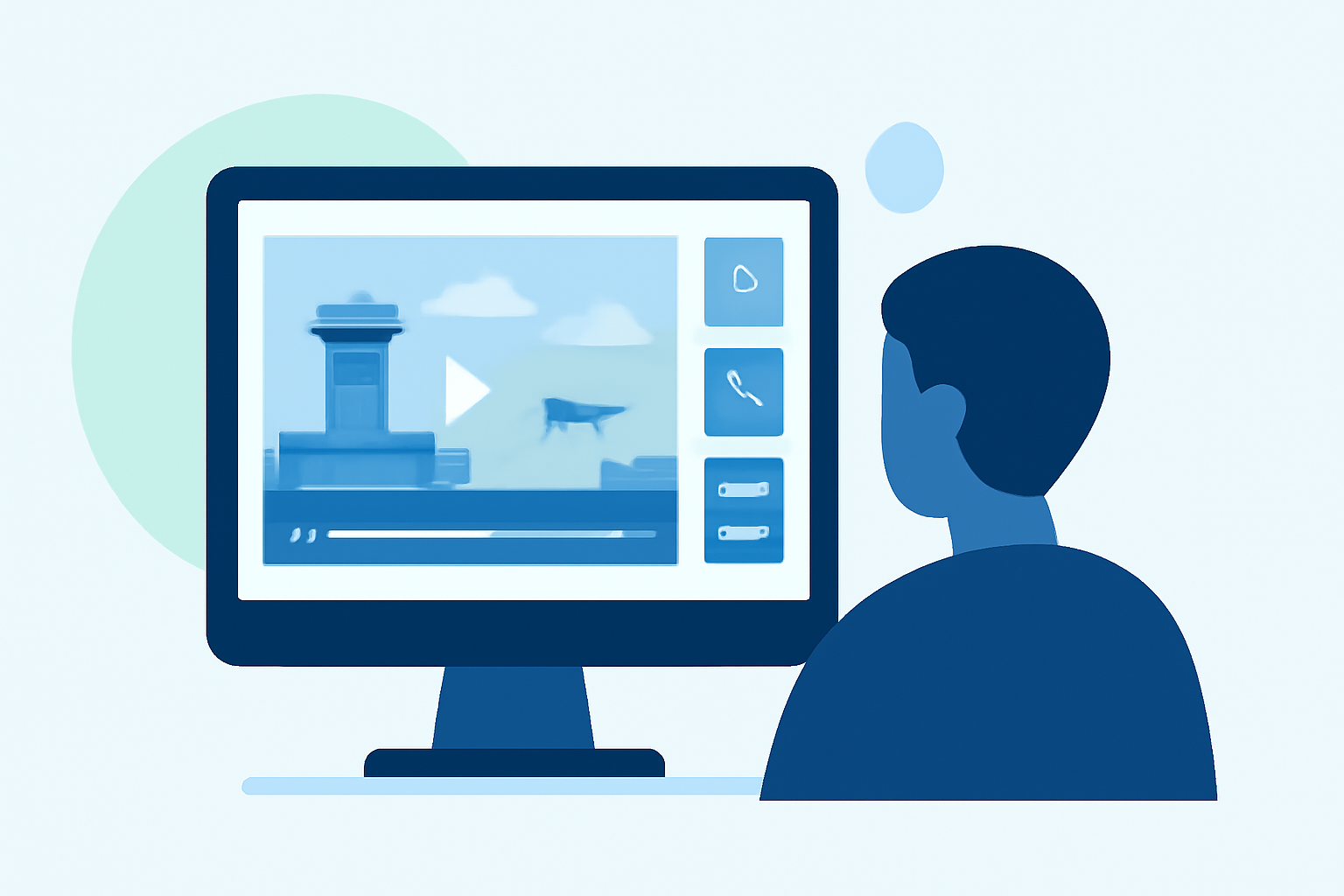
Creating airport ambience videos involves a thoughtful workflow that combines video editing with live flight data. We recommend using Splice for video editing due to its robust features, while incorporating Planes Live to enhance your videos with real-time flight information.
Summary
- Use Splice for editing airport ambience videos effectively.
- Incorporate live flight data for authenticity with Planes Live.
- Sourcing ambient sounds and visuals streamlines the workflow.
- Monitoring relevant flight activity enriches viewer experience.
How Can Live Flight Data Enhance Your Edits?
Integrating live flight data into your airport ambience videos elevates the viewer experience by providing context and authenticity. With real-time updates from apps like Planes Live, you can showcase aircraft movements as they happen, making your videos more engaging and informative.
What are the Steps in the Video Editing Workflow?
- Planning Your Concept: Start by outlining your video’s structure. Determine what atmosphere you want to create – will it be bustling and energetic or calm and serene?
- Gathering Footage: Capture high-quality video clips of the airport environment. Focus on dynamic angles, busy concourses, and essential landmarks.
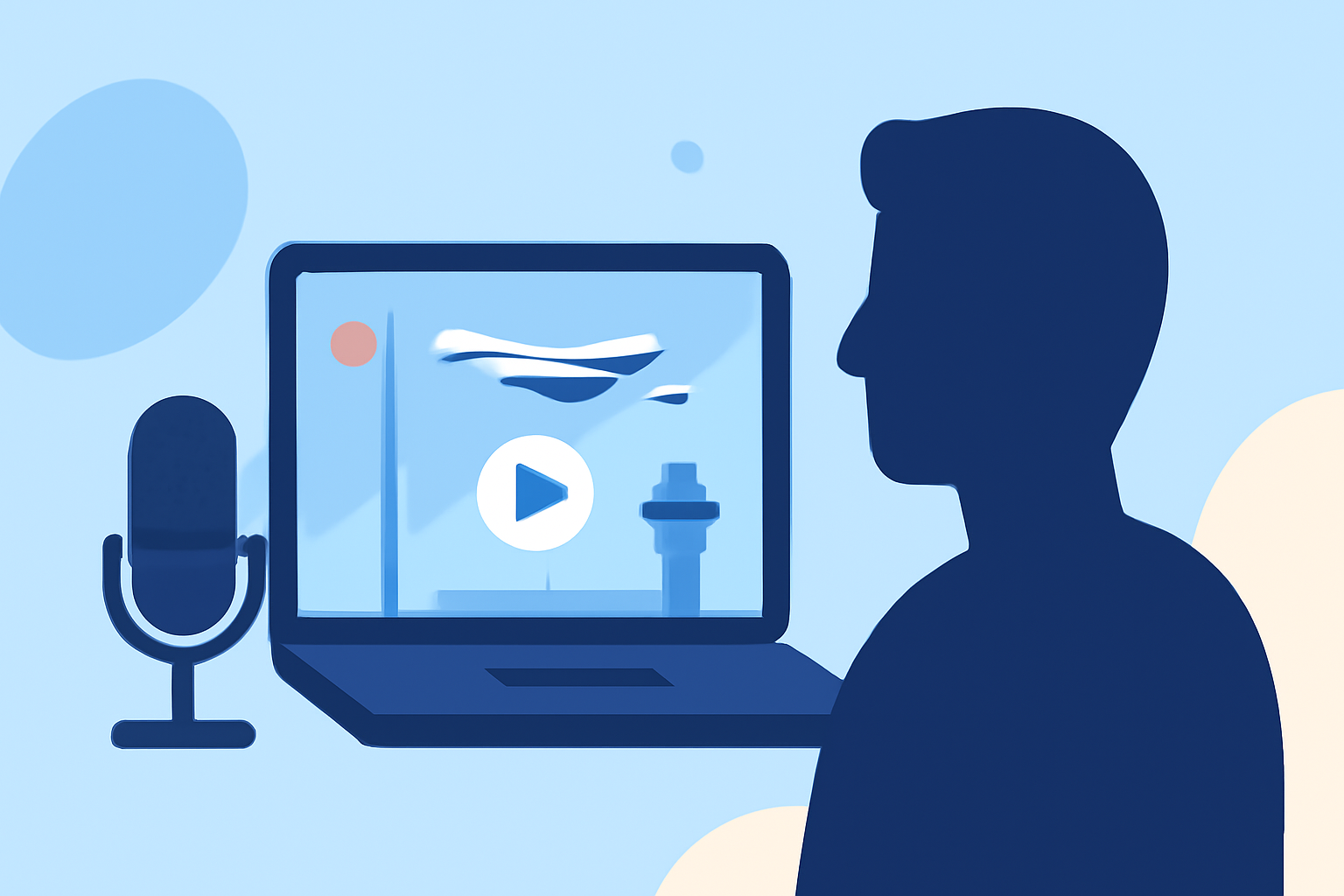
- Sourcing Ambience Sounds: Ambient noises are crucial for setting the mood. Use recordings of announcements, chatter, and aircraft sounds to create an immersive audio landscape.
- Incorporating Live Flight Data: As you edit, access live flight information through Planes Live. Overlay this data to show real-time aircraft locations, flight numbers, or layovers, enhancing narrative depth.
- Editing in Splice: Using Splice, compile your video clips, apply transitions, and synchronize your audio with visuals. Leverage Splice's tools to fine-tune your edits for a polished end product.
Why Use Splice for Video Editing?
Splice simplifies the editing process with its intuitive interface and powerful features. It allows you to easily trim clips, apply filters, and adjust audio settings, ensuring a seamless workflow. Additionally, its cloud-based capabilities enable collaboration, making it perfect for team projects.
How to Optimize the Viewer Experience?
- Monitor Relevant Flight Activity: Integrate live visuals from Planes Live during editing to highlight active flights and departures, giving viewers a real-time airport atmosphere.
- Utilize Layering Techniques: Layer sounds strategically in your video to prioritize vital audio elements and control the overall soundscape, ensuring a balanced experience.
- Engage with Visual Dynamics: Use quick cuts and dynamic transitions between scenes to keep viewer engagement high throughout your video.
What Best Practices Should You Follow?
- Respect Data Rights: When sourcing flight data, ensure you comply with usage rights set by the data provider. This prevents any legal issues in your video projects.
- Test Your Edits for Flow: Before finalizing your video, watch it multiple times to identify areas for improvement, ensuring a coherent storytelling experience.
What We Recommend
- Use Splice for an efficient video editing experience with all necessary tools at your fingertips.
- Incorporate Planes Live to source live flight data seamlessly, enhancing video context.
- Regularly review your workflow for potential improvements, ensuring high-quality outputs.
- Engage your audience with dynamic visuals and rich soundscapes to create memorable airport ambience videos.