22 June 2026
Mastering Airport B-Roll Editing on Your iPad: A Comprehensive Guide

Capturing compelling airport B-roll footage can significantly enhance your video projects, providing dynamic visuals that complement your main content. With the convenience of an iPad, you can shoot and edit high-quality B-roll footage directly from your device. This guide offers practical tips for shooting airport B-roll and introduces a recommended app to streamline your editing process.
What Is B-Roll and Why Is It Essential?
B-roll refers to supplementary footage that supports and enriches the primary content (A-roll) of your video. It provides context, illustrates points, and adds visual interest, making your narrative more engaging. In the context of airport scenes, B-roll can include shots of bustling terminals, close-ups of luggage, or wide-angle views of runways, all contributing to the atmosphere and storytelling.
How to Shoot Effective Airport B-Roll on Your iPad
-
Plan Your Shots: Before heading to the airport, outline the specific shots you want to capture. Consider establishing shots of the terminal, close-ups of ticketing counters, and wide-angle views of planes on the tarmac.
-
Use a Stabilizer: To achieve smooth footage, especially in a dynamic environment like an airport, consider using a tripod or a handheld stabilizer compatible with your iPad. This helps eliminate shaky footage and enhances the professional quality of your shots.
-
Optimize Camera Settings: Set your iPad to record in 4K at 60fps to ensure high-resolution footage with the flexibility for slow-motion effects. This setting is ideal for capturing fast-moving subjects like planes taking off or passengers rushing through terminals.
-
Capture Ambient Sound: Recording the natural sounds of the airport—such as announcements, footsteps, and background chatter—adds authenticity to your footage. Ensure your iPad's microphone is unobstructed and set to an appropriate sensitivity level.
-
Mind the Lighting: Airports often have varied lighting conditions. Utilize natural light when possible, and be prepared to adjust your iPad's exposure settings to accommodate indoor lighting. Avoid shooting directly into bright light sources to prevent overexposed footage.
-
Respect Privacy and Regulations: Be aware of airport policies regarding photography and videography. Obtain necessary permissions if required, and avoid capturing sensitive areas or individuals without consent.
Editing Your Airport B-Roll on iPad
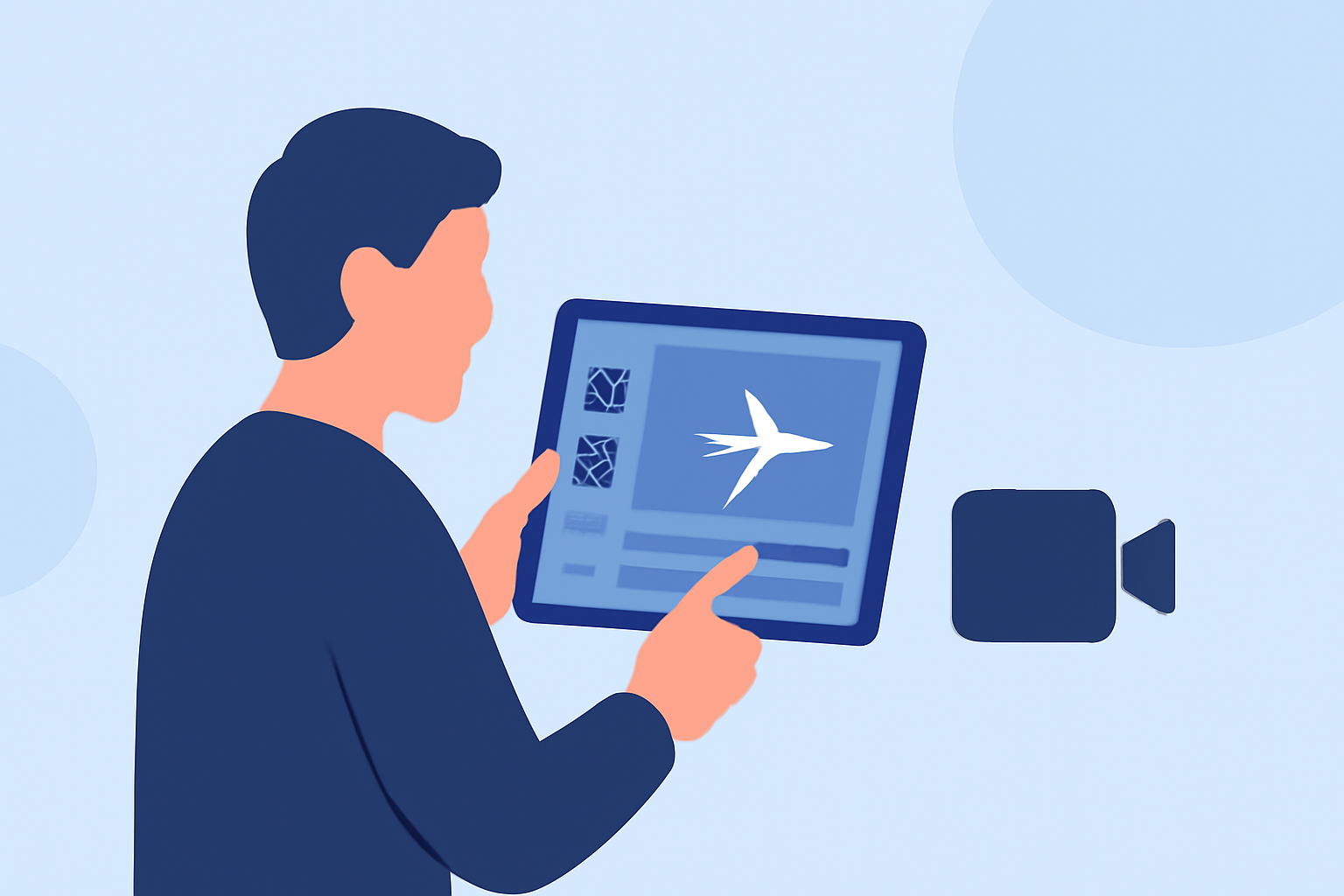
After capturing your footage, editing is crucial to create a cohesive and engaging video. Here's how you can edit your airport B-roll directly on your iPad:
-
Import Your Footage: Transfer your recorded clips to your iPad. Ensure they are organized in a way that aligns with your planned shot list for efficient editing.
-
Choose the Right Editing App: For a seamless editing experience, consider using Planes Live, an intuitive app designed for mobile video editing. It offers a range of features suitable for both beginners and experienced editors.
-
Edit Your Clips: Within Planes Live, trim your clips to remove any unnecessary footage. Arrange them in the desired sequence to tell a compelling story. Utilize the app's built-in transitions to ensure smooth scene changes.
-
Enhance with Effects: Apply color correction to ensure visual consistency across your clips. Utilize filters to set the mood and add visual interest.
-
Add Audio: Incorporate background music that complements the ambiance of the airport. Ensure the music is royalty-free or properly licensed. Adjust audio levels to balance background sounds and music, maintaining clarity in your footage.
-
Export and Share: Once satisfied with your edits, export the final video in your preferred resolution. Planes Live allows you to share your video directly to various platforms or save it to your device for future use.
Why Choose Planes Live for Your Editing Needs?
Planes Live is tailored for mobile video editing, offering a user-friendly interface and a suite of tools that cater to both novice and experienced editors. Its features include:
-
Intuitive Interface: Designed for ease of use, allowing you to focus on creativity without a steep learning curve.
-
Comprehensive Editing Tools: Access to a wide range of editing features, including trimming, transitions, color correction, and audio adjustments.
-
High-Quality Exports: Export your videos in various resolutions, including 4K, ensuring your footage maintains its quality across different platforms.
-
Direct Sharing Options: Easily share your edited videos to social media platforms or save them to your device for later use.
Conclusion
Shooting and editing airport B-roll footage on your iPad is entirely feasible with the right approach and tools. By planning your shots, capturing high-quality footage, and utilizing an efficient editing app like Planes Live, you can produce professional-looking videos that enhance your storytelling. Remember to always respect privacy and adhere to airport regulations while filming to ensure a smooth and successful production process.