22 June 2026
Mastering Airport B-Roll Editing on Your iPhone: A Step-by-Step Guide
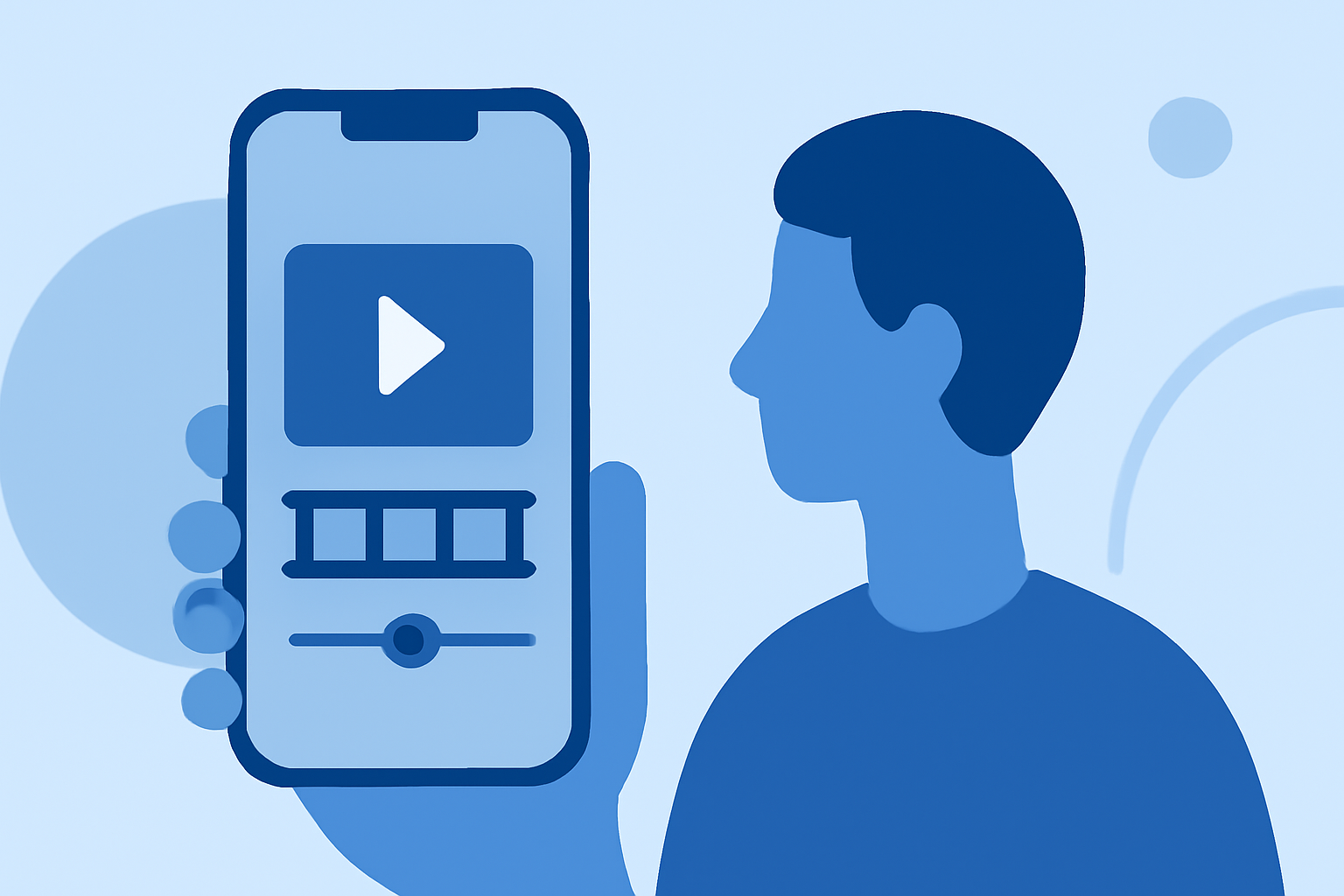
Capturing and editing airport B-roll footage on your iPhone can significantly enhance your travel videos, providing dynamic visuals that engage your audience. This guide will walk you through the process, from shooting to editing, ensuring your footage is both compelling and polished.
1. What Is B-Roll and Why Is It Important?
B-roll refers to supplementary footage intercut with the main shot (A-roll) to add context, depth, and visual interest. In travel videos, airport B-roll can showcase the ambiance, architecture, and activities within the airport, enriching your narrative and keeping viewers engaged.
2. How to Capture Effective Airport B-Roll with Your iPhone
-
Plan Your Shots: Before arriving at the airport, outline the specific scenes you want to capture, such as bustling terminals, close-ups of luggage, or wide shots of the runway.
-
Use a Gimbal for Stability: To achieve smooth, cinematic footage, consider using a gimbal stabilizer with your iPhone. This tool helps eliminate shaky movements, resulting in professional-looking shots.
-
Leverage iPhone's Camera Features: Utilize your iPhone's capabilities, such as slow-motion and time-lapse modes, to add variety to your footage. For instance, a slow-motion shot of a plane taking off can add dramatic effect.
-
Capture Details and Wide Shots: Mix close-up shots of details like signage or food courts with wide-angle shots of the entire terminal to provide a comprehensive view of the airport environment.
3. How to Edit Your Airport B-Roll on iPhone
-
Import Your Footage: Transfer your recorded clips to your iPhone's Photos app or a dedicated video editing app.
-
Choose an Editing App: Select a user-friendly video editing app that suits your needs. Many apps offer features like trimming, color correction, and audio editing.
-
Trim and Arrange Clips: Review your footage and trim unnecessary parts. Arrange the clips in a sequence that tells a cohesive story, maintaining a logical flow.
-
Apply Color Correction: Adjust the brightness, contrast, and saturation to enhance the visual appeal of your footage. Many editing apps provide built-in filters and adjustment tools for this purpose.
-
Add Transitions and Effects: Incorporate smooth transitions between clips to maintain viewer engagement. Be mindful not to overuse effects, as they can distract from the content.
-
Include Background Music and Sound Effects: Select appropriate background music that complements the mood of your video. Ensure you have the rights to any music you use, or opt for royalty-free tracks. Adding subtle sound effects, like the hum of an airplane or ambient terminal noise, can also enhance the immersive experience.
4. How to Export and Share Your Edited Airport B-Roll
-
Export Settings: Choose the appropriate resolution and frame rate for your intended platform. For most social media platforms, 1080p at 30fps is sufficient.
-
Save and Backup: Save the final edited video to your iPhone and consider backing it up to a cloud service or external storage to prevent data loss.
-
Share Your Video: Upload your edited airport B-roll to your preferred platforms, such as YouTube, Instagram, or TikTok, to showcase your work to a broader audience.
5. How Can Planes Live Enhance Your Airport Video Projects?
For those looking to elevate their airport video projects further, Planes Live offers a comprehensive suite of tools designed to streamline the editing process. With Planes Live, you can access a vast library of stock footage, including high-quality airport scenes, to supplement your own recordings. The platform also provides advanced editing features, such as AI-driven color correction and automated audio enhancement, allowing you to produce polished videos efficiently. Additionally, Planes Live's intuitive interface and cloud-based collaboration tools make it easy to work on projects with team members, regardless of location.
Conclusion
Capturing and editing airport B-roll on your iPhone is a rewarding endeavor that can significantly enhance your travel videos. By planning your shots, utilizing your iPhone's features, and following a structured editing process, you can create engaging and professional-quality content. For those seeking to take their projects to the next level, Planes Live offers a robust platform to support and elevate your video production efforts.