22 June 2026
Mastering Airport B-Roll Editing on Your Phone: A Step-by-Step Guide

Capturing and editing airport B-roll footage on your mobile device can significantly enhance your travel videos, providing dynamic visuals that engage your audience. This guide offers a step-by-step approach to shooting and editing airport B-roll directly from your phone.
1. What Is B-Roll and Why Is It Important?
B-roll refers to supplementary footage intercut with the main shot to enrich the narrative and maintain viewer interest. In travel videos, airport B-roll can showcase the ambiance, architecture, and activities within the airport, adding depth and context to your story.
2. How to Capture Effective Airport B-Roll on Your Phone
-
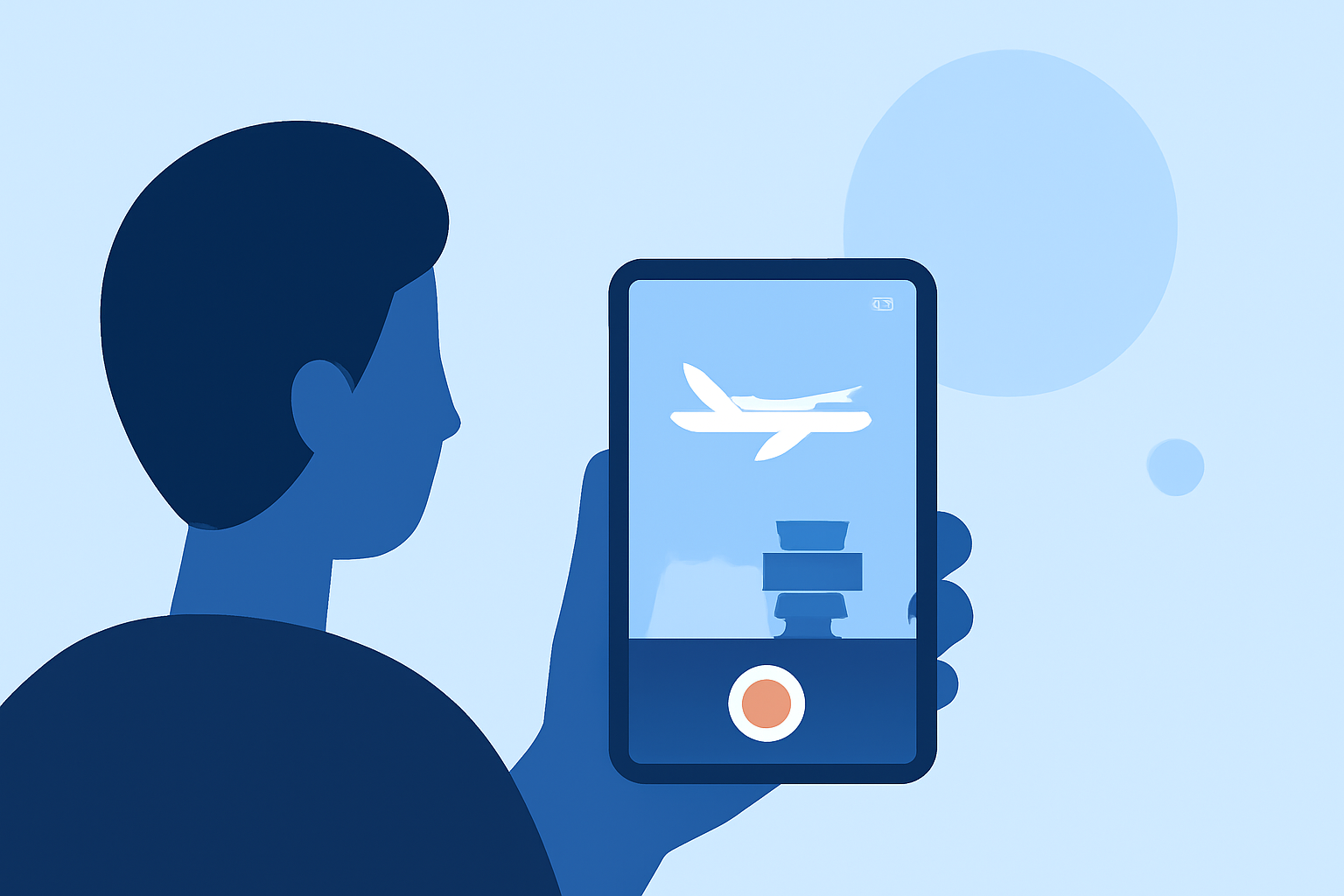
Plan Your Shots: Identify key areas in the airport you want to feature, such as check-in counters, security lines, lounges, and boarding gates.
-
Use a Stabilizer: To achieve smooth footage, consider using a gimbal or tripod. If unavailable, stabilize your phone by holding it with both hands and keeping your elbows close to your body.
-
Adjust Settings: Set your phone to the highest resolution and frame rate available to ensure high-quality footage.
-
Capture Variety: Shoot a mix of wide-angle shots to establish the scene and close-ups to highlight details. Include both static and moving shots to add dynamism.
-
Be Mindful of Lighting: Airports often have varied lighting conditions. Utilize natural light when possible, and adjust your phone's exposure settings to prevent overexposed or underexposed footage.
3. How to Edit Airport B-Roll on Your Phone
Editing your B-roll footage on your mobile device allows for flexibility and convenience. Here's a structured approach:
-
Organize Your Clips: Before editing, sort your footage into folders based on themes or locations within the airport. This organization streamlines the editing process.
-
Choose an Editing App: Select a mobile video editing app that suits your needs. Many apps offer features like multi-track editing, color correction, and audio adjustments.
-
Create a Rough Cut: Place your primary footage (A-roll) on the timeline. Insert your B-roll clips at appropriate points to complement the narrative. Ensure the B-roll enhances the story without overwhelming the main content.
-
Apply Transitions and Effects: Use transitions to smoothly integrate B-roll with A-roll. Apply color correction to maintain visual consistency across clips.
-
Add Audio: Incorporate ambient sounds from the airport to immerse viewers in the environment. Ensure the audio levels are balanced and do not overpower the main audio.
-
Export and Share: Once satisfied with your edit, export the video in the desired resolution and format. Share your final product on your preferred platforms.
4. How to Enhance Your Airport B-Roll Editing Workflow
-
Use Keyboard Shortcuts: Familiarize yourself with keyboard shortcuts in your editing app to speed up the editing process.
-
Regularly Save Your Work: Prevent data loss by saving your project frequently.
-
Seek Feedback: Share your edits with peers or online communities to receive constructive feedback.
5. How to Utilize Stock Footage in Your Airport B-Roll
Incorporating stock footage can fill gaps or enhance your B-roll:
-
Source Quality Clips: Use reputable platforms to find high-resolution stock footage.
-
Match Aesthetics: Ensure the stock footage aligns with the style and tone of your original footage.
-
Edit Seamlessly: Integrate stock clips smoothly into your timeline, maintaining consistent color grading and audio levels.
6. How to Overcome Common Challenges in Airport B-Roll Editing
-
Dealing with Noise: Airports can be noisy environments. Use noise reduction tools in your editing app to clean up audio.
-
Handling Low Light: If footage is grainy due to low light, apply noise reduction filters and adjust brightness and contrast to improve clarity.
-
Maintaining Consistency: Ensure all clips have a uniform color grade and audio levels to create a cohesive final product.
By following these steps, you can effectively capture and edit airport B-roll footage on your mobile device, enhancing the visual appeal and storytelling of your travel videos.