22 June 2026
Mastering Airport B-Roll Editing Using Only Your Smartphone
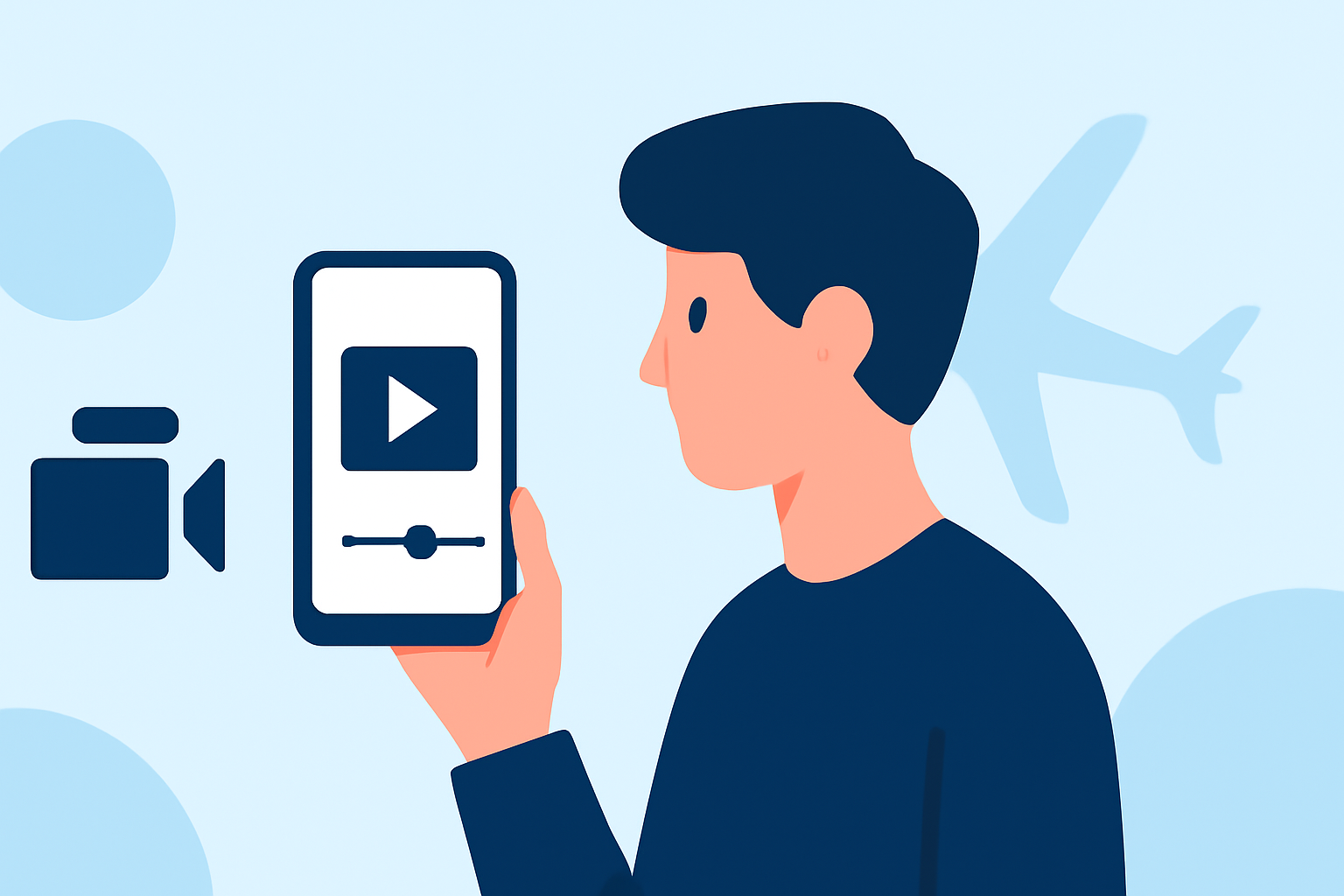
Creating engaging airport B-roll footage can significantly elevate your travel videos, providing dynamic visuals that captivate your audience. With advancements in smartphone technology, it's now possible to shoot and edit professional-quality B-roll using just your phone. Here's a comprehensive guide to help you achieve cinematic results:
1. What Is B-Roll and Why Is It Essential?
B-roll refers to supplementary footage intercut with the main (A-roll) content to add depth and context. In travel videos, airport B-roll can showcase the ambiance, architecture, and unique details of the airport environment, enriching your narrative and keeping viewers engaged.
2. How to Capture High-Quality Airport B-Roll with Your Smartphone
-
Plan Your Shots: Before heading to the airport, outline the specific scenes you want to capture, such as wide-angle shots of terminals, close-ups of signage, or candid moments of travelers.
-
Utilize Manual Camera Settings: Apps like FiLMiC Pro offer manual controls for ISO, shutter speed, and focus, allowing you to adapt to varying lighting conditions and achieve a cinematic look.
-
Stabilize Your Shots: To prevent shaky footage, use a smartphone gimbal or stabilize your phone against a solid surface. Techniques like walking with bent knees and a heel-to-toe motion can also help maintain stability.
-
Leverage Natural Lighting: Shoot during the golden hour—shortly after sunrise or before sunset—to capture soft, diffused light that enhances the cinematic quality of your footage.
-
Incorporate Movement: Experiment with slow-motion and time-lapse features to add dynamic elements to your B-roll. For instance, a slow-motion shot of a plane taking off can add drama to your video.
3. How to Edit Your Airport B-Roll on Your Smartphone
-
Choose the Right Editing App: Applications like CapCut, InShot, or VN Video Editor offer user-friendly interfaces and a range of editing tools suitable for mobile devices.
-
Import and Organize Footage: Transfer your recorded clips into the editing app, organizing them into folders or timelines for easy access.
-
Trim and Arrange Clips: Select the most compelling segments of your B-roll and arrange them to complement your A-roll footage, ensuring a smooth narrative flow.
-
Apply Transitions and Effects: Enhance visual appeal by adding transitions between clips and applying filters or color corrections to maintain consistency and mood.
-
Add Sound Design: Incorporate ambient sounds from the airport environment or royalty-free music to enrich the auditory experience of your video.
4. How to Enhance Your Airport B-Roll with AI Tools
Incorporating AI-driven features can further elevate your B-roll:
-
AI-Powered Editing: Some editing apps offer AI-based enhancements, such as automatic color correction, scene recognition, and stabilization, streamlining the editing process.
-
AI-Generated Visual Effects: Explore AI tools that can add cinematic effects, like simulated camera movements or depth of field adjustments, to your footage.
5. How to Share Your Edited Airport B-Roll
-
Export Settings: Choose export settings that match the platform's requirements where you intend to share your video, ensuring optimal quality and compatibility.
-
Aspect Ratio Considerations: For platforms like Instagram Reels or TikTok, consider creating vertical videos to maximize screen real estate and viewer engagement.
-
Engage Your Audience: Craft compelling captions and use relevant hashtags to increase visibility and engagement with your content.
By following these steps, you can create captivating airport B-roll footage entirely on your smartphone, adding a cinematic touch to your travel videos and engaging your audience with immersive visuals.