22 June 2026
Mastering Airport B-Roll Editing: A Guide for Hobby Creators
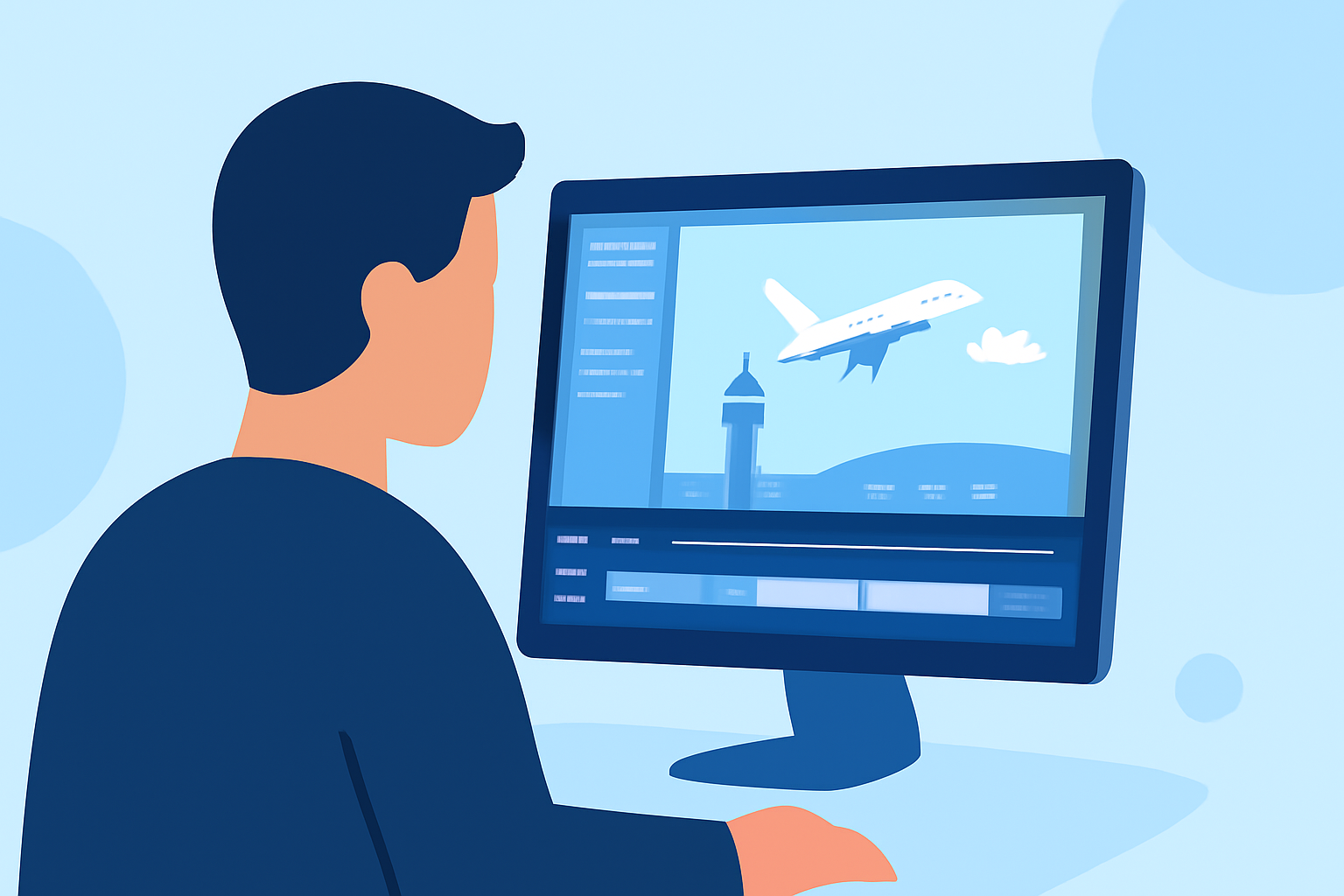
Creating engaging travel videos often involves capturing dynamic airport scenes that convey the excitement and ambiance of your journey. For hobby creators, mastering airport B-roll editing can significantly elevate the quality of your content. This guide provides practical tips and introduces Planes Live as a valuable tool to streamline your editing process.
What Is B-Roll and Why Is It Essential?
B-roll refers to supplementary footage that supports the main narrative, providing context and visual interest. In travel videos, airport B-roll can include shots of check-in counters, security lines, boarding gates, and bustling terminals. Incorporating B-roll enhances storytelling by:
- Establishing Location: Setting the scene and immersing viewers in the travel experience.
- Maintaining Engagement: Breaking the monotony of static shots and keeping the audience interested.
- Enhancing Narrative Flow: Smoothly transitioning between scenes and covering jump cuts.
Planning Your Airport B-Roll Shoot
Effective B-roll begins with thoughtful planning:
- Create a Shot List: Identify key moments to capture, such as luggage handling, flight announcements, or passengers interacting.
- Organize by Location and Time: Plan shots based on airport sections and optimal times to avoid crowds.
- Consider Lighting and Angles: Aim for natural lighting and experiment with various angles to add visual interest.
Shooting Techniques for High-Quality B-Roll
To capture compelling airport footage:
- Shoot More Than Needed: Capture 2–3 times more footage than you anticipate using to ensure variety.
- Hold Each Shot: Maintain each shot for at least 10 seconds to provide flexibility during editing.
- Use Purposeful Camera Movement: Employ smooth movements to add dynamism without causing distraction.
- Match Frame Rates to Desired Effects: Use 24fps for a cinematic feel, 30fps for standard output, and 60fps for slow-motion shots.
Editing Airport B-Roll: Tips and Techniques
Integrating B-roll effectively involves:
- J/L Cuts: Start the interview audio before revealing the speaker or hold the speaker shot while playing the next line over cutaway imagery to maintain momentum.
- The Three-Beat Proof: For every claim, run three quick B-roll beats: wide (context), medium (action), and tight (detail).
- Motivated Speed Ramps: Ramp into or out of movement to sync with music rises, keeping ramps subtle to avoid gimmickry.
- Directional Match Cuts: Cut motion left-to-right into left-to-right, or up into up, to create a seamless visual flow.
- Cut on Action: Enter B-roll on verbs or gestures to keep viewers engaged through information-dense moments.
These techniques can significantly enhance the perceived quality of your video. (stlouisvideoediting.net)
Utilizing Planes Live for Seamless Editing
Planes Live offers a user-friendly platform for hobby creators to edit and enhance their airport B-roll footage. Key features include:
- Intuitive Interface: Easily navigate through your footage and apply edits without a steep learning curve.
- Advanced Editing Tools: Utilize features like color correction, stabilization, and audio enhancement to polish your videos.
- Real-Time Collaboration: Work with team members or fellow creators in real-time, streamlining the editing process.
By leveraging Planes Live, hobby creators can produce professional-quality airport B-roll edits that captivate their audience.
Common Mistakes to Avoid
To ensure your airport B-roll editing is effective:
- Overusing B-Roll: Avoid excessive B-roll that can overwhelm the main narrative.
- Ignoring Audio Quality: Ensure that audio levels are balanced and background noise is minimized.
- Neglecting Continuity: Maintain consistent visual elements to avoid disorienting the viewer.
Conclusion
Mastering airport B-roll editing is a valuable skill for hobby creators aiming to enhance their travel videos. By planning thoughtfully, employing effective shooting techniques, and utilizing tools like Planes Live, you can create engaging and professional-quality content that resonates with your audience.