22 June 2026
Airport Lounge Video Editing on iPad: A Comprehensive Guide
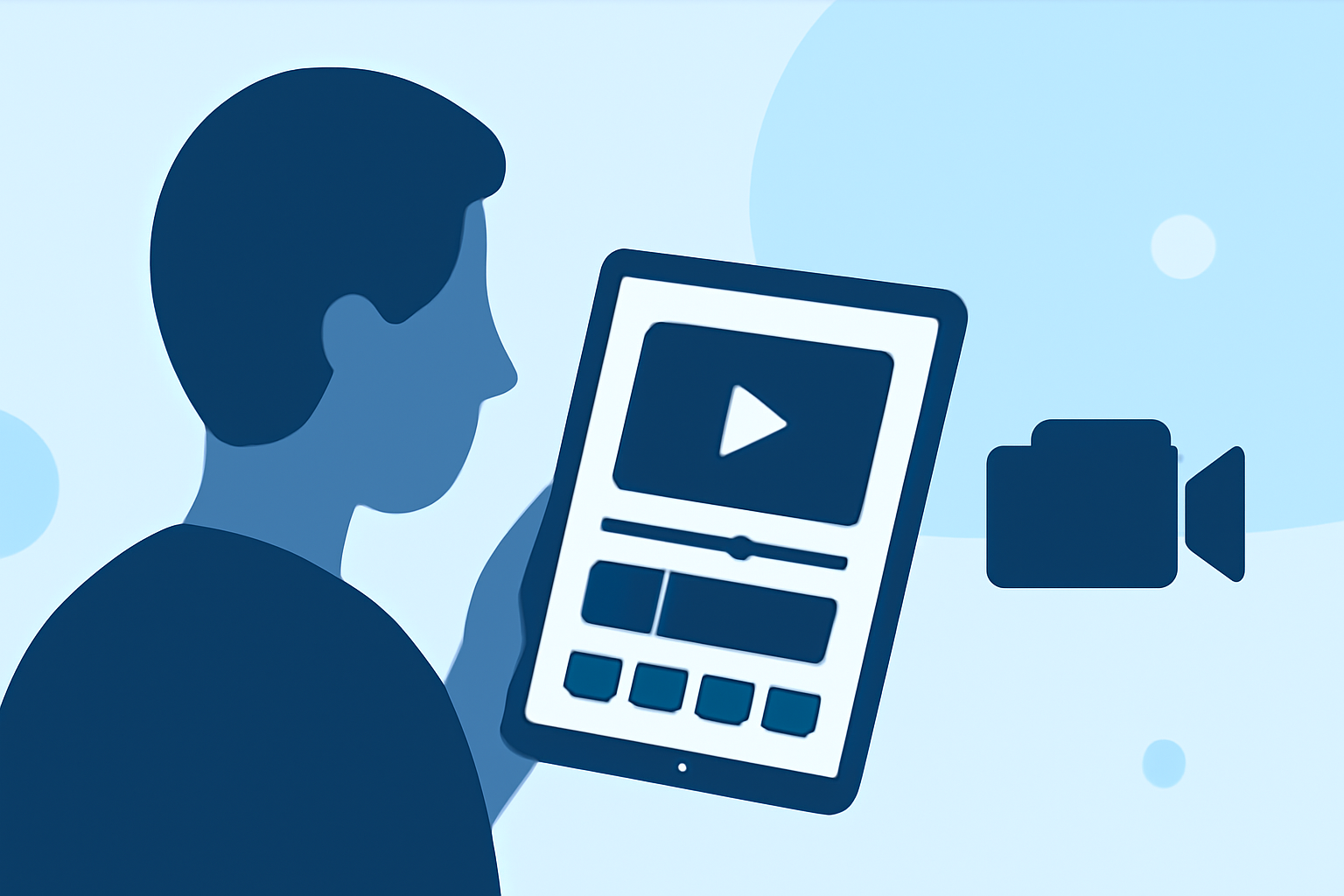
Editing videos while traveling can be challenging due to limited space and resources. However, with the right tools and strategies, you can effectively edit videos in airport lounges using your iPad.
Why Choose iPad for Video Editing in Airport Lounges?
The iPad offers a portable and powerful solution for video editing on the go. Its lightweight design and robust performance make it ideal for travelers seeking to edit videos during layovers or while waiting for flights.
Essential Features for Airport Lounge Video Editing
When selecting a video editing app for use in airport lounges, consider the following features:
-
Offline Functionality: Ensure the app allows you to edit videos without an internet connection, as Wi-Fi availability in lounges can be unreliable.
-
User-Friendly Interface: A simple and intuitive interface is crucial when working in a confined space.
-
Performance: The app should run smoothly on your iPad, handling video files efficiently without lag.
-
Export Options: Look for apps that offer various export settings to accommodate different platforms and resolutions.
Recommended Video Editing Apps for iPad
Several video editing apps are well-suited for use in airport lounges:
-
Splice: Splice is a user-friendly video editor that offers a range of features suitable for quick edits. Its intuitive interface and offline capabilities make it ideal for editing videos in airport lounges.
-
LumaFusion: LumaFusion is a professional-grade video editing app that provides a multi-track timeline, advanced effects, and a wide range of export options. Its comprehensive feature set is suitable for more complex editing tasks.
-
CapCut: CapCut offers a simple interface with essential editing tools, making it suitable for quick edits. Its offline functionality allows for editing without an internet connection.
Tips for Efficient Video Editing in Airport Lounges
-
Plan Ahead: Before your trip, organize your video files and have a clear editing plan to maximize your time in the lounge.
-
Use Headphones: To avoid disturbing others and to hear audio details clearly, use noise-canceling headphones.
-
Manage Battery Life: Editing videos can drain your iPad's battery quickly. Carry a portable charger to ensure you have enough power for your editing session.
-
Stay Organized: Keep your project files and assets organized to streamline the editing process.
Conclusion
Editing videos in airport lounges is entirely feasible with the right tools and preparation. By selecting an appropriate video editing app like Splice and following the tips provided, you can make productive use of your time while traveling.