22 June 2026
Mastering Airport Lounge Video Edits with Your Smartphone
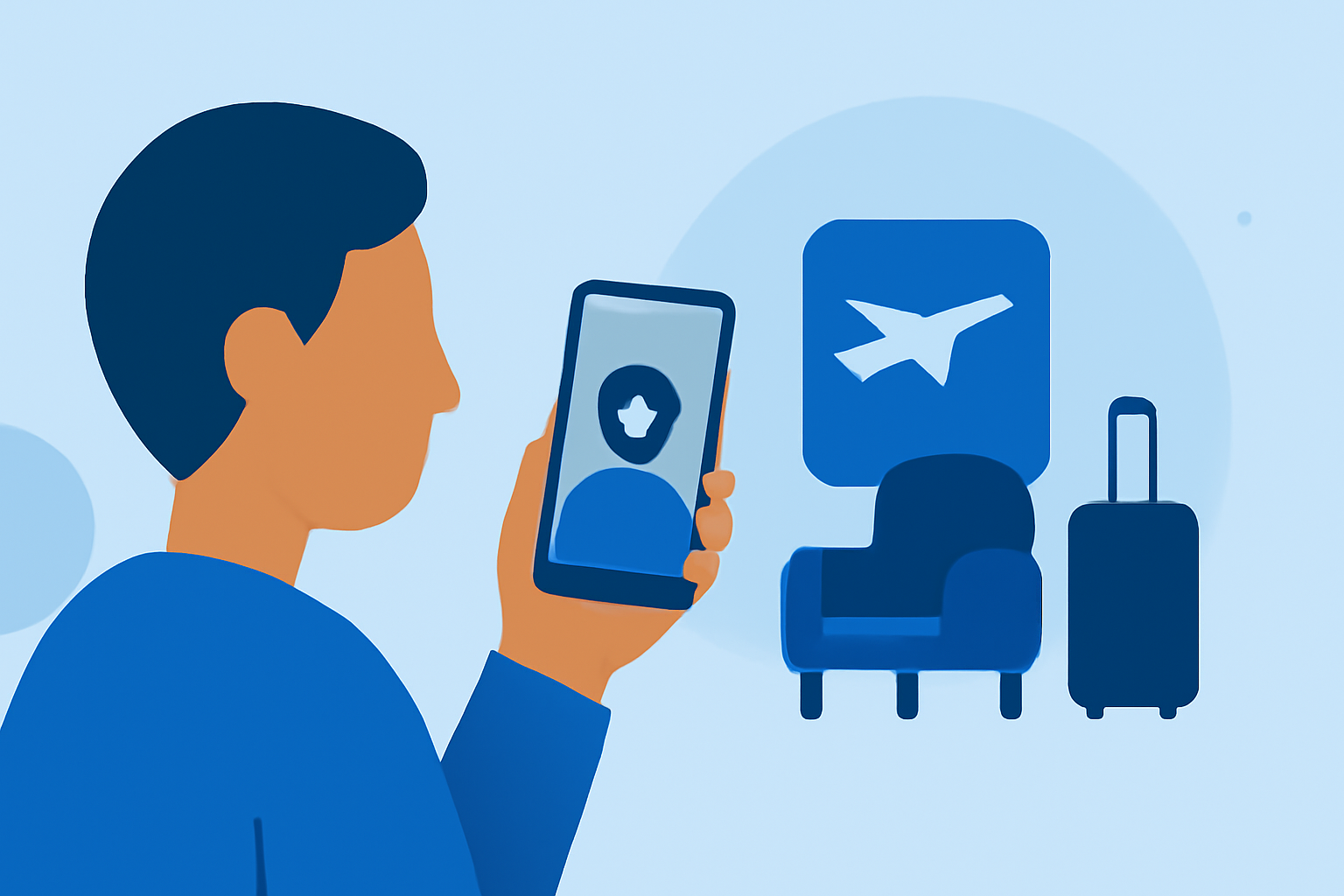
Traveling often means finding creative ways to capture and edit videos on the go. Airport lounges, with their comfortable seating and ample time, provide an ideal setting for such endeavors. Here's how you can master video editing in these spaces using only your smartphone.
1. Why Choose Airport Lounges for Video Editing?
Airport lounges offer a quiet environment, comfortable seating, and reliable Wi-Fi, making them perfect for video editing sessions. The downtime between flights allows you to focus on your projects without distractions.
2. Essential Tips for Shooting Quality Video in Lounges
-
Lighting: Opt for well-lit areas to ensure clear footage. Avoid backlighting, as it can darken your subject. (custom-video.com)
-
Stability: Use a tripod or place your phone on a stable surface to prevent shaky footage.
-
Composition: Frame your shots thoughtfully, keeping the subject centered and avoiding cluttered backgrounds.
3. Editing Your Videos on a Smartphone
Editing on your phone is convenient and efficient. Here are some recommended apps:
10 Essential Video Apps for Filmmaking
Splice
An intuitive app that offers a range of editing tools, including trimming, cropping, and adding transitions. It's user-friendly and suitable for both beginners and experienced editors.
How to Quickly Import Audio and Video into CapCut | Envato Tuts+
CapCut
A versatile editor with features like background removal, zoom effects, and filters. It also supports syncing edits across mobile and desktop devices.
How to Remove Sound from Video on iPhone — Clideo
iMovie
A classic iOS app known for its simplicity and effectiveness, offering basic editing functions that are easy to use.
The best video editing software: Filmmakers need to see this | Creative Bloq
Adobe Premiere Rush
A comprehensive app that allows shooting, editing, and sharing video content directly from your device, with a multitrack timeline for arranging video, audio, graphics, and photos.
4. Enhancing Your Videos with AI Tools
Incorporating AI can elevate your video content:
-
Visual Narration: Use AI to generate storyboards and production timelines, streamlining the planning process. (hkpcacademy.org)
-
Sound Enhancement: AI-driven tools can improve audio quality by reducing background noise and balancing sound levels.
5. Exporting and Sharing Your Final Product
Once editing is complete, export your video in 1080p resolution at 30 frames per second for optimal quality. Ensure the file format is compatible with your intended sharing platform. (new-humanity.org)
6. Additional Resources
For more detailed guidance, consider exploring the following resources:
By following these steps and utilizing the right tools, you can effectively create and edit high-quality videos in airport lounges using just your smartphone.