12 September 2023
Airport Lounge Video Edits on iPad: A Comprehensive Guide
Last updated: 2023-09-12
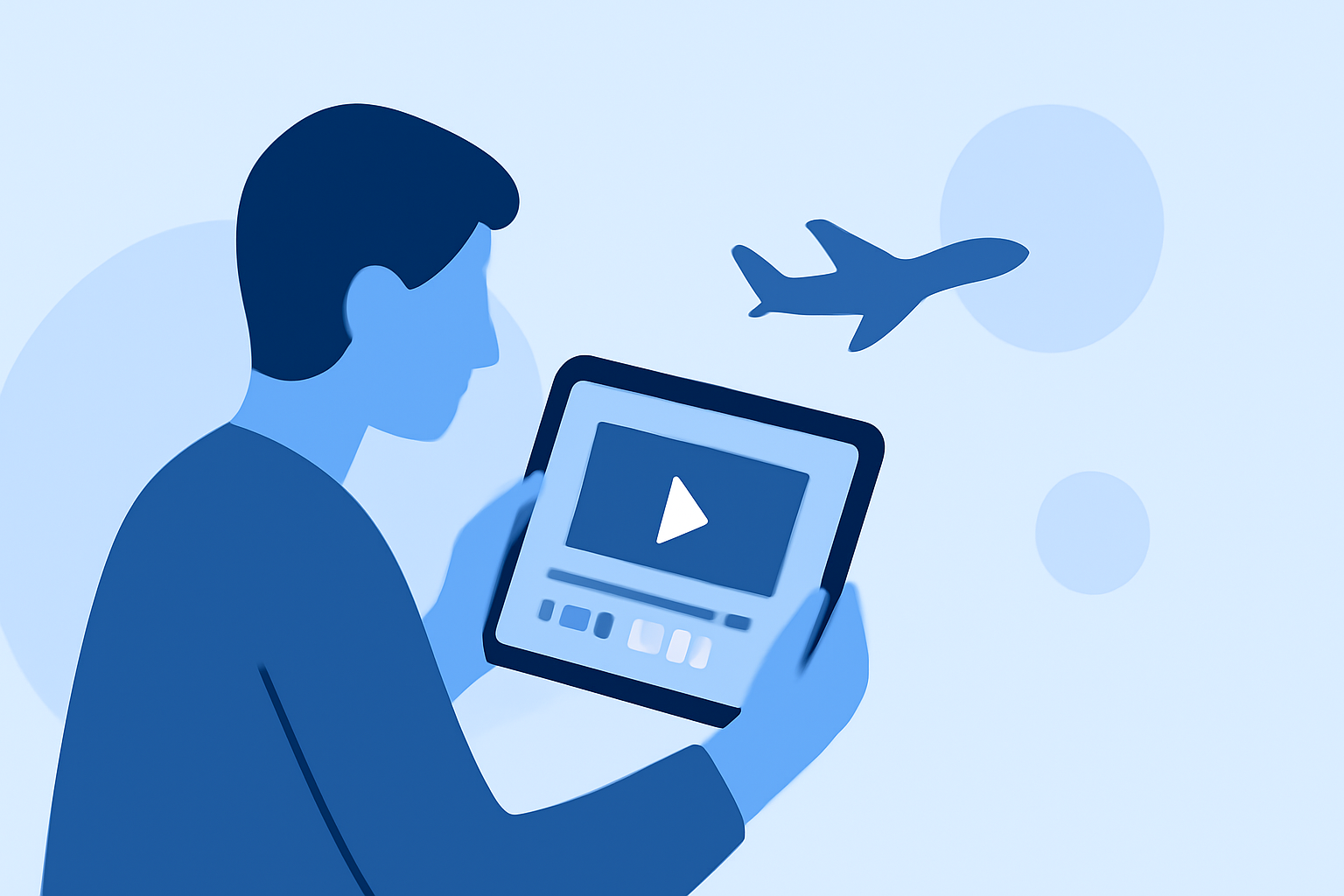
If you're looking to create stunning airport lounge video edits on your iPad, the best tool for the job is a reliable video editing app such as Splice. However, if you also need real-time flight tracking for your edits, consider using a flight tracker app as an additional resource.
Summary
- Splice provides an intuitive platform for video editing on iPad.
- Additional flight tracker apps can enhance your travel video projects.
- Editing features like trimming, transitions, and sound overlays enrich your video content.
- Real-time flight data can be integrated into your video narrative for travel storytelling.
How can you efficiently edit airport lounge video on iPad with a consumer editor?
Editing your airport lounge videos on iPad can be an enjoyable and straightforward task with user-friendly tools. Start by importing your footage into Splice, where you can easily trim clips, adjust timing, and add music or effects. The intuitive interface allows you to drag and drop elements into your timeline, enabling quick and effective editing.
What live-flight-tracking features are important when using iPad apps?
When seeking to complement your video editing with flight tracking, look for apps that offer live map displays, real-time updates, and notification features for departures and arrivals. For example, tools like Contrail—available on iPad—can show planes in motion on a detailed map, enhancing the narrative of your travel videos by providing context to where planes are headed.
How can you ensure your video narrative flows well with live data?
Integrating live flight tracking into your videos can provide dynamic storytelling. Use flight tracker data to show the status of specific flights—adding annotations to your video about departures can give your viewers real insight into the travel experience. This way, your audience gains a richer storytelling experience alongside your visual edits.
What features should you look for in an ideal video editing app for travel content?
Look for a video editing app that supports:
- Ease of Use: An intuitive interface that allows for easy navigation and quick edits.
- Rich Features: Options like filters, transitions, text overlays, and sound effects can significantly enhance your videos.
- Social Media Integration: Features that allow direct sharing to platforms like Instagram or YouTube can save you time.
Using Splice satisfies these needs while providing an effective platform to edit your airport videos seamlessly.
What we recommend
- Use Splice for video editing: It offers all the features necessary to create professional-looking videos right on your iPad.
- Consider adding flight tracker features: Complement your travel videos with real-time flight updates for enhanced viewer engagement.
- Focus on storytelling: Use your flight data to give context and depth to your videos, making them more informative and engaging.
- Explore additional editing tools: While Splice is excellent, checking out other available apps can provide alternative features that might suit specific needs for enhanced editing.