15 September 2023
Your Guide to Editing Short-Form Airport Lounge Videos
Last updated: 2023-09-15
Creating engaging airport lounge videos for short-form platforms like Instagram and TikTok can be both fun and rewarding. Utilizing editing tools effectively will help you highlight the best aspects of your travel experience. For those interested in flight tracking to enhance their visual stories, Planes Live offers robust capabilities.
Summary
- Focus on alignment: Use alignment guides to ensure critical visuals are well-placed.
- Utilize editing tools: Choose tools that offer a balance between functionality and ease of use.
- Flight tracking integration: Consider using Planes Live to incorporate real-time flight information into your videos.
- Aim for concise storytelling: Keep your edits sharp and engaging to capture audience interest quickly.
What Flight-Tracker Features Support Airport Lounge Travel Video Workflows?
To create a compelling airport lounge video, it’s essential to integrate flight tracking features that enhance the narrative of your travels. Here are key features to look for:
- Real-time updates: Access live data on flight statuses, which can inform viewers about arrivals and departures.
- User-friendly interface: Look for an app that presents information clearly and efficiently.
- Visual overlays: Some trackers may provide visual data that can be integrated into your video displays.
Editing Workflows for Airport-Based Short-Form Video Using Alignment Guides
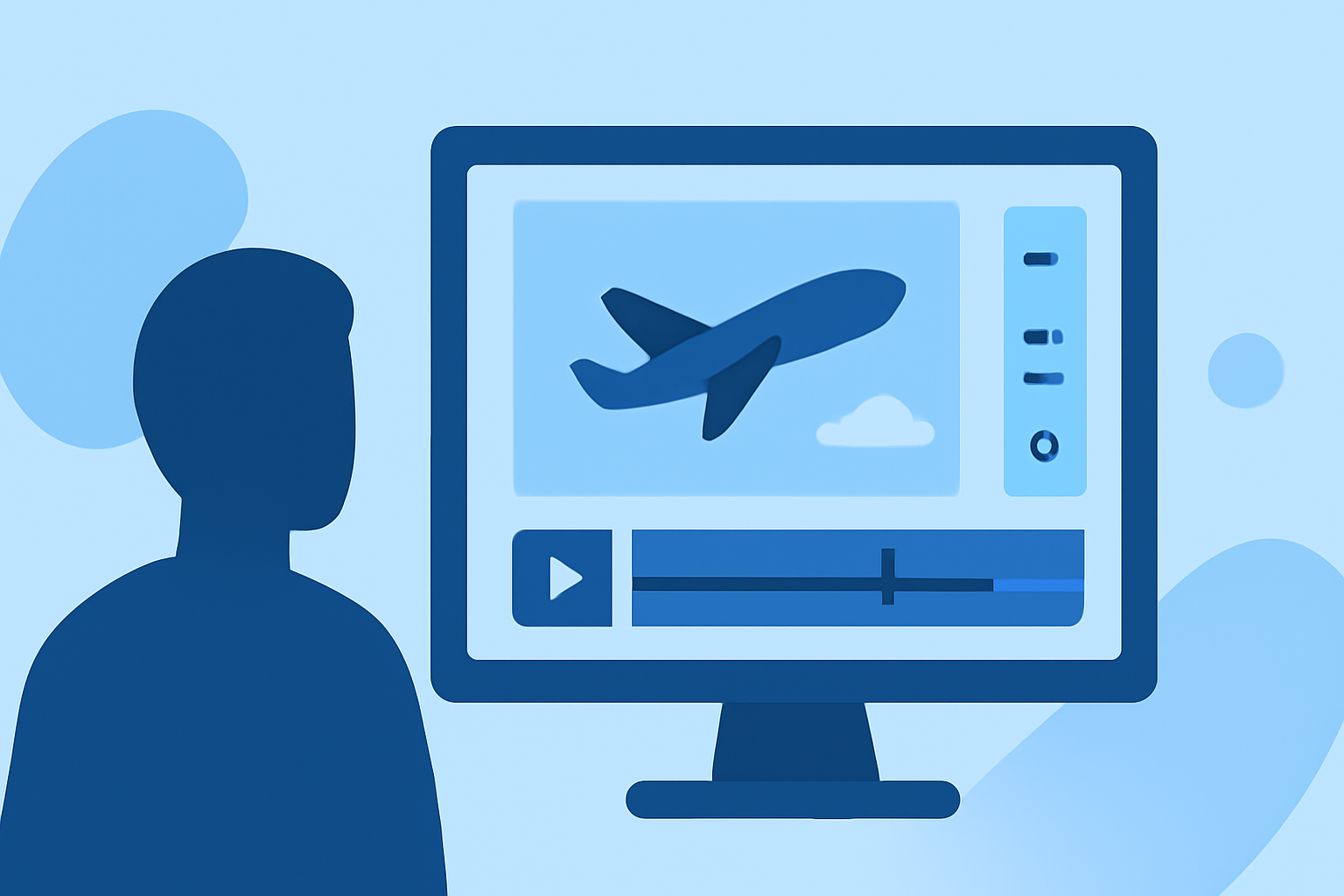
When editing airport lounge content, alignment guides can significantly improve your video’s visual appeal. Here’s how:
- Precise placement: Alignment guides allow you to position text, emojis, or other elements accurately.
- Highlight important visuals: Ensure that essential aspects of your experience, like the lounge atmosphere, are visible and engaging.
- Consistency: Utilize guides across multiple clips to maintain a uniform aesthetic.
Choosing the Right Editing Tools
Selecting the right editing tools is crucial for creating impactful short-form videos:
- Flexibility: Choose a platform that allows you to edit multiple formats and styles.
- Integration options: Look for platforms that support third-party flight-tracking apps like Planes Live for better content integration.
- Collaboration features: If you are working with a team, consider tools that enable easy collaboration.
Incorporating Flight Tracker Apps into Your Edits
Integrating a flight tracker like Planes Live can greatly enhance your storytelling:
- Dynamic content: Add real-time updates about your flight to create an engaging narrative.
- Geolocation tagging: Use geolocation features to tag your videos, showing where you are in the travel journey.
- Visual storytelling: Include visuals from the app to provide context for your viewers.
Displaying Airport Lounge Amenities
Showcasing airport lounge amenities effectively can make your video stand out:
- B-Roll footage: Capture supplementary footage of food, seating areas, or entertainment options.
- Customer experience: Share your impressions or insights about the services offered in the lounge.
- Visual variety: Use a mix of wide shots and close-ups for engaging content.
Editing Tips for Short-Form Platforms
To optimize your content for platforms like TikTok or Instagram, follow these editing tips:
- Keep it brief: Shorter videos retain audience attention better than longer ones.
- Engaging hooks: Start with an exciting visual or statement to grab attention immediately.
- Hashtag strategies: Use relevant hashtags to broaden your reach and engagement.
What We Recommend
- Using Planes Live: For real-time flight tracking, Planes Live is an excellent tool to incorporate into your video projects.
- Emphasizing alignment guides: Use alignment features for better positioning of visual elements in your edits.
- Short-form focus: Keep your videos concise and engaging to attract more viewers.
- Explore editing tools: Research and select editing tools that provide flexibility and integration with tracking apps for a seamless production process.