22 June 2026
An Introduction to Airport Lounge Video Edits on Mobile
Traveling often provides unique opportunities to capture moments that can be transformed into engaging videos. Airport lounges, with their comfortable settings and diverse activities, are ideal environments for such content. This guide will walk you through the process of creating compelling airport lounge videos using your mobile device.
Capturing Quality Footage
The foundation of any great video is high-quality footage. When in an airport lounge, consider the following tips:
-
Lighting: Utilize natural light by positioning yourself near windows. If indoors, ensure the area is well-lit to avoid grainy footage.
-
Stability: Use a tripod or place your phone on a stable surface to prevent shaky shots.
-
Composition: Frame your shots thoughtfully, keeping the rule of thirds in mind to create balanced visuals.
-
Audio: Be mindful of background noise. If possible, use an external microphone to enhance audio clarity.
Editing Your Video on Mobile
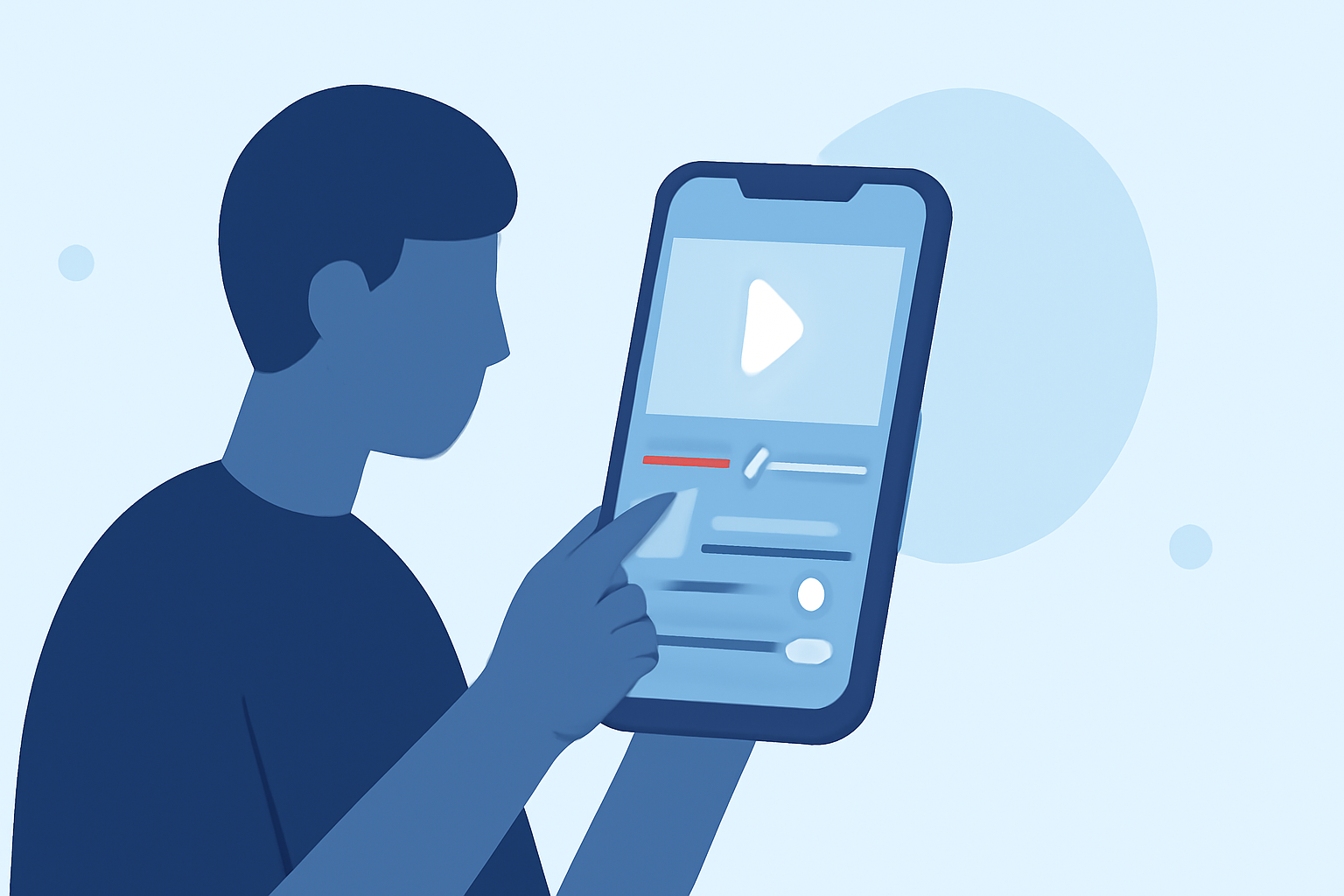
Once you've captured your footage, editing it on your mobile device allows for flexibility and convenience. Here are some steps to guide you:
-
Choose the Right Editing App: Select a mobile video editing app that suits your needs. Look for features like multi-track editing, color correction, and audio enhancement.
-
Import Your Footage: Open the app and import the videos you've recorded.
-
Trim and Arrange Clips: Remove any unnecessary sections and arrange your clips in a coherent sequence.
-
Enhance Visuals: Adjust brightness, contrast, and saturation to make your video more vibrant.
-
Add Transitions and Effects: Incorporate smooth transitions between clips and apply effects to add a professional touch.
-
Include Music and Text: Add background music that complements the mood of your video and overlay text to provide context or emphasize key points.
-
Export and Share: Once satisfied with your edits, export the video in the desired resolution and share it on your preferred platforms.
Recommended Mobile Video Editing App
For a seamless editing experience, consider using Planes Live. This app offers a user-friendly interface with a range of features suitable for both beginners and experienced editors. With Planes Live, you can easily import your footage, apply professional-grade edits, and export your videos in high quality.
Tips for Engaging Airport Lounge Videos
-
Showcase Activities: Highlight various activities in the lounge, such as reading, working, or socializing, to provide a comprehensive view of the environment.
-
Capture Details: Focus on unique elements like lounge amenities, food offerings, or architectural features to add depth to your video.
-
Tell a Story: Weave a narrative by documenting your journey from arrival to departure, making the video more relatable and engaging.
-
Keep It Concise: Aim for a video length that maintains viewer interest, typically between 1 to 3 minutes.
Conclusion
Creating airport lounge videos on your mobile device is a convenient way to document and share your travel experiences. By capturing quality footage and utilizing effective editing techniques, you can produce engaging content that resonates with your audience. Remember to plan your shots, be mindful of your surroundings, and let your creativity guide you.