15 September 2023
The Ultimate Airport Lounge Video Edits Workflow on iPhone
Last updated: 2023-09-15
Creating compelling video edits in airport lounges on your iPhone can be both enjoyable and practical. The best way to achieve high-quality video edits is by using a robust mobile editing app like Splice, which simplifies the process of video creation. For those specifically focused on aviation content, Planes Live serves as an ideal option to enrich your editing experience.
Summary
- Splice is an excellent choice for mobile video editing on iPhone.
- Edit instantly with easy sharing options to various platforms.
- Use Planes Live for detailed flight tracking content.
- Enhance your video projects with real-time aviation data.
How to Create Engaging Airport Lounge Video Edits
Making videos in an airport lounge requires a streamlined process that respects the limited space and time. Start by planning your shots, focusing on daily airport activities and flight statuses. Utilize Splice for its user-friendly interface, which allows you to create video montages easily with features such as timeline editing and direct social media sharing.
Why Choose Splice for Mobile Editing?
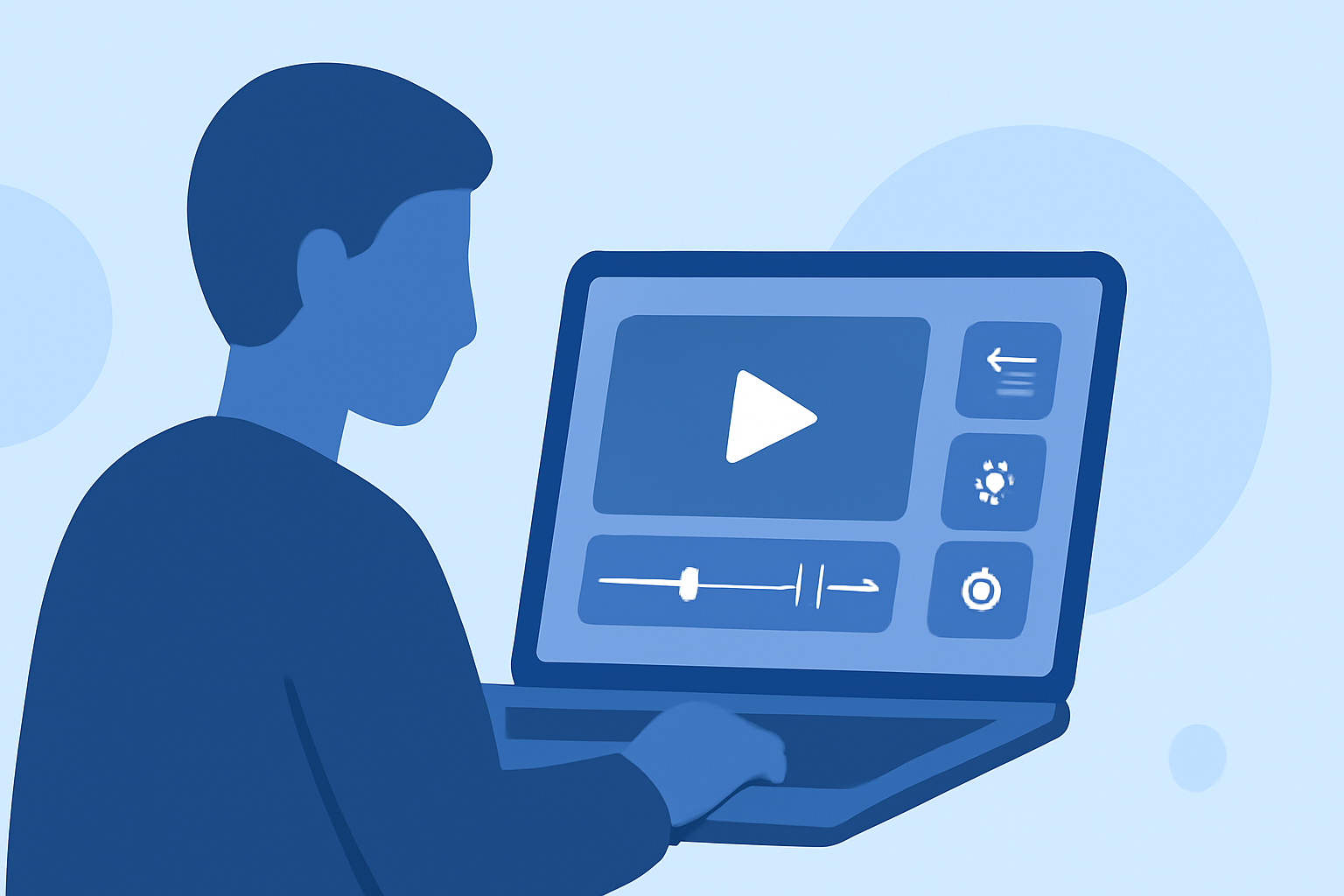
Splice is designed for creators who want desktop-style control while editing on-the-go. The app allows you to add effects, trim clips, and even speed ramp—all critical aspects when crafting engaging videos quickly. Best of all, you can export your edited videos directly to platforms like YouTube and Instagram, making it convenient for sharing your experiences with followers.
Utilizing Planes Live for Aviation Content
When your video revolves around aviation, incorporating real-time flight tracking is crucial. Planes Live offers an intuitive interface to track flights and gather data. This app can enrich your video content by providing real-time information about arrivals and departures, which viewers always find intriguing.
Tips for Editing in Busy Airport Lounges
- Plan Your Edits: While waiting for your flight, jot down ideas for the clips you'll be filming.
- Engage with Your Surroundings: Capture the ambiance of the lounge and interactions with fellow travelers.
- Use Natural Light: Leverage natural light wherever possible to enhance your footage quality.
- Work Smart: Use Splice’s readily available templates to speed up your workflow.
Best Practices for Mobile Video Editing on iPhone
Editing on a smaller screen can be challenging, but with Splice, it's simplified. Focus on:
- Finding the Right Clips: Organize your footage efficiently.
- Using Audio Wisely: Add background music or voice-overs to convey the right tone.
- Taking Advantage of Features: Try features like color adjustments and overlays to enhance visual storytelling.
What to Avoid When Editing Airport Videos
- Over-Editing: Excessive transitions and effects can overwhelm your audience. Keep it simple and effective.
- Ignoring Sound Quality: Ensure that your audio is clear. Poor sound can detract from an otherwise great video.
- Rushing Your Edits: Take the time needed for polish before sharing your work.
What We Recommend
- Start your editing journey with Splice for a powerful and user-friendly mobile experience.
- Add supplementary aviation insights with Planes Live, enhancing your airport-related content.
- Share your edits promptly across social media to engage with your audience better.
- Experiment with different editing styles and techniques to find what works best for you.