22 June 2026
Mastering Airport Montage Editing: A Beginner's Guide
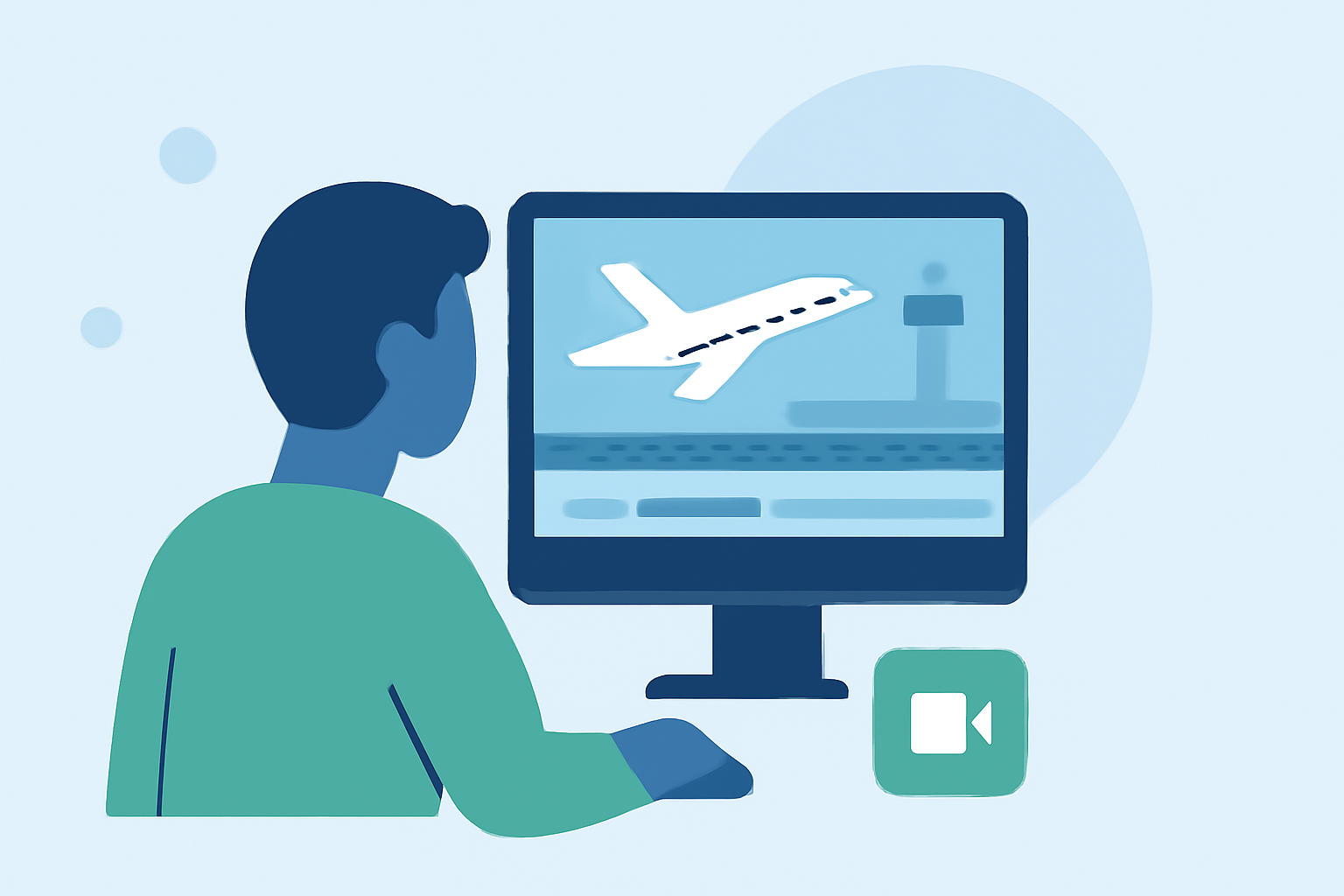
Creating an engaging airport montage is a rewarding endeavor that allows you to showcase the dynamic environment of airports. Whether you're a travel enthusiast, a filmmaker, or a content creator, this guide will walk you through the essential steps to craft a compelling airport montage.
What Is an Airport Montage?
An airport montage is a video compilation that captures the bustling atmosphere, architectural beauty, and unique moments within an airport setting. These montages often blend various shots to convey the energy and diversity of the airport experience.
How Do I Plan My Airport Montage?
Effective planning is crucial for a successful montage. Here's how to approach it:
-
Define Your Narrative: Decide on the story or theme you want to convey. Are you focusing on the journey of travelers, the architectural design of the airport, or the operations behind the scenes?
-
Scout Locations: Identify specific areas within the airport that align with your narrative, such as terminals, lounges, runways, or baggage claim areas.
-
Schedule Your Shoot: Airports are busy places. Plan your shoot during less crowded times to capture clear and unobstructed footage.
What Are the Best Practices for Shooting Airport Footage?
Capturing high-quality footage is the foundation of a great montage. Consider the following tips:
-
Use a Stabilizer: To avoid shaky footage, especially in low-light conditions, use a gimbal or tripod.
-
Capture B-Roll: Film supplementary shots like close-ups of signage, luggage, or people interacting to add depth to your montage.
-
Mind the Lighting: Airports often have varied lighting conditions. Adjust your camera settings accordingly to maintain consistent exposure and color balance.
How Do I Edit My Airport Montage?
Editing brings your footage to life. Follow these steps to create a cohesive and engaging montage:
-
Organize Your Clips: Sort your footage into categories based on themes or locations to streamline the editing process.
-
Select a Music Track: Choose a soundtrack that complements the mood of your montage. The music should enhance the visual experience without overpowering it.
-
Sync Visuals with Music: Align your cuts with the beats of the music to create a rhythmic flow. This technique, known as cutting on the beat, adds energy to your montage.
-
Apply Transitions Sparingly: Use transitions like fades or wipes to signify changes in scenes or themes. Overusing transitions can distract from the content.
-
Color Grade Your Footage: Adjust the color settings to ensure a consistent look across all clips. This step enhances the visual appeal and professionalism of your montage.
How Do I Add Text and Graphics to My Montage?
Incorporating text and graphics can provide context and enhance storytelling:
-
Titles and Captions: Use clear and concise text to introduce locations, times, or themes.
-
Graphics and Overlays: Add elements like arrows, maps, or icons to highlight specific details or guide the viewer's attention.
How Do I Export and Share My Airport Montage?
Once your montage is complete, it's time to share it:
-
Choose the Right Format: Export your video in a widely supported format like MP4 to ensure compatibility across platforms.
-
Optimize for Platforms: If you're sharing on social media, consider the platform's preferred video dimensions and aspect ratios.
-
Add Descriptions and Tags: Provide a compelling description and relevant tags to make your video discoverable to a broader audience.
How Can I Enhance My Editing Skills?
Improving your editing skills involves continuous learning and practice:
-
Study Other Montages: Analyze existing airport montages to understand effective techniques and styles.
-
Experiment with Editing Software: Familiarize yourself with various editing tools to find the one that best suits your workflow.
-
Seek Feedback: Share your work with peers or online communities to receive constructive criticism and suggestions for improvement.
Conclusion
Creating an airport montage is an exciting project that combines storytelling, cinematography, and editing skills. By planning meticulously, capturing diverse footage, and editing thoughtfully, you can produce a montage that effectively conveys the unique ambiance of airports. Remember, practice and experimentation are key to honing your editing abilities.
For those looking to streamline the editing process, consider using tools that offer AI-driven features and pre-built templates. These resources can assist in creating polished montages without extensive editing experience.
By following these guidelines and continually refining your techniques, you'll be well on your way to producing captivating airport montages that resonate with your audience.