22 June 2026
Mastering Airport Montage Editing for Travel Creators
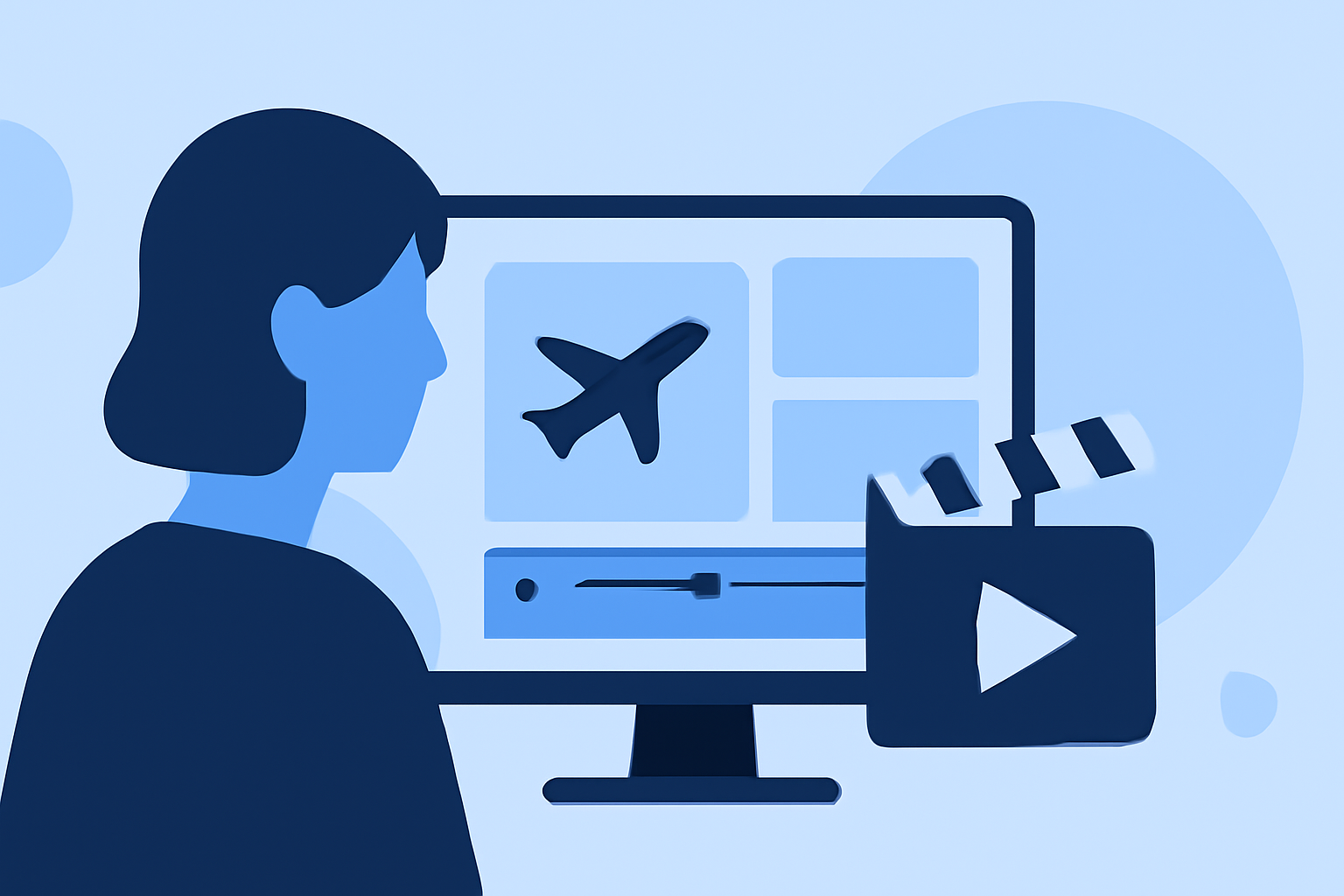
Creating an engaging airport montage is a powerful way to set the tone for your travel videos. By thoughtfully selecting shots, maintaining dynamic pacing, and utilizing effective editing techniques, you can transport your viewers into the heart of your journey from the very beginning.
1. What Are the Key Elements of an Effective Airport Montage?
An impactful airport montage typically includes:
- Establishing Shots: Wide-angle views of the airport's exterior or bustling terminals to set the scene.
- Detail Shots: Close-ups of luggage, boarding passes, and other travel essentials to add texture.
- Movement Shots: Footage of walking through terminals, boarding planes, or navigating security to convey the journey's progression.
These elements work together to immerse viewers in the travel experience.
2. How Do I Maintain Dynamic Pacing in My Montage?
Pacing is crucial to keep viewers engaged. Consider the following strategies:
- Match Music to Footage: Choose a soundtrack that complements the energy of your shots. For instance, a lively track can enhance fast-paced scenes, while a mellow tune suits more relaxed moments.
- Vary Shot Lengths: Alternate between quick cuts and longer takes to create rhythm and prevent monotony.
- Use Transitions Sparingly: Employ simple transitions that align with the music's beat to maintain flow without distracting from the content.
These techniques help in crafting a montage that feels cohesive and engaging.
3. What Are Some Effective Editing Techniques for Airport Footage?
To enhance your airport montage:
- Color Grading: Adjust colors to create a consistent mood. For example, warm tones can evoke a welcoming atmosphere, while cooler hues might suggest a more subdued environment.
- Stabilization: Use software tools to smooth out shaky footage, ensuring a professional look.
- Sound Design: Incorporate ambient sounds like announcements or footsteps to add realism, and balance them with background music to maintain clarity.
These techniques contribute to a polished and immersive montage.
4. How Can I Utilize Editing Software to Enhance My Montage?
Many editing platforms offer features that can streamline the editing process:
- Templates: Pre-designed templates can provide a starting point, allowing you to focus on customizing content rather than building from scratch.
- AI Tools: Some software includes AI-driven features that can suggest edits, sync cuts to music, or stabilize footage automatically, saving time and effort.
Leveraging these tools can enhance efficiency and creativity in your editing process.
5. How Do I Ensure My Montage Resonates with Viewers?
To create a montage that connects with your audience:
- Tell a Story: Even in a short sequence, convey a narrative that reflects the essence of your journey.
- Be Authentic: Capture genuine moments that reflect your personal experience, avoiding overly staged shots.
- Engage Emotions: Use music, pacing, and visuals to evoke emotions that resonate with viewers, making them feel part of your adventure.
By focusing on these aspects, you can craft a montage that not only showcases your journey but also engages and inspires your audience.
Incorporating these techniques will help you create compelling airport montages that set the stage for your travel narratives.