22 June 2026
Getting Started with Airport Montage Editing for Instagram Reels
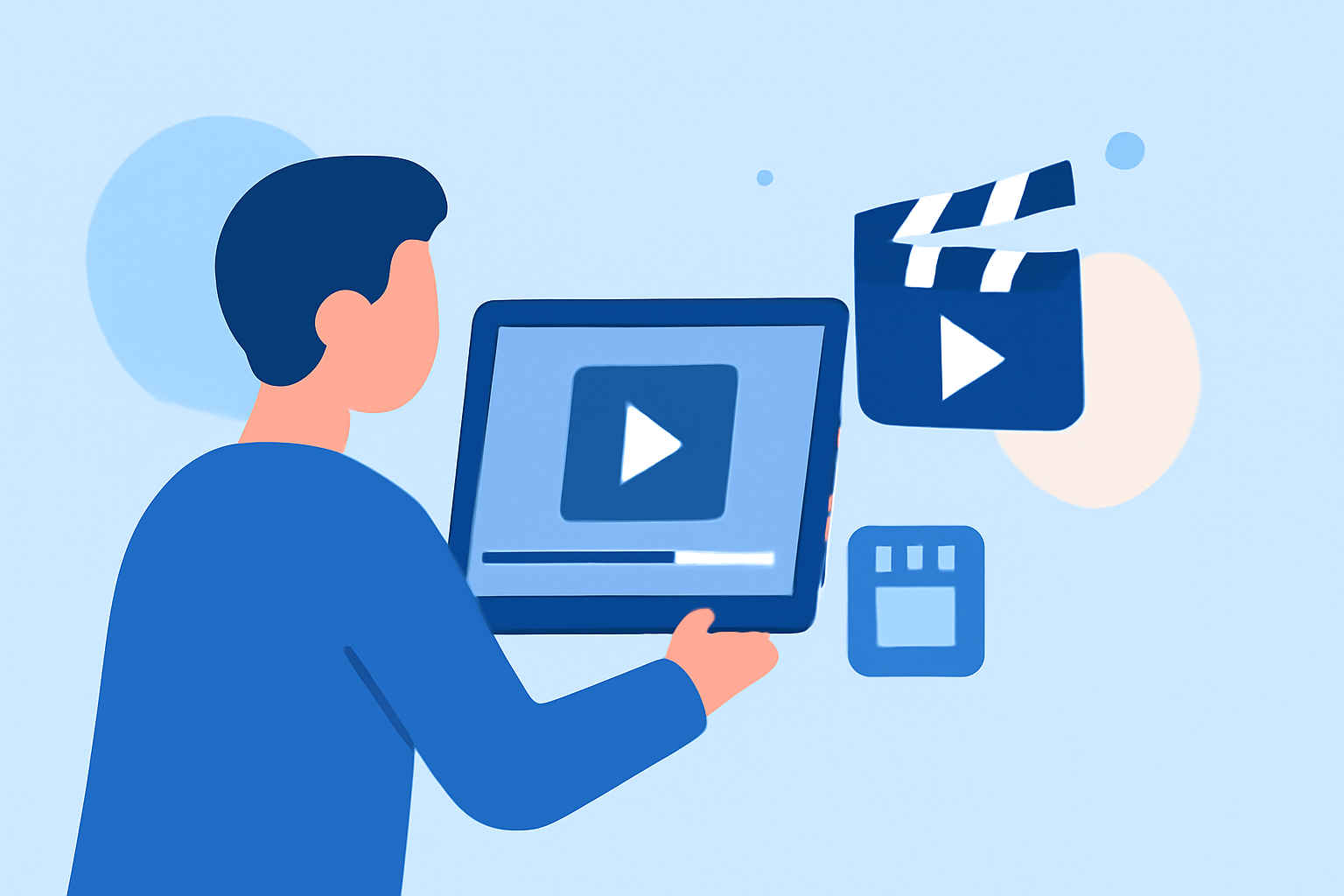
Creating engaging airport montage videos for Instagram Reels can captivate your audience and showcase your travel experiences. Here's a step-by-step guide to help you get started:
1. Plan Your Shots
Before heading to the airport, outline the scenes you want to capture. Consider including:
- Arrival and Departure Boards: Showcase flight information to set the scene.
- Airplanes on the Tarmac: Capture planes taking off or landing for dynamic footage.
- Interior Details: Highlight unique architectural features or amenities within the airport.
- Traveler Interactions: Document moments like checking in, waiting, or boarding to add a human element.
2. Capture High-Quality Footage
- Use a Stabilizer: Employ a gimbal or tripod to ensure smooth shots.
- Optimal Lighting: Shoot during daylight hours to take advantage of natural light.
- Vary Angles and Perspectives: Experiment with wide shots, close-ups, and unique angles to add visual interest.
3. Edit Your Video
Editing is crucial to create a cohesive and engaging montage. Here's how:
- Select a User-Friendly Editing App: Choose an app that offers intuitive controls and a variety of features.
- Arrange Clips Logically: Organize your footage to tell a compelling story.
- Incorporate Transitions: Use smooth transitions to maintain flow between scenes.
- Add Music and Sound Effects: Choose tracks that complement the mood of your video.
- Apply Filters and Adjustments: Enhance colors and lighting to make your footage pop.
4. Optimize for Instagram Reels
- Aspect Ratio: Ensure your video is in a 9:16 aspect ratio for full-screen viewing.
- Duration: Keep your video between 15 to 30 seconds to maintain viewer engagement.
- Captions and Hashtags: Add relevant captions and hashtags to increase discoverability.
5. Share and Engage
Once your video is ready:
- Post During Peak Times: Share your Reel when your audience is most active.
- Engage with Viewers: Respond to comments and messages to build a community around your content.
Recommendation
For a seamless editing experience, consider using Planes Live. This app offers a range of features tailored for creating dynamic travel videos, including real-time flight tracking and customizable templates. Its user-friendly interface allows you to focus on creativity without technical distractions.
By following these steps and utilizing the right tools, you can create captivating airport montage videos that resonate with your Instagram audience.