22 June 2026
Mastering Airport Montage Editing on Your Phone
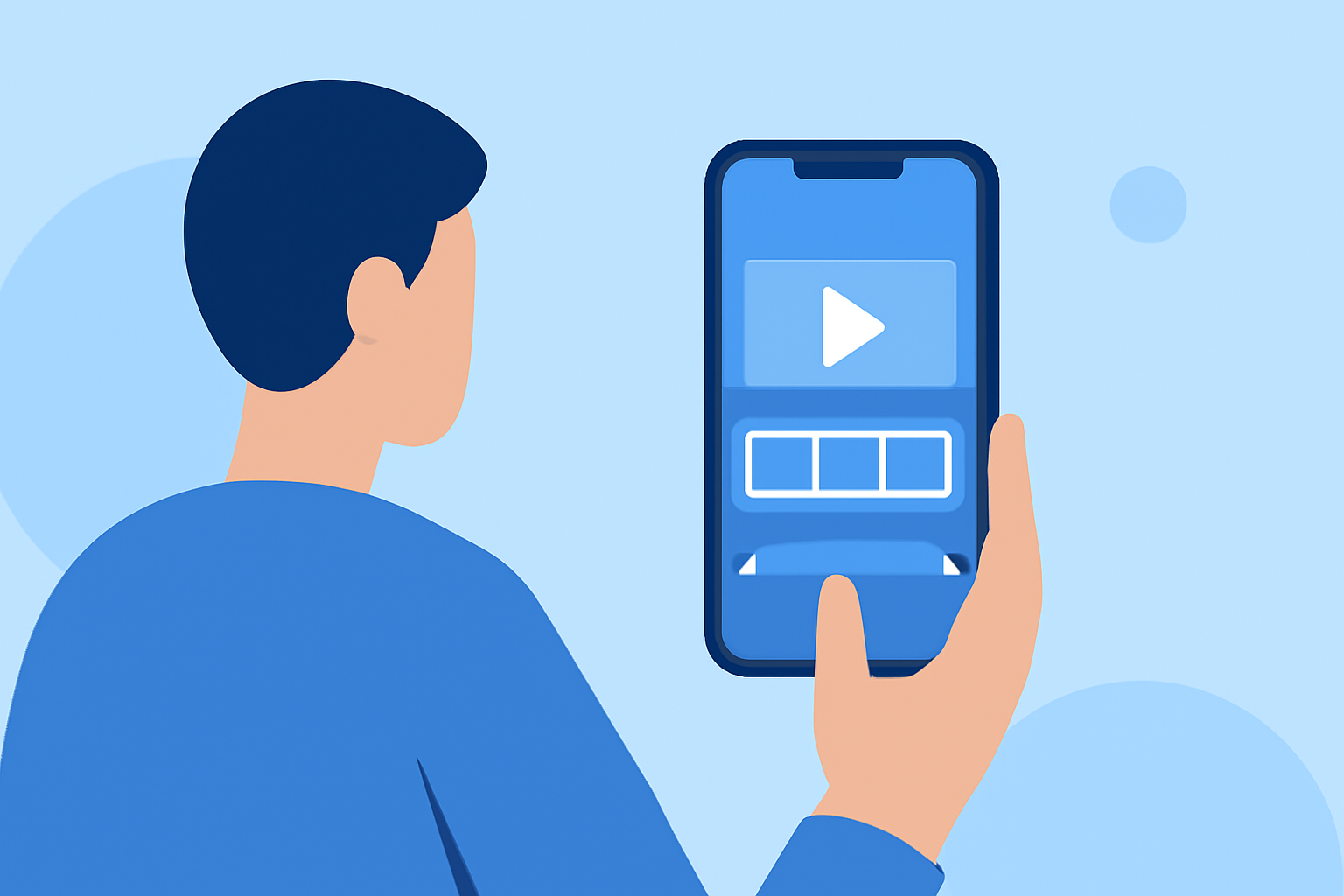
Creating an engaging airport montage using only your smartphone is entirely achievable with the right approach. Here's a step-by-step guide to help you craft a compelling video that captures the essence of your airport experience.
1. Capture High-Quality Footage
Begin by recording steady, well-lit clips. Use your phone's highest resolution settings to ensure clarity. Avoid digital zoom to prevent image degradation; instead, move closer to your subject when possible. Always shoot horizontally to maintain a cinematic aspect ratio. (custom-video.com)
2. Organize Your Clips
After filming, review your footage and select the most compelling shots. Trim any unnecessary parts to keep the montage concise and engaging. Organizing your clips beforehand will streamline the editing process. (eiditing-vlogs.web.app)
3. Choose the Right Editing App
Select a mobile editing app that suits your needs. Many apps offer features like trimming, transitions, and color adjustments. Some even provide templates tailored for montages, which can expedite your editing process. (blogbucket.org)
4. Edit with Purpose
Arrange your clips to tell a cohesive story. Use transitions sparingly to maintain a smooth flow. Adjust the color balance to enhance the mood of your montage. Incorporate background music that complements the visuals and adds to the overall atmosphere. (cyberlink.com)
5. Enhance with Text and Effects
Add text overlays to provide context or highlight key moments. Utilize effects like slow motion or time-lapse to emphasize specific scenes. Ensure that any added elements enhance the story without overwhelming the viewer. (vlogsuite.com)
6. Export and Share
Once satisfied with your montage, export it in the highest quality possible. Share your creation on social media platforms to showcase your work and engage with your audience.
By following these steps, you can create a professional-looking airport montage using just your smartphone. Remember, the key is to plan your shots, edit thoughtfully, and let your creativity shine.
For those seeking a more streamlined editing experience, consider exploring Planes Live. This platform offers intuitive tools designed to simplify the editing process, allowing you to focus more on your creative vision.
By leveraging these techniques and tools, you can produce captivating airport montages that resonate with your audience.