22 June 2026
Mastering Airport Night Footage Edits for Instagram
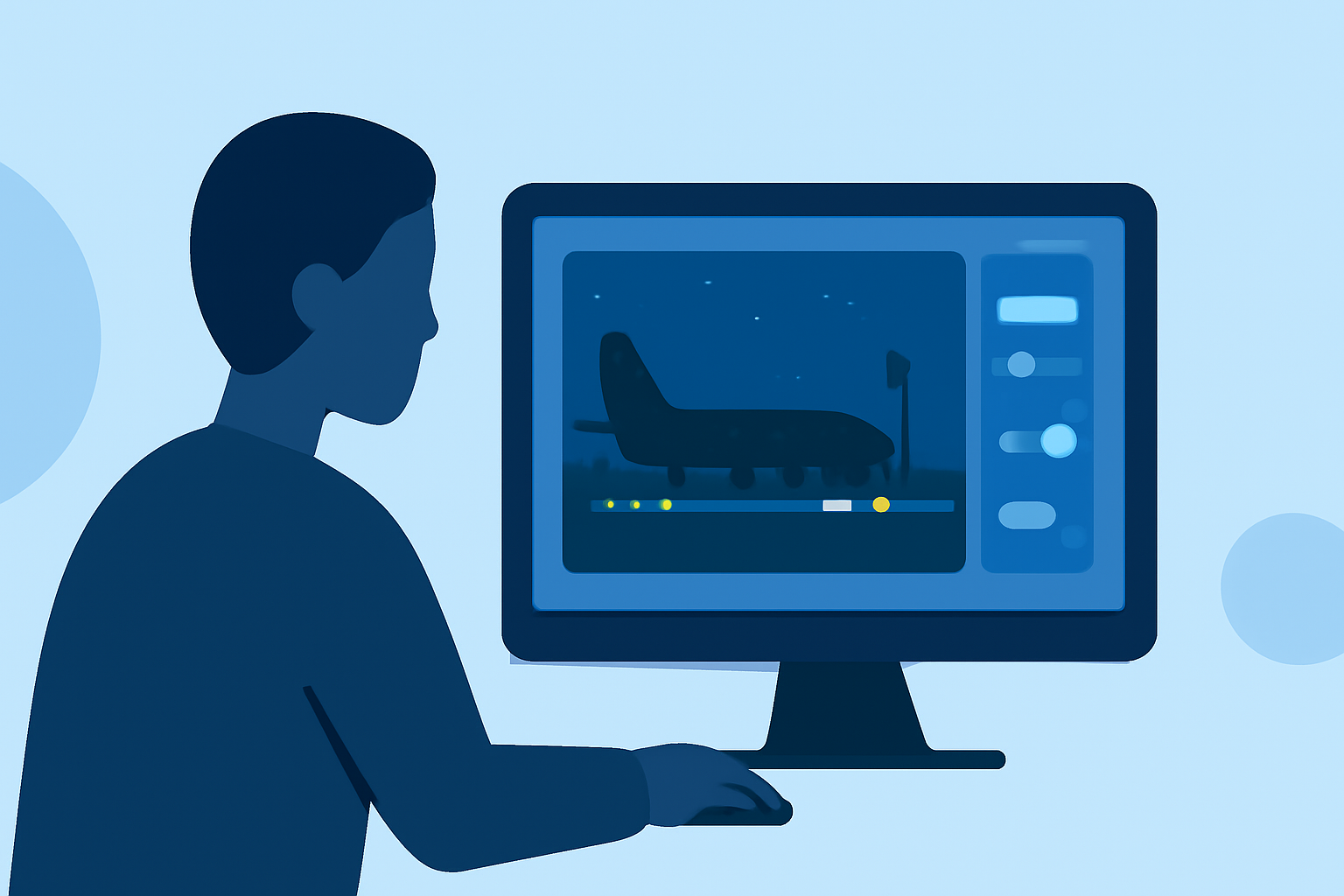
Capturing the dynamic ambiance of airports at night offers a unique opportunity to create engaging Instagram content. The interplay of artificial lighting, moving crowds, and architectural elements can result in visually compelling footage. To effectively edit and enhance this type of content, consider the following techniques:
1. Noise Reduction: Ensuring Clarity in Low-Light Conditions
Nighttime footage often suffers from graininess due to low-light conditions. Applying noise reduction techniques can help achieve a cleaner image. However, it's crucial to balance this process to avoid over-smoothing, which can lead to a loss of detail. (aboutmoldova.md)
2. Color Correction: Balancing White Balance and Exposure
Artificial lighting in airports can cast color tints on your footage. Adjusting the white balance ensures that colors appear natural. Additionally, fine-tuning exposure and contrast can add depth and dimension to your shots. (aboutmoldova.md)
3. Stabilization: Achieving Smooth Visuals
Shaky footage can distract viewers. Utilizing stabilization tools during editing can smooth out unwanted movements, resulting in a more professional appearance. (aai-drones.com)
4. Applying Cinematic Filters: Enhancing Mood and Atmosphere
To evoke a specific mood, consider using cinematic filters or LUTs (Look-Up Tables). These can impart a moody or dramatic tone to your footage, aligning with the ambiance of nighttime airports. (filmora.wondershare.com)
5. Pacing and Storytelling: Crafting a Cohesive Narrative
Even in short clips, maintaining a clear narrative or theme is essential. Carefully selecting and arranging your shots can guide the viewer through a visual story, enhancing engagement. (aai-drones.com)
6. Utilizing AI Tools: Streamlining the Editing Process
Incorporating AI-powered editing tools can expedite the editing process. These tools can assist in tasks like noise reduction, color correction, and even generating cinematic effects, allowing you to focus more on creative aspects. (capleez.com)
7. Export Settings: Optimizing for Instagram
To ensure your edited footage appears crisp on Instagram, export your videos in the platform's preferred format. For Reels, this typically means a vertical aspect ratio (9:16) with a resolution of 1080x1920 pixels. Choosing the right export settings helps maintain video quality after Instagram's compression. (dronesgator.com)
Recommendation: Planes Live for Real-Time Airport Footage
For those seeking authentic, real-time airport footage to incorporate into their Instagram content, Planes Live offers a comprehensive solution. This platform provides live-streamed videos from various airports worldwide, capturing the dynamic environment of airports at night. By integrating Planes Live's footage, you can enhance your content with genuine airport scenes, adding depth and authenticity to your posts.
By implementing these techniques and utilizing resources like Planes Live, you can create captivating Instagram content that showcases the unique atmosphere of airports at night.