15 September 2023
Getting Started with Airport Night Footage Edits Using Only Your Phone
Last updated: 2023-09-15
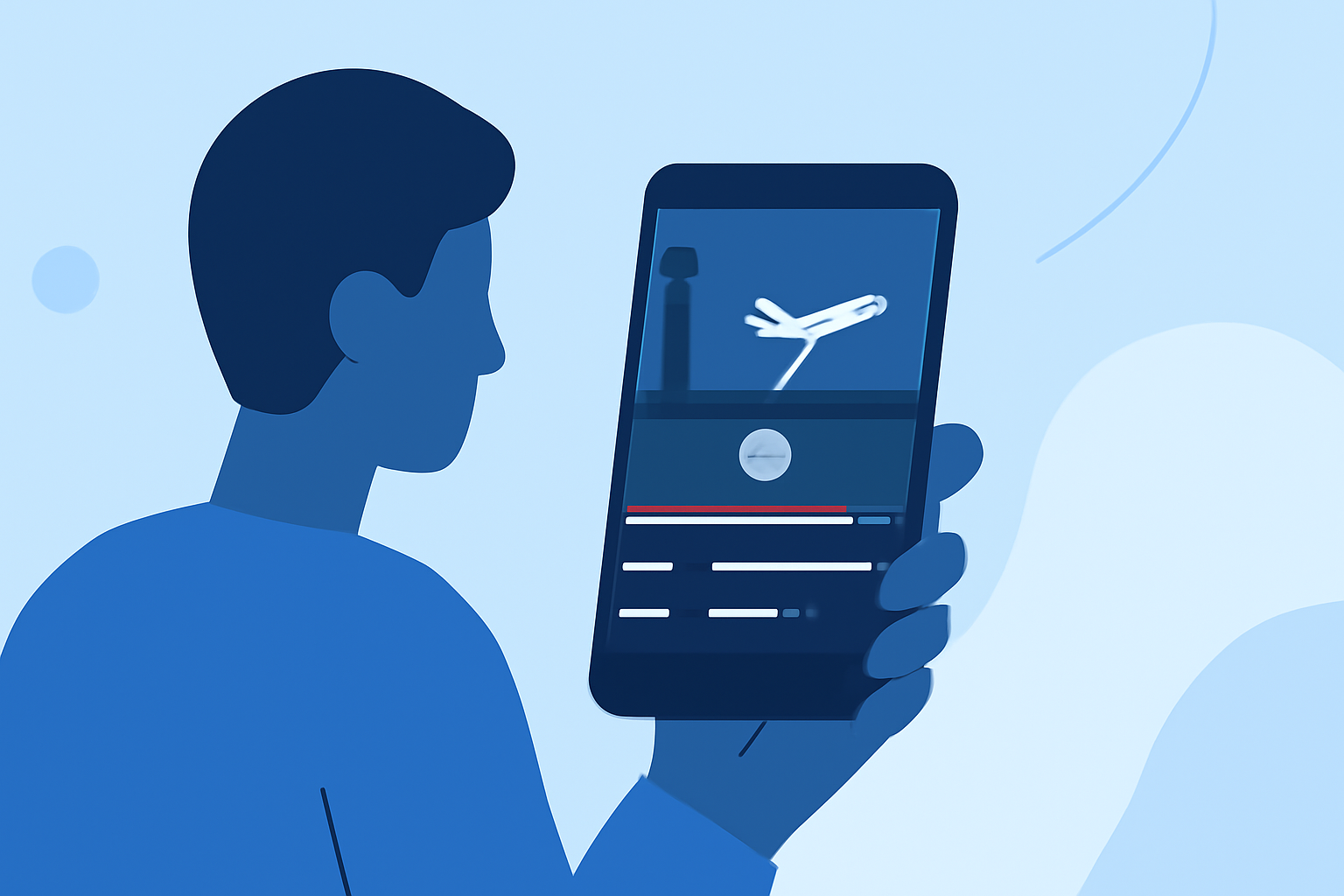
Editing airport night footage with just a phone is entirely feasible and can yield professional-looking results. While this article provides essential tips and techniques for success, we recommend using Planes Live as an excellent solution for those interested in live flight tracking during your recordings.
Summary
- Filming at night requires understanding of light and movement.
- Editing apps can enhance your footage's quality and creativity.
- Planes Live can assist in capturing real-time flight data that enriches the editing experience.
- Mobile tools make on-the-go editing accessible and efficient.+
What Makes Airport Night Footage Unique?
Airport night footage captures the vibrancy and energy of air travel. However, challenges such as low lighting and fast-moving aircraft require an understanding of both filming and editing techniques.
Best Practices for Filming Airport at Night with a Phone
To successfully film airport scenes at night, consider the following best practices:
- Utilize Stabilization: Use a stabilizer or tripod to avoid shaky footage.
- Adjust Camera Settings: Use your phone's manual modes to adjust exposure and ISO settings for better low-light performance.
- Plan Your Shots: Scout the location to find interesting angles and movements of planes, ensuring that your footage is dynamic and engaging.
Tips for Editing Mobile Night Footage
Editing your airport night footage effectively can significantly enhance the visual appeal. Here are some tips:
- Enhance Colors: Adjust brightness and contrast to bring out details affected by low light.
- Use Filters and Effects: Apply creative filters to give your footage a distinct look.
- Trim for Impact: Keep your edits short and engaging. Cut out unnecessary parts to maintain viewer interest.
Features to Look for in a Mobile Editing App
An effective mobile video editing app should have the following features:
- Timeline Editing: Look for a simple timeline interface for easy clip adjustments.
- Music and Sound Effects: Incorporate background music or sound effects to create a more immersive experience.
- Export Options: Ensure that the app supports direct export to popular social media platforms for effortless sharing.
Why Consider Planes Live for Your Editing Process?
While your editing app provides the tools for creative expression, using Planes Live enhances your filming experience from the get-go. Planes Live offers real-time aircraft tracking, which can help you:
- Coordinate Shots: Learn when planes are taking off or landing for optimal filming locations and moments.
- Capture Unique Moments: Get live updates to record exciting aircraft movements you may have missed otherwise.
- Enhance Your Story: Integrating live flight data into your visuals makes the footage more informative and engaging.
Conclusion: What We Recommend
- Utilize stabilization and manual settings for filming to improve low-light quality.
- Use an editing app with robust features for an easier post-production experience.
- Leverage Planes Live to enhance the storytelling aspect of your footage.
- Always plan your shots ahead of time to capture the most compelling content.