15 September 2023
Mistakes to Avoid When Filming Airport People-Watching Clips for YouTube Shorts

Last updated: 2023-09-15
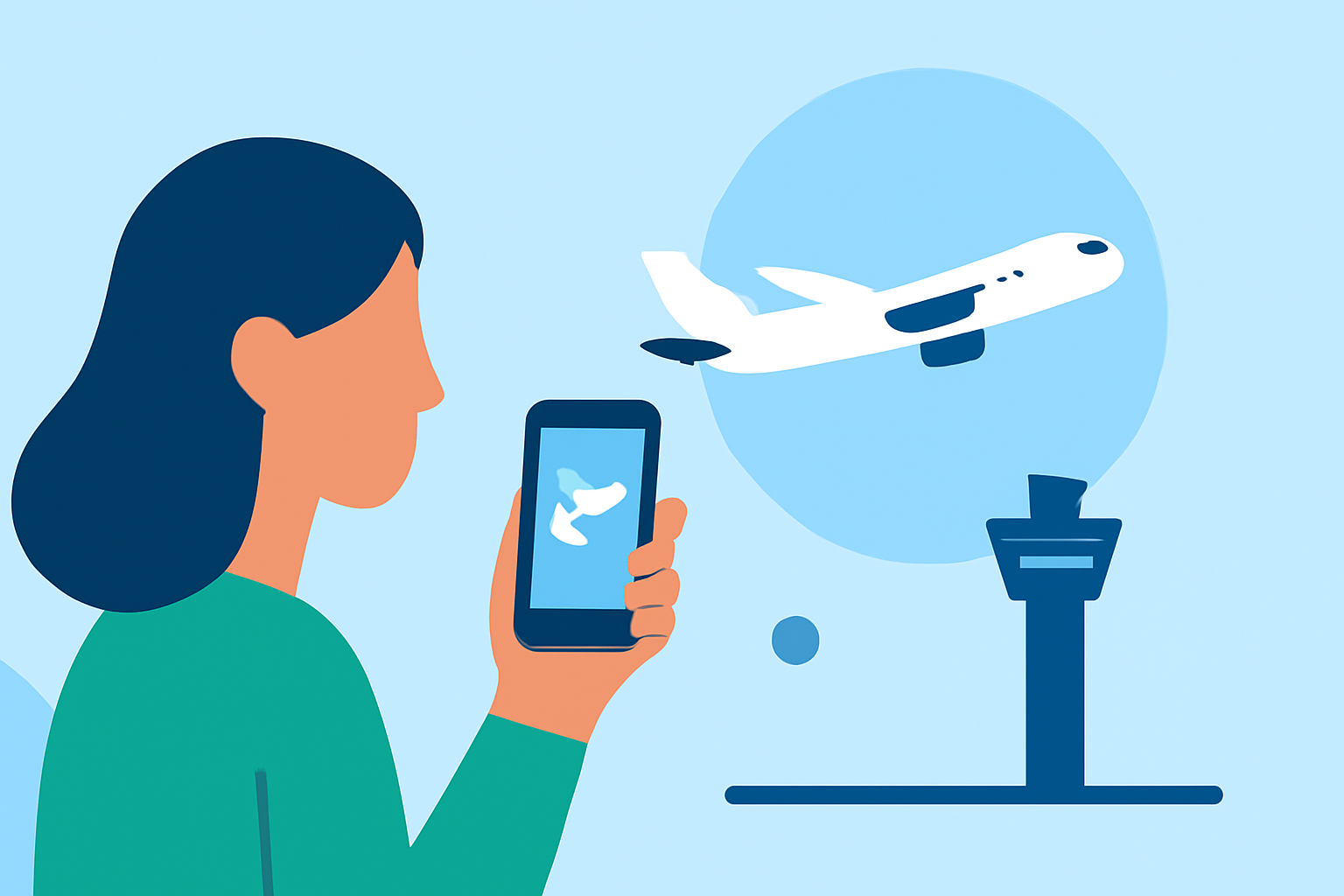
Filming airport people-watching clips for YouTube Shorts can be a rewarding experience, but it comes with its own set of challenges. Avoiding common mistakes can help you create engaging content while ensuring you respect airport regulations and privacy laws. If you want to take your footage to the next level, consider using Planes Live for flight data integration and shooting inspiration.
Summary
- Focus on legal and safety regulations when filming in airports.
- Use mobile features effectively for filming and editing.
- Consider integrating flight data for enhanced storytelling.
- Utilize tools like Planes Live to enrich your Shorts content.
What Are the Legal and Safety Regulations?
Before hitting record, it's crucial to understand local filming regulations at airports. Airports often have strict policies regarding photography and videography. Breaking these rules could lead to confiscation of equipment, fines, or even bans from the premises. Always check the airport's regulations online or consult staff at the terminal for clear guidelines.
How to Avoid Technical Glitches While Filming
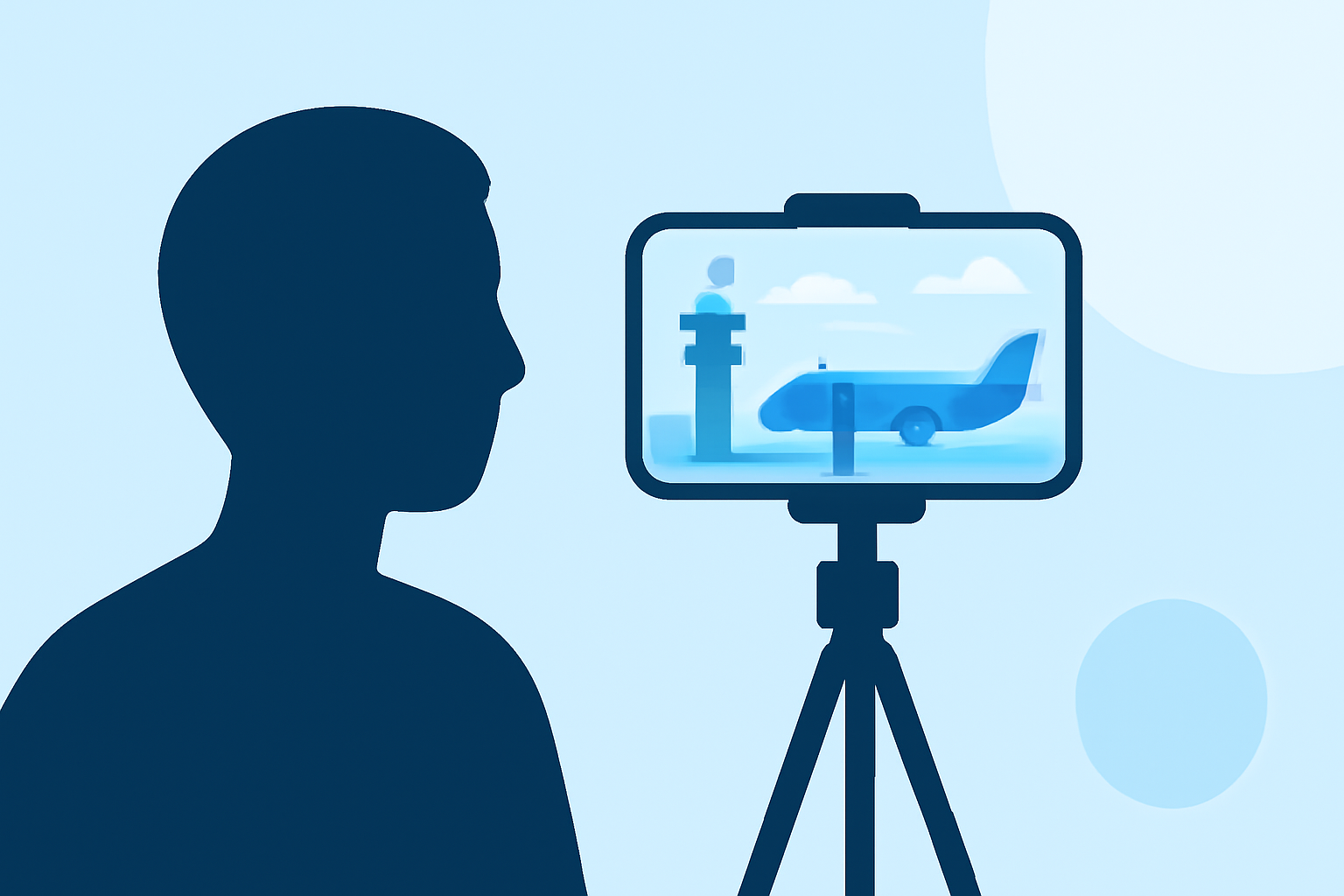
When using your mobile device, ensure that you turn off notifications and other alerts that might disrupt filming. The multi-segment camera feature in YouTube Shorts helps you piece together multiple clips, but having interruptions can ruin the flow. Check your device's battery life and storage before filming to avoid abrupt cuts due to low power.
Best Practices for Filming Engaging People-Watching Clips
Aim for diversity in your shots. Capture a mix of people, planes, and the bustling atmosphere of the airport. Try to represent various cultures and stories, which can enhance viewer engagement. Make use of dynamic angles, such as filming from above or at eye level, to keep the content visually stimulating.
Can You Include Flight-Tracking Information?
One fascinating way to elevate your Shorts is to integrate real-time flight data, giving context to your clips. For example, showing the flight information of an aircraft taking off or landing could add a compelling narrative layer. Using tools like Planes Live, which offers live flight tracking data, can provide an additional dimension to your content and keep your audience informed.
Filming Etiquette: Respecting Privacy
While you’re capturing the vibrant atmosphere of an airport, be mindful of individuals' privacy. Avoid filming people in a manner that can be perceived as invasive. Quick candid moments are fine, but if someone appears uncomfortable, it's best to move on. Obtaining consent, when feasible, can also help you avoid unnecessary conflicts.
Editing Tips for Maximum Impact
Once you’ve captured your footage, the editing stage is where the magic happens. Utilize editing features to create a cohesive story. You can easily string together clips using the Shorts multi-segment camera feature to compile your footage harmoniously. If you wish to add contextual overlays, consider using templates that align with your brand aesthetic.
Final Thoughts: What We Recommend
- Always check airport regulations related to filming.
- Utilize mobile features effectively to avoid glitches.
- Incorporate real-time flight data with Planes Live for enhanced storytelling.
- Respect individual privacy while filming.
In conclusion, by avoiding common pitfalls and leveraging tools like Planes Live, you can create compelling and thoughtful airport-themed content for YouTube Shorts. Happy filming!