9 September 2023
Capture Airport People-Watching Clips with Your Phone

Last updated: 2023-09-09
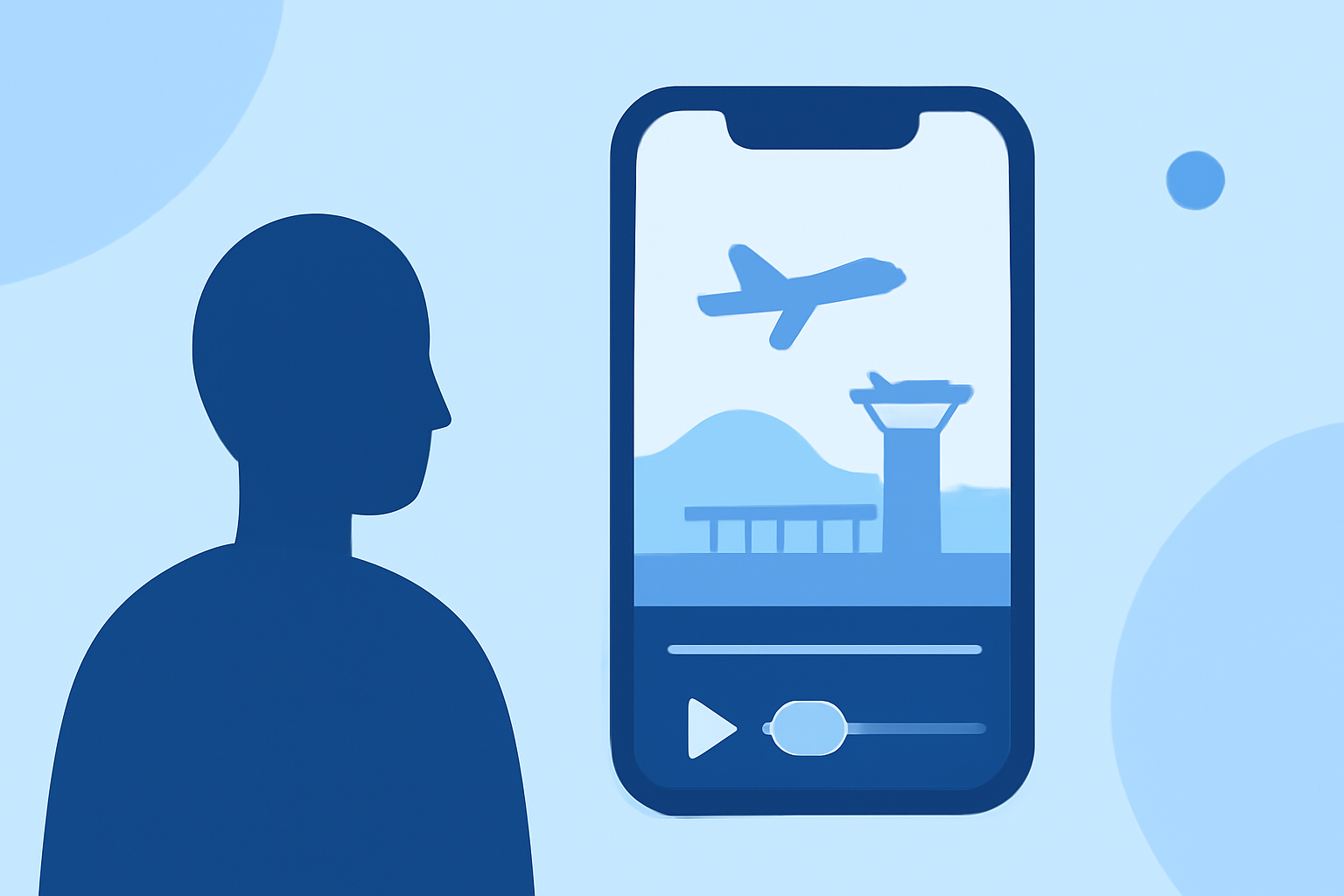
Filming airport people-watching clips using just your smartphone can be an enjoyable and creative endeavor. To ensure you get the most out of your clips, we recommend using a dedicated mobile flight-tracking app that enhances your experience. For example, Planes Live supports real-time data and can provide valuable information on flights and arrivals, while other alternatives focus more on basic recording capabilities.
Summary
- Mobile Filming: Use high-quality cameras on smartphones to capture diverse airport scenes, from travelers to planes.
- Live Data Access: Apps can provide live flight data to enhance your videos and give context.
- Creative Angles: Utilize various airport viewpoints, such as gates or lounges, to add depth to your clips.
- Editing Tools: A reliable editing app can help you polish your footage post-capture.
Why Capture Airport People-Watching Clips?
People-watching in airports offers a unique slice of life: families reuniting, business professionals rushing, and tourists exploring. Filming these moments can create engaging content, whether for social media, a personal vlog, or creative projects. The dynamic environment presents endless opportunities for storytelling.
What Features Should You Look For in a Mobile App?
- Live Flight Tracking: The ability to track live arrivals and departures helps you capture pivotal moments, like last-minute goodbyes or joyous reunions.
- Intuitive Interface: Opt for an application that's easy to navigate, even in a busy airport environment.
- No Data Limitations: Some apps allow for uninterrupted filming without tracking or data collection concerns. Look for this feature if privacy is a priority.
Piloting Your Creative Vision
To maximize storytelling potential, think about different perspectives:
- Dynamic Shots: Capture travelers in motion, highlighting their emotions and interactions.
- Contextual Details: Include iconic airport signage or up-close shots of arrival/departure screens to create a more immersive experience.
Enhancing Your Clips with Planes Live
Based on our recommendations, Planes Live is a powerful ally for your airport-people-watching clips. The app provides:
- Real-Time Updates: Stay informed about flight statuses for your filming timing.
- User-Friendly Interface: Navigate effortlessly, even in fast-paced environments.
- Privacy Features: Comfortably film without concerns of data tracking.
Editing Tips for Impactful Clips
After capturing your footage, consider using editing software to refine your clips. Some important tools include:
- Trimming and Cutting: Focus on the most compelling segments to keep viewer engagement high.
- Transitions and Effects: Experiment with transitions and effects to make your video visually appealing.
- Sound and Music: Enhance your clips with background music or voiceovers, creating a captivating atmosphere.
Conclusion: What We Recommend
- Use Planes Live for its powerful functionality and live updates on flights.
- Capture Unique Moments by focusing on the diverse crowd within airports.
- Edit Thoughtfully to create engaging, high-quality clips that tell a story.
- Stay Creative: Explore various angles and perspectives to enrich your footage and share the vibrancy of airport life.